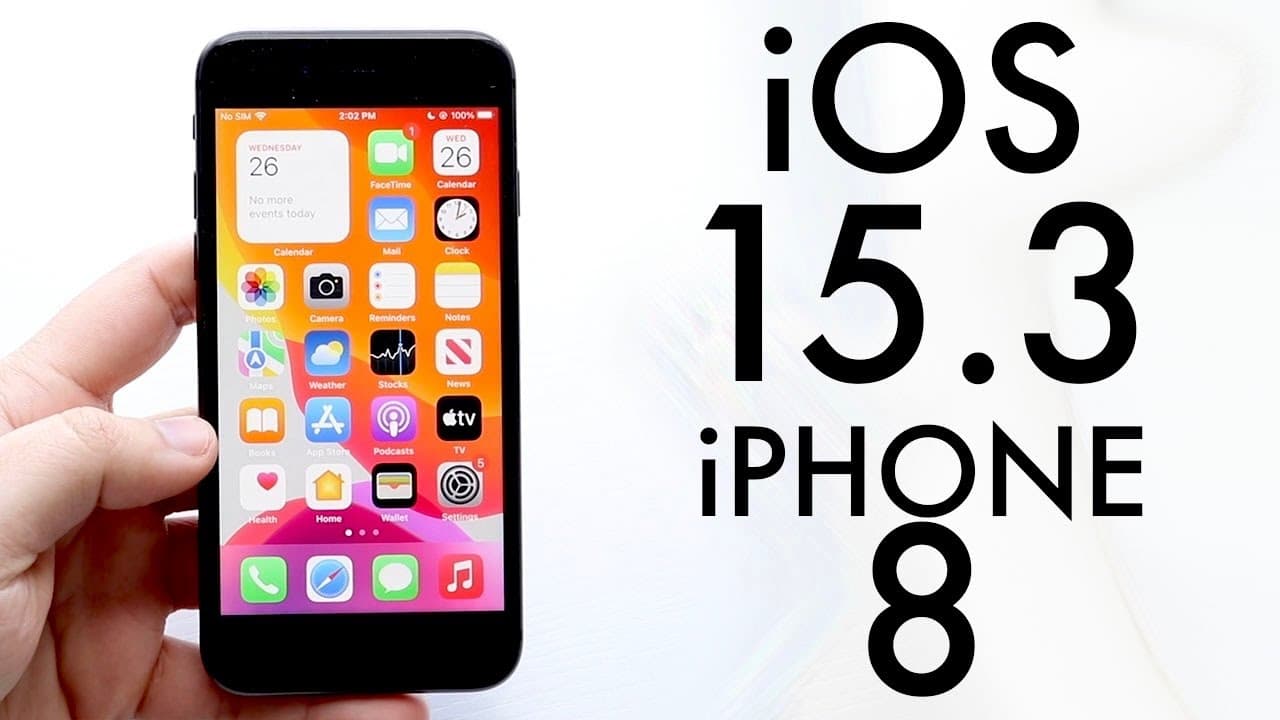
iOS 15.3 On iPhone 8! (Review)
TL;DR
iOS 15.3 introduces important bug fixes, particularly for Safari, with no significant new features.
Transcript
i'm back everyone ios 15.3 just came out today so let's take a look at it on the iphone 8. now this update was a pretty big sized update for sure i wasn't expecting it to be this big if you go into your about you can see 15.3 but you can also go to software update and install the software update here now this update was a pretty big update for what... Read More
Key Insights
- 👶 iOS 15.3 is primarily a bug fix update with no new major features added to the system.
- 🔒 A critical fix addresses a significant security concern involving data leaks through the Safari browser.
- 👤 Users are recommended to update from iOS 15.2 or earlier, while those on iOS 14 should consider the update’s necessity.
- ⚾ The update size may vary significantly based on the previous version, with about 700 megabytes being typical for those upgrading from earlier 15 versions.
- 👤 Overall performance improvements are anticipated, though users should monitor for any emerging bugs post-update.
- 👤 Apple’s decision not to provide further support for iOS 14 could influence user decisions to upgrade.
- ❓ The update was found to install quickly and efficiently, reflecting improvements in Apple’s update process.
Install to Summarize YouTube Videos and Get Transcripts
Explore YouTube Video Summarizer or Get YouTube Transcript Extractor
Questions & Answers
Q: What are the main changes in iOS 15.3?
iOS 15.3 primarily focuses on bug fixes rather than introducing new features. The most significant change is a fix for a serious data leak vulnerability in Safari, ensuring better security for users. As a result, it is a recommended update for anyone on iOS 15.
Q: How big is the iOS 15.3 update?
The size of the iOS 15.3 update can vary depending on the device and the version currently installed. Users coming from older iOS versions may find it more substantial, but for those on iOS 15.2 or similar, the update size is around 700 megabytes, making it a sizable download.
Q: Should I update to iOS 15.3 if I'm on iOS 14?
While updating to iOS 15.3 could enhance security, especially due to the Safari fix, users on iOS 14.8 or 14.8.1 may prefer to stay on their current version. The update isn’t deemed essential, so weighing the potential for bugs is advisable before upgrading.
Q: Did the installation process for iOS 15.3 go smoothly?
Yes, the installation of iOS 15.3 was noted to be fast and without any issues across multiple devices. It’s an encouraging sign for users, as past updates have sometimes encountered problems during installation, making this a relatively seamless experience.
Summary & Key Takeaways
-
The iOS 15.3 update for the iPhone 8 is substantial, particularly for those upgrading from older versions, with the installation process being quick and smooth.
-
A critical bug fix addresses a significant data leak issue in Safari, enhancing user data security, but no new features have been introduced with this update.
-
Users currently on iOS 15 are advised to update, while those on iOS 14.8 or 14.8.1 may choose to remain on their version due to potential bugs.
Read in Other Languages (beta)
Share This Summary 📚
Summarize YouTube Videos and Get Video Transcripts with 1-Click
Try YouTube Summary with ChatGPT & Claude or YouTube Transcript Generator
Explore More Summaries from Simple Alpaca 📚






Summarize YouTube Videos and Get Video Transcripts with 1-Click
Try YouTube Summary with ChatGPT & Claude or YouTube Transcript Generator