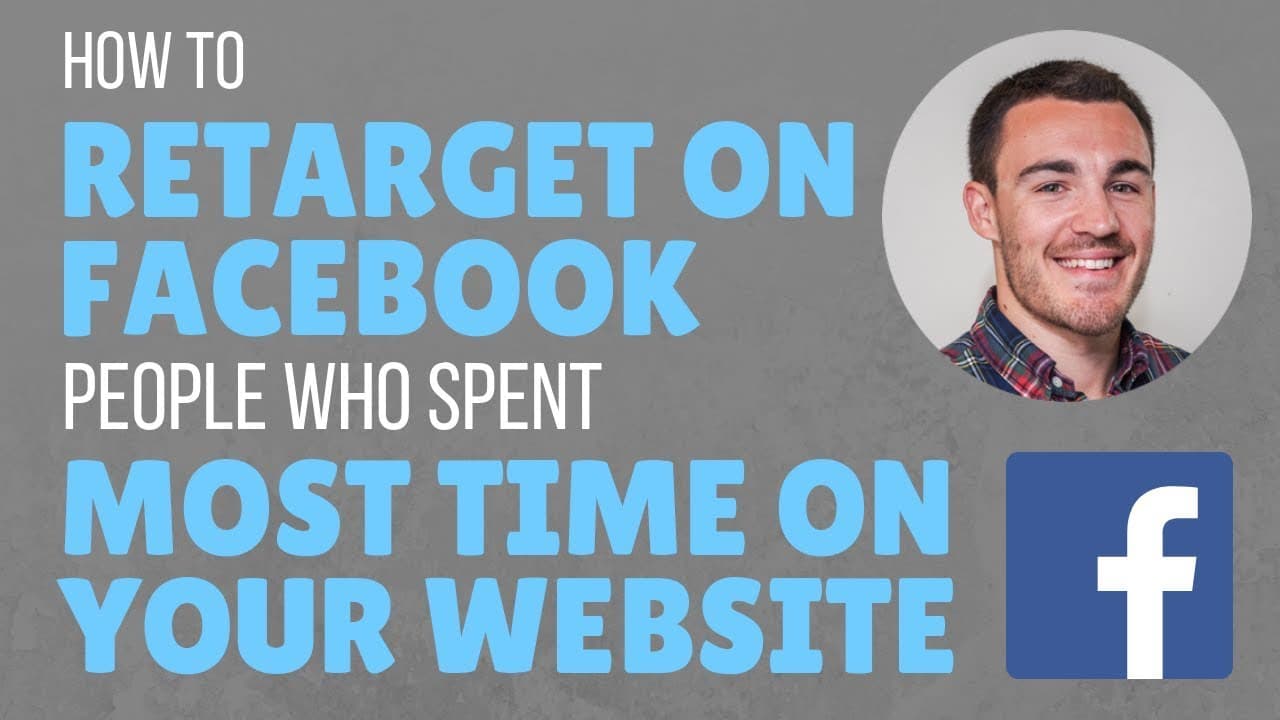
How to Retarget Website Visitors on Facebook by Most Time Spent
TL;DR
Learn to retarget top website visitors using Facebook custom audiences.
Transcript
hi guys it's been Heath from lead guru and in this video I'm going to show you how to create a custom audience and if people do spend the most time on your website now a lot of people know that retargeting people that have visited your website works really really well and is a great Facebook advertising strategy but you can get even deeper than tha... Read More
Key Insights
- Retargeting website visitors on Facebook is an effective strategy, particularly for those who spend the most time on your site, as they are likely more interested in your products or services.
- Creating a custom audience based on time spent on your website allows for more targeted Facebook advertising, focusing on your most responsive prospects.
- To create this audience, navigate to Facebook Ads Manager, select 'Audiences,' and then choose 'Create Audience' followed by 'Custom Audience.'
- When setting up your custom audience, you can choose to include all website visitors or focus on those who visit specific pages, depending on your traffic volume and business needs.
- You can select the top 25%, 10%, or 5% of visitors based on time spent, balancing audience size with responsiveness and cost per conversion.
- It's recommended to keep the audience's time range short, ideally 30 days, to ensure you're targeting engaged and interested prospects.
- This strategy is particularly effective for promoting new products, special offers, or high-ticket items to your most engaged audience.
- The video also offers a free five-part Facebook ad template, breaking down successful ad elements to improve your advertising results.
Install to Summarize YouTube Videos and Get Transcripts
Explore YouTube Video Summarizer or Get YouTube Transcript Extractor
Questions & Answers
Q: What is the main benefit of retargeting website visitors on Facebook?
The main benefit of retargeting website visitors on Facebook is the ability to reach a highly engaged audience that has already shown interest in your products or services. By focusing on users who spend the most time on your website, you can increase the likelihood of conversions and optimize your advertising budget by targeting those more likely to respond to your ads.
Q: How do you create a custom audience in Facebook Ads Manager?
To create a custom audience in Facebook Ads Manager, navigate to the 'Audiences' tab, select 'Create Audience,' and then choose 'Custom Audience.' From there, you can select 'Website Traffic' and specify criteria such as time spent on your site. This allows you to target users based on their engagement level with your website, enhancing the effectiveness of your ad campaigns.
Q: Why should you keep the audience's time range short when creating a custom audience?
Keeping the audience's time range short, ideally around 30 days, ensures that you are targeting users who are currently engaged and interested in your products or services. This approach increases the likelihood of conversions, as these users are more likely to remember your brand and respond positively to your ads. Extending the time range dilutes this engagement, reducing ad effectiveness.
Q: What percentage of visitors should you target for the most responsive audience?
For the most responsive audience, consider targeting the top 5% of visitors based on time spent on your website. This group represents your most engaged users, likely to have explored multiple pages and shown a strong interest in your offerings. However, if your website receives significant traffic, you might start with the top 25% and refine based on performance.
Q: How does audience size affect Facebook ad performance?
Audience size affects Facebook ad performance by influencing the balance between responsiveness and cost per conversion. Larger audiences, such as the top 25% of visitors, allow Facebook's algorithms to optimize targeting and generate conversions more easily. However, they may be less responsive, potentially increasing conversion costs compared to smaller, highly targeted audiences like the top 5%.
Q: What is the advantage of using a custom audience for new product launches?
Using a custom audience for new product launches allows businesses to target their most engaged website visitors, who are more likely to be interested in the new offering. This approach maximizes the impact of the launch by reaching users with a demonstrated interest in the brand, increasing the chances of a successful introduction and higher conversion rates.
Q: Why might you choose to target specific pages on your website?
Targeting specific pages on your website is beneficial if you have distinct offers or services that attract different audience segments. By focusing on visitors to these pages, you can tailor your ads to match their interests, improving relevance and engagement. This strategy is particularly useful when dealing with high traffic volumes and diverse product lines.
Q: What additional resource is offered in the video?
The video offers a free five-part Facebook ad template, which breaks down the components of successful ads across various industries. This resource is designed to help businesses improve their Facebook advertising results by providing insights into effective ad elements and strategies, ultimately enhancing campaign performance and achieving better outcomes.
Summary & Key Takeaways
-
The video explains how to create a Facebook custom audience targeting users who spend the most time on your website, providing a more focused advertising strategy. This method helps reach your most engaged prospects, potentially increasing conversion rates and optimizing ad spend.
-
By utilizing Facebook's Ads Manager, you can create a custom audience based on website visitor behavior. This approach allows for targeting users who are highly interested in your products or services, especially useful for new product launches or high-ticket offers.
-
The content also includes a free download of a five-part Facebook ad template, designed to help improve ad performance by breaking down successful ad components. This resource aims to provide better results for businesses using Facebook advertising.
Read in Other Languages (beta)
Share This Summary 📚
Summarize YouTube Videos and Get Video Transcripts with 1-Click
Try YouTube Summary with ChatGPT & Claude or YouTube Transcript Generator
Explore More Summaries from Ben Heath 📚
Summarize YouTube Videos and Get Video Transcripts with 1-Click
Try YouTube Summary with ChatGPT & Claude or YouTube Transcript Generator