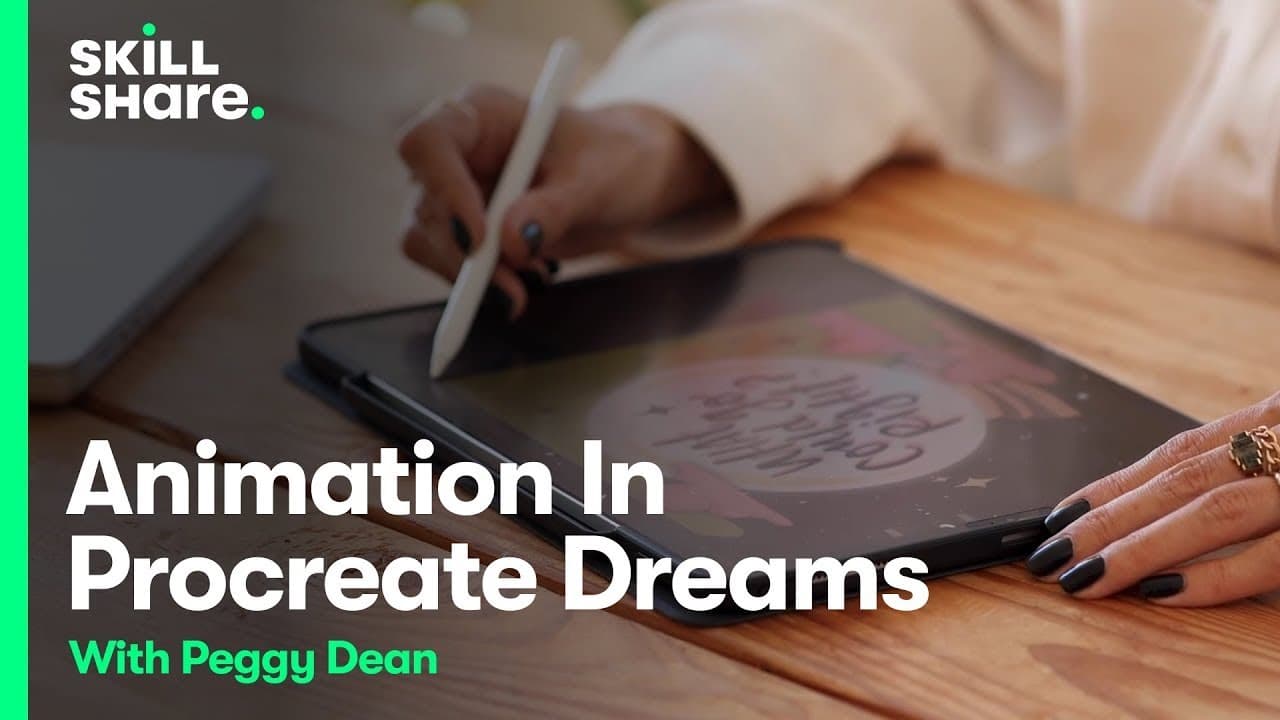
Frame-By-Frame Animation in Procreate Dreams
TL;DR
Learn how to create frame-by-frame animations easily with Procreate Dreams.
Transcript
I am so excited to bring you a class all about this Cutting Edge app procreate dreams it is designed for digital artists and animators and offers an array of features that make the creation of Animation such a breeze whether you are a seasoned animator or you're complete newbie it's designed for ease of use that means that experienced animators now... Read More
Key Insights
- 👤 Procreate Dreams streamlines animation creation for both experienced and novice users.
- 😄 Peggy Dean's tutorial emphasizes the ease of use and powerful features of Procreate Dreams.
- 🖼️ Frame-by-frame drawing in Procreate Dreams enables users to achieve smooth and dynamic animations.
- 👣 Organization in Procreate Dreams involves utilizing tracks for effects and managing animations efficiently.
- 👻 Procreate Dreams offers flexibility in editing animations, allowing users to tweak frames and achieve desired results.
- ❓ The tutorial showcases the step-by-step process of creating animations in Procreate Dreams.
- 😫 Procreate Dreams' feature set includes drawing tools, playback options, and project customization for diverse animation styles.
Install to Summarize YouTube Videos and Get Transcripts
Explore YouTube Video Summarizer or Get YouTube Transcript Extractor
Questions & Answers
Q: What is Procreate Dreams?
Procreate Dreams is an advanced app designed for digital artists and animators to create animations effortlessly.
Q: How does Procreate Dreams simplify the animation process?
Procreate Dreams enhances frame-by-frame animation, offers easy project setup, and provides intuitive features for users.
Q: How can users create smooth animations with Procreate Dreams?
Users can draw frame by frame, utilize flipbook mode, and tweak animations to achieve fluid and cohesive results.
Q: What organizational tips are provided for using Procreate Dreams effectively?
Procreate Dreams organizes animations by tracks rather than layers, allowing for effects to apply uniformly across frames with grouping.
Summary & Key Takeaways
-
Procreate Dreams is a cutting-edge app for digital artists and animators.
-
Peggy Dean guides users through creating animations seamlessly.
-
The tutorial covers setting up projects, drawing frame by frame, and utilizing features effectively.
Read in Other Languages (beta)
Share This Summary 📚
Summarize YouTube Videos and Get Video Transcripts with 1-Click
Try YouTube Summary with ChatGPT & Claude or YouTube Transcript Generator
Explore More Summaries from Skillshare 📚





Summarize YouTube Videos and Get Video Transcripts with 1-Click
Try YouTube Summary with ChatGPT & Claude or YouTube Transcript Generator