How to Transform Your Mac Into a Productivity Powerhouse
TL;DR
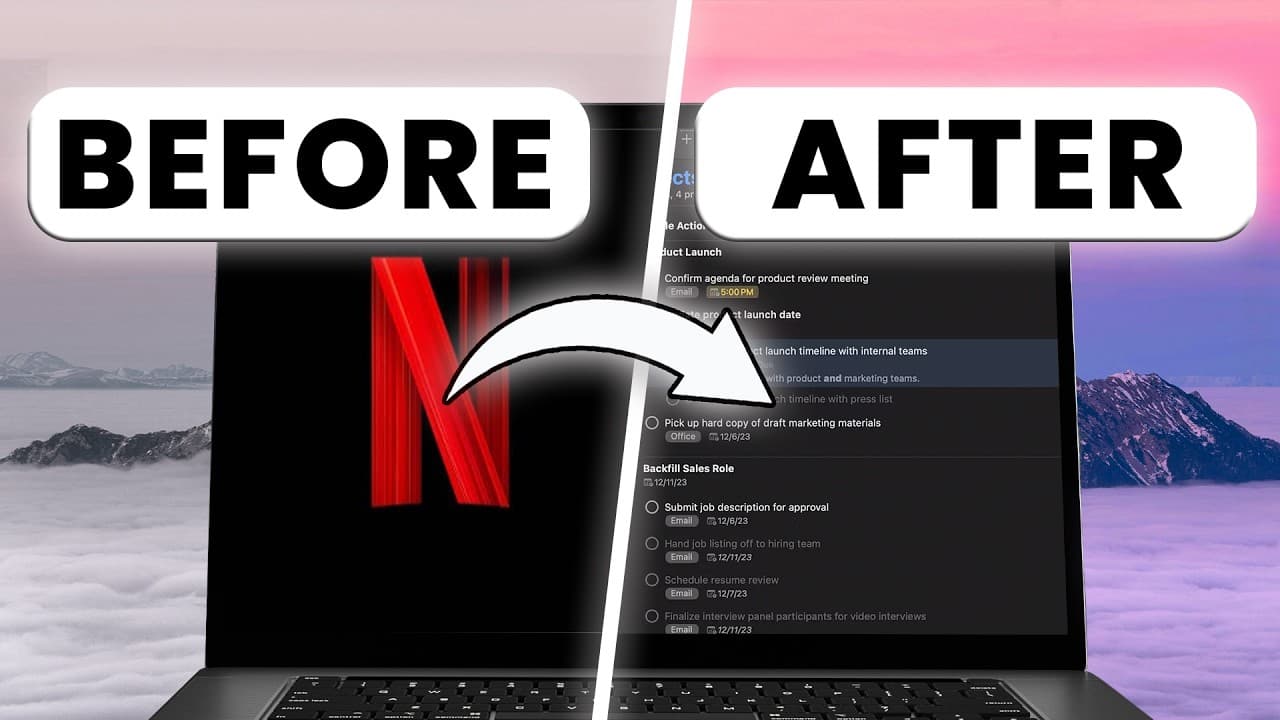
To transform your Mac into a productivity powerhouse, use Loom for efficient communication, Rectangle for advanced window management, and Filmora 14 for time-saving video editing. Essential apps like Bartender improve organization, Exiles serve as a simple project management tool for creatives, and Rise offers insights into productivity patterns to optimize your work habits.
Transcript
a few years ago I switched from Windows to Mac and I downloaded probably 50 plus productivity apps in the first week and since then I've deleted most of them these seven surviving apps have completely transformed how I work not because they're trending not because influencers are talking about them but because they actually help me turn my MacBook ... Read More
Key Insights
- Loom is a powerful tool for remote communication, allowing users to save time by recording video messages instead of lengthy emails or meetings.
- Rectangle enhances window management on Mac, offering improved window snapping capabilities similar to Windows, thus aiding multitasking.
- Alt Tab provides customizable window previews, making it easier to switch between applications and enhance workflow efficiency.
- Filmora 14 introduces AI features that significantly reduce video editing time, offering capabilities like smart scene detection and AI video enhancement.
- Bartender helps maintain a clean and organized workspace by managing menu bar icons and automating their visibility based on specific conditions.
- Exiles serves as a simpler alternative to Notion, tailored for creatives, offering an intuitive workspace for project management and collaboration.
- Rise tracks productivity patterns, providing insights into optimal work hours and the impact of frequent task switching on focus.
- The video emphasizes the importance of choosing productivity tools that genuinely enhance workflow rather than following trends.
Install to Summarize YouTube Videos and Get Transcripts
Explore YouTube Video Summarizer or Get YouTube Transcript Extractor
Questions & Answers
Q: How does Loom improve communication for remote teams?
Loom improves communication for remote teams by allowing users to record and share video messages instead of writing lengthy emails or scheduling meetings. It offers the ability to record both screen and face simultaneously, providing clear and concise communication. Recipients can watch videos at their convenience, speeding up the communication process and enhancing clarity.
Q: What features does Rectangle offer for window management?
Rectangle offers advanced window management features for Mac users, similar to those found on Windows. It allows users to snap windows into place using keyboard shortcuts, facilitating multitasking. Users can arrange windows horizontally or vertically, making it easier to manage multiple applications simultaneously, thus improving workflow efficiency.
Q: What makes Filmora 14 a game-changer for content creators?
Filmora 14 is a game-changer for content creators due to its advanced AI features that significantly reduce editing time. It includes smart scene detection, AI video enhancement, and automatic audio synchronization, allowing creators to produce high-quality content quickly. These features streamline the editing process, making it more efficient and accessible for creators.
Q: How does Bartender help in maintaining a clutter-free workspace?
Bartender helps maintain a clutter-free workspace by managing the visibility of menu bar icons on Mac. It allows users to hide unnecessary icons and only display them based on specific conditions, such as network issues or low battery. This automation keeps the workspace organized and free from distractions, enhancing focus and productivity.
Q: What is Exiles, and how does it differ from Notion?
Exiles is a collaborative workspace designed for creatives, offering a simpler and more intuitive alternative to Notion. It provides a clean, blank canvas for project management and collaboration, emphasizing functionality and simplicity. Exiles is geared towards Gen Z and creatives, allowing users to quickly organize thoughts and projects without getting lost in complex features.
Q: How does Rise contribute to productivity tracking?
Rise contributes to productivity tracking by monitoring work patterns and providing insights into optimal work hours. It tracks focused work time and identifies periods of low productivity, helping users understand their work habits. Rise also highlights the impact of frequent task switching on focus, encouraging users to optimize their schedules for better productivity.
Q: Why is choosing the right productivity tools important?
Choosing the right productivity tools is important because they can significantly enhance workflow and efficiency. The video emphasizes selecting tools that genuinely improve productivity rather than following trends. The right tools can save time, reduce clutter, and streamline processes, allowing users to focus on their core tasks and achieve better results.
Q: What are some time-saving features of Filmora 14?
Filmora 14 offers several time-saving features, including AI-powered smart scene detection, which automatically identifies edit points, and AI video enhancement, which improves video quality. It also provides automatic audio synchronization and translation, reducing the manual effort involved in editing. These features allow creators to produce high-quality content more efficiently, saving hours of editing time.
Summary & Key Takeaways
-
The video outlines seven essential apps that have transformed the creator's Mac into a productivity powerhouse. These apps include Loom for communication, Rectangle for window management, and Filmora 14 for advanced video editing, each offering unique features that enhance efficiency and workflow.
-
Loom is highlighted as a time-saving tool for remote teams, allowing quick video recordings instead of emails or meetings. Rectangle and Alt Tab improve window management on Mac, providing features that mimic and enhance Windows functionality, thus aiding multitasking.
-
Filmora 14 is praised for its AI editing features, significantly reducing editing time. Bartender and Exiles are noted for their organizational capabilities, while Rise offers insights into productivity patterns, helping users optimize their work schedules and improve focus.
Read in Other Languages (beta)
Share This Summary 📚
Summarize YouTube Videos and Get Video Transcripts with 1-Click
Try YouTube Summary with ChatGPT & Claude or YouTube Transcript Generator
Explore More Summaries from Mike Dee 📚

Summarize YouTube Videos and Get Video Transcripts with 1-Click
Try YouTube Summary with ChatGPT & Claude or YouTube Transcript Generator