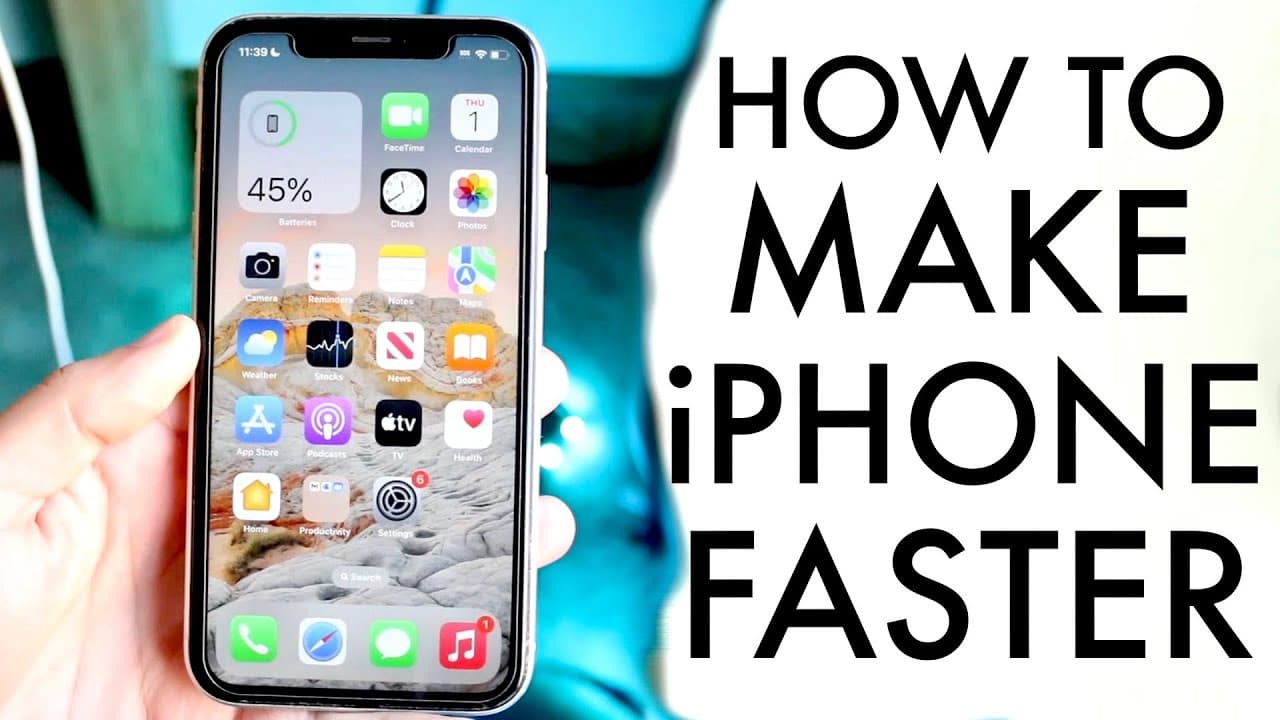
This Is How To Make Your iPhone Faster
TL;DR
Learn effective tips to enhance your iPhone's performance.
Transcript
so you might be trying to figure out a few different ways and how you can go ahead and increase the speed of your iPhone and just make your iPhone a faster device overall now I talk about this a lot on my second Channel but the first thing you have to remember is that if you are rocking a very old iPhone now with an iPhone 10r it's not the oldest i... Read More
Key Insights
- 🐎 Reducing the number of widgets on your iPhone can improve not just speed but also conserve battery life.
- 🥺 Ensuring you have enough storage space is essential for optimal device performance, as full storage can lead to functionality issues.
- 😀 Regularly checking and limiting background app refresh for non-essential apps can result in significant performance boosts.
- 😒 Lowering graphics settings within heavy applications such as games can effectively enhance performance during use.
- 👶 Updating your iPhone software is essential; newer updates often include performance optimizations and fixes for previously known issues.
- 🥶 Restarting your iPhone can clear temporary glitches and free up memory, contributing to a faster system overall.
- 😀 Consistent care in managing app usage and settings will prolong the effective life of older iPhone models.
Install to Summarize YouTube Videos and Get Transcripts
Explore YouTube Video Summarizer or Get YouTube Transcript Extractor
Questions & Answers
Q: What can I do to enhance my iPhone's speed?
To enhance your iPhone's speed, reduce the number of widgets on your main display, minimize background app refresh options, and ensure you have ample storage space. It's important to regularly check settings under General and focus on removing apps that you don't frequently use along with unnecessary data.
Q: Why is my iPhone running slowly?
An iPhone may run slowly due to limited storage space, excessive widget use, or too many apps refreshing in the background. When the device is nearly out of storage, it can lead to random shutdowns and slower performance. Regularly clearing unused apps and checking device settings can help mitigate this.
Q: How can background app refresh affect my iPhone?
Background app refresh allows applications to update content while not in use, which can significantly drain both battery and processing power. By limiting or disabling this feature for apps that don’t require real-time updates, you can optimize your iPhone's performance and extend its battery life.
Q: Are there specific settings for gaming on my iPhone?
Yes, most gaming applications, like Call of Duty Mobile, offer options to lower graphics settings that enhance performance. Additionally, turning off low power mode while gaming can improve performance, as this setting restricts background processes to conserve battery life, potentially affecting gameplay.
Summary & Key Takeaways
-
Reducing the number of widgets and background app refresh settings can significantly improve an iPhone's speed and battery life, especially for older models.
-
Checking storage space is crucial; nearly full storage can lead to crashes and sluggish performance, necessitating the removal of unnecessary apps and files.
-
Games and resource-heavy applications can be optimized by adjusting in-game graphics settings, turning off low power mode, and regularly updating the device.
Read in Other Languages (beta)
Share This Summary 📚
Summarize YouTube Videos and Get Video Transcripts with 1-Click
Try YouTube Summary with ChatGPT & Claude or YouTube Transcript Generator
Explore More Summaries from Simple Alpaca 📚



Summarize YouTube Videos and Get Video Transcripts with 1-Click
Try YouTube Summary with ChatGPT & Claude or YouTube Transcript Generator