What Are the Best Video Editing Software for Beginners in 2023?
TL;DR
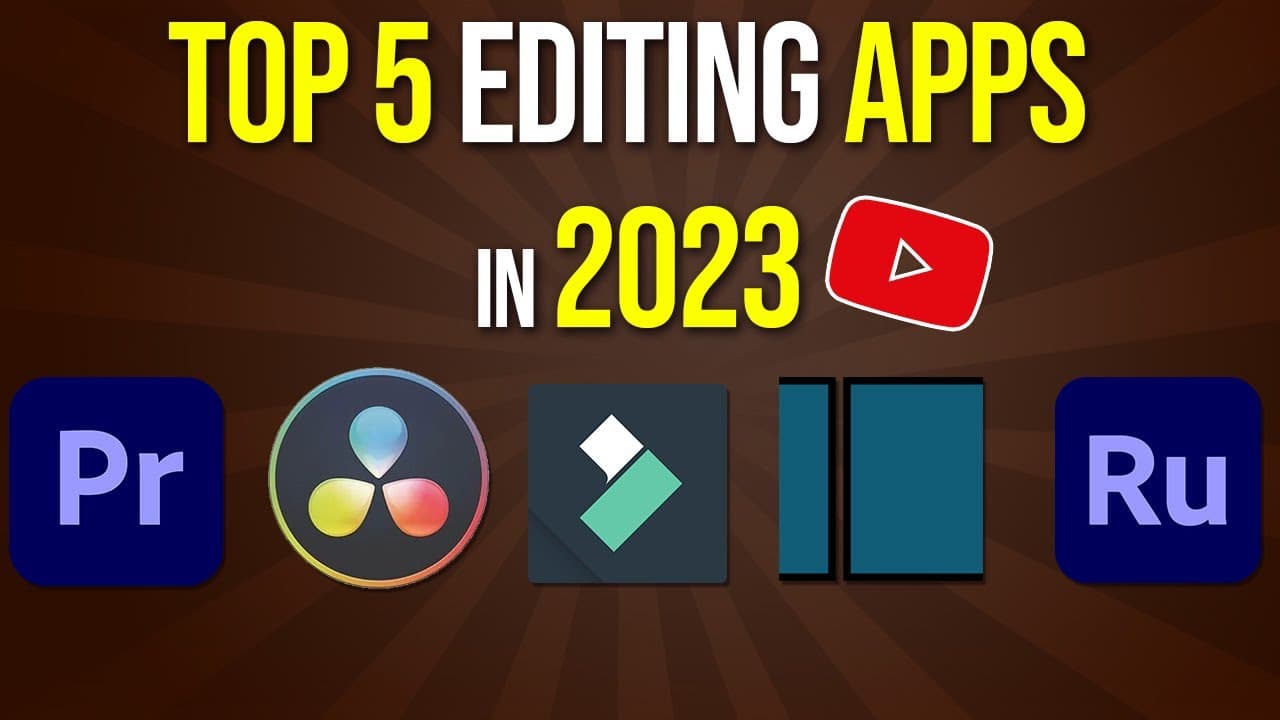
The top five video editing software for 2023 are Adobe Premiere Pro, DaVinci Resolve, Filmora, Adobe Premiere Rush, and Shortcut. Adobe Premiere Pro is ideal for professionals, while DaVinci Resolve offers a robust free version. Filmora is beginner-friendly with built-in templates, and Adobe Premiere Rush is perfect for mobile and desktop editing. Shortcut is a completely free option suitable for all operating systems, though it may lack advanced features.
Transcript
picking a good editing application these days could be pretty confusing right there's so many of them out there and I've used a lot of them in the last 15 years of editing so I wanted to make this video to walk you through the top five and I kind of give you the pros and cons show you if some are free some are paid and kind of break down each one i... Read More
Key Insights
- 🈸 Adobe Premiere Pro is the go-to editing application for professionals due to its advanced features and seamless integration with other Adobe programs.
- 🥶 DaVinci Resolve offers a free version, making it budget-friendly, and has evolved into a full-fledged video editor from its original color grading focus.
- 🔰 Filmora is beginner-friendly and provides built-in templates, making it a suitable choice for those starting out in video editing.
- 🔰 Adobe Premiere Rush is great for beginners who find other applications too advanced and offers the flexibility of editing on both desktop and mobile devices.
- 📖 Shortcut, as an open-source platform, is free to use and available across various operating systems, though it may have limitations compared to other applications.
- 👤 More resources, including tutorials and courses, are available for each mentioned application, allowing users to explore and learn more about their chosen editing platform.
- 👤 Final Cut Pro and iMovie are also popular editing applications, but they are limited to Mac users and have been covered in separate videos on the channel.
Install to Summarize YouTube Videos and Get Transcripts
Explore YouTube Video Summarizer or Get YouTube Transcript Extractor
Questions & Answers
Q: What is the most high-end professional editing application mentioned in the video?
The most high-end professional editing application mentioned is Adobe Premiere Pro. It offers advanced features and seamless integration with other Adobe Creative Suite programs, making it a popular choice among professionals.
Q: Is DaVinci Resolve completely free to use?
Yes, DaVinci Resolve is completely free to use. It started as a color grading tool but now offers full video editing capabilities without any subscription requirements. It is a great option for beginners on a budget.
Q: Which application is recommended for beginners?
Filmora is recommended for beginners. It is a user-friendly application available for both Mac and Windows PC. It offers built-in templates and is a suitable choice to get started with video editing.
Q: Can Adobe Premiere Rush be used on both desktop and mobile devices?
Yes, Adobe Premiere Rush is designed for both desktop and mobile devices. It allows users to edit videos on the go and provides basic editing features, graphics, audio mixing, and color correction capabilities.
Key Insights:
- Adobe Premiere Pro is the go-to editing application for professionals due to its advanced features and seamless integration with other Adobe programs.
- DaVinci Resolve offers a free version, making it budget-friendly, and has evolved into a full-fledged video editor from its original color grading focus.
- Filmora is beginner-friendly and provides built-in templates, making it a suitable choice for those starting out in video editing.
- Adobe Premiere Rush is great for beginners who find other applications too advanced and offers the flexibility of editing on both desktop and mobile devices.
- Shortcut, as an open-source platform, is free to use and available across various operating systems, though it may have limitations compared to other applications.
- More resources, including tutorials and courses, are available for each mentioned application, allowing users to explore and learn more about their chosen editing platform.
- Final Cut Pro and iMovie are also popular editing applications, but they are limited to Mac users and have been covered in separate videos on the channel.
- Choosing one editing platform and sticking with it for a long time is recommended to develop proficiency and streamline workflow.
Summary & Key Takeaways
-
The video discusses the top five video editing applications suitable for both Windows PC and Mac users: Adobe Premiere Pro, DaVinci Resolve, Filmora, Adobe Premiere Rush, and Shortcut.
-
Adobe Premiere Pro is a professional editing application with advanced features and seamless integration with other Adobe Creative Suite programs.
-
DaVinci Resolve, originally a color-grading tool, has now evolved into a full-blown video editor and offers a free version with no subscription required.
-
Filmora is a beginner-friendly application with built-in templates and is available for both desktop and mobile devices.
-
Adobe Premiere Rush is a great starting point for beginners who find Premiere Pro or DaVinci Resolve too advanced, and it allows for easy editing on both desktop and mobile devices.
-
Shortcut is a free, open-source editing platform available across various operating systems, providing basic to advanced editing capabilities.
Read in Other Languages (beta)
Share This Summary 📚
Summarize YouTube Videos and Get Video Transcripts with 1-Click
Try YouTube Summary with ChatGPT & Claude or YouTube Transcript Generator
Explore More Summaries from Howfinity 📚






Summarize YouTube Videos and Get Video Transcripts with 1-Click
Try YouTube Summary with ChatGPT & Claude or YouTube Transcript Generator