How Crash Course is Made: Character Illustration (Basic Techniques)
TL;DR
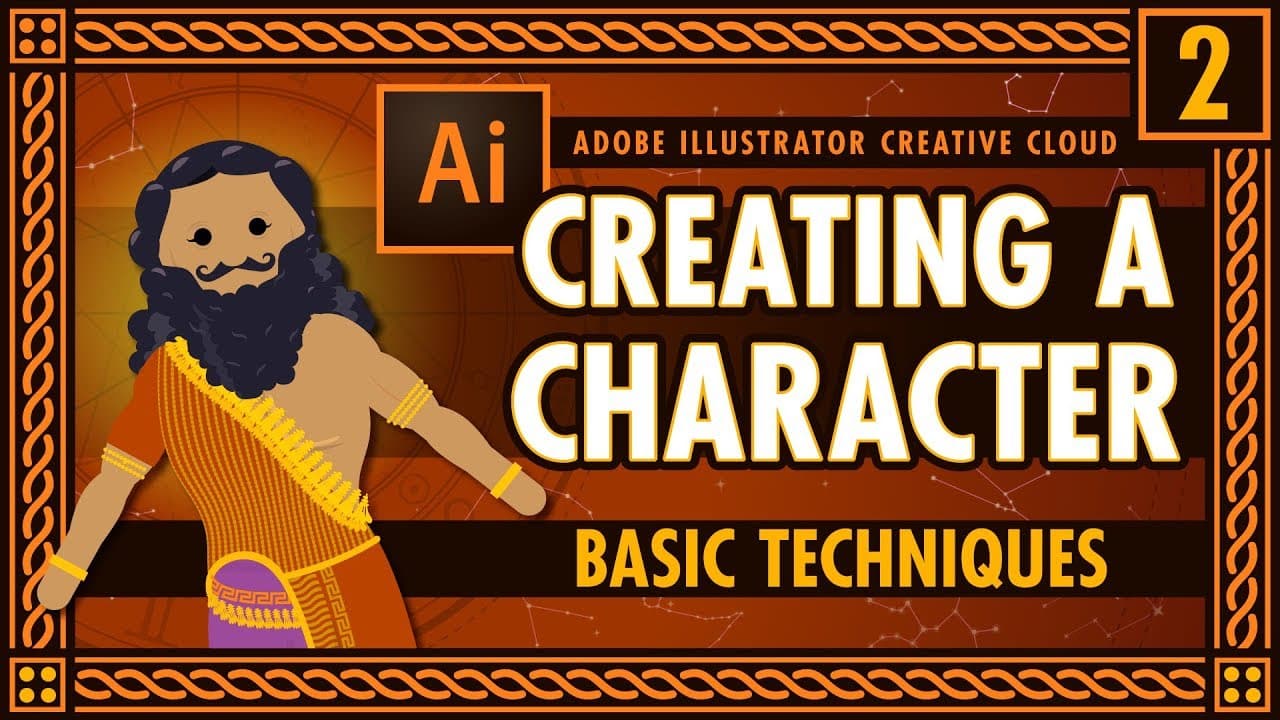
Learn how to use basic shape tools, create characters, apply gradients, and manipulate colors in Adobe Illustrator.
Transcript
i'm going to go over some of the basic shape tools that we use so the tools that i use most frequently are the pen tool and the pencil tool for drawing so the pen tool shortcut p also found here this tool uses vectors to help you draw straight lines and lines that look more accurate or if you had to draw something that's more technical you might wa... Read More
Key Insights
- ✏️ The pen tool offers vector precision, while the pencil tool lends itself to creating organic shapes.
- 💯 Basic shape tools like rectangles and ellipses can be used for creating perfect geometric designs.
- 🔨 Utilizing transformations like rotate, reflect, and scale tools adds depth and complexity to illustrations.
- 🎨 Applying gradients and manipulating colors can enhance the visual appeal and depth of designs.
- ❓ Multiple strokes and fills can be applied to objects for intricate and layered effects.
- 👥 Understanding grouping and alignment tools streamlines the design process for complex illustrations.
- 🔨 The pathfinder tool and shape maker tool enable combining and subtracting shapes for creative outcomes.
Install to Summarize YouTube Videos and Get Transcripts
Explore YouTube Video Summarizer or Get YouTube Transcript Extractor
Questions & Answers
Q: How does the pen tool aid in drawing precision?
The pen tool utilizes vectors to achieve straight lines and precise curves, perfect for technical or accurate illustrations. Pressing shift allows drawing perfectly straight lines.
Q: How can the pencil tool be used for organic shapes?
The pencil tool, ideal for more natural shapes, complements tablet use for drawing squiggly or organic designs. Holding down 'option' activates the smoothing tool for refining rough lines.
Q: What are the benefits of using the ellipse tool in Illustrator?
The ellipse tool, with the option of holding 'option' and 'shift' to draw a perfect circle from the center, aids in creating rounded shapes like heads or circular objects with precision.
Q: How can objects be aligned and grouped for easier manipulation?
Grouping objects using 'Command+G' enables easy selection and movement of related parts, ensuring they stay together. Aligning objects using the align panel enhances symmetry and consistency in designs.
Summary & Key Takeaways
-
Master the pen and pencil tools for vector drawing precision.
-
Explore basic shape tools like rectangle, ellipse, and polygon for perfect shapes.
-
Discover transformations like rotate, reflect, and scale tools for advanced design.
Read in Other Languages (beta)
Share This Summary 📚
Summarize YouTube Videos and Get Video Transcripts with 1-Click
Try YouTube Summary with ChatGPT & Claude or YouTube Transcript Generator
Explore More Summaries from Thought Café 📚




Summarize YouTube Videos and Get Video Transcripts with 1-Click
Try YouTube Summary with ChatGPT & Claude or YouTube Transcript Generator