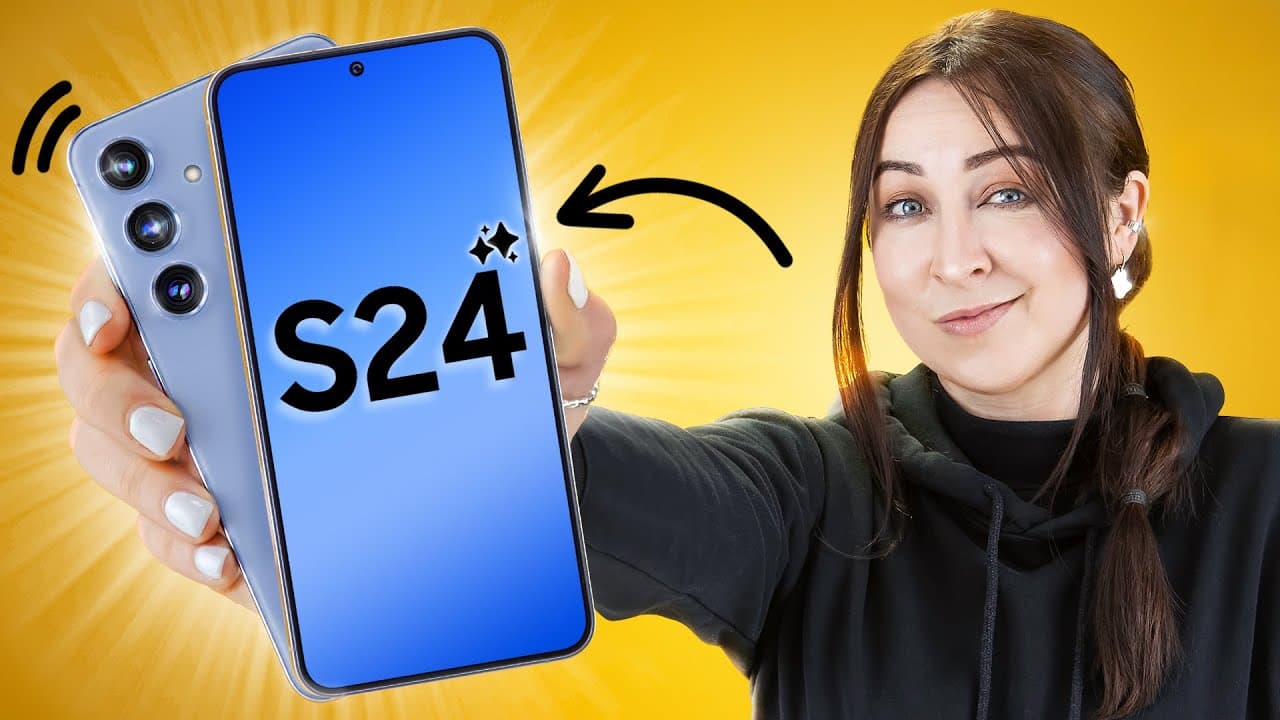
Samsung Galaxy S24 | S24 + Tips Tricks & Hidden Features!!!
TL;DR
Discover hidden AI features and tricks for the S24, including a summarize function, drag to share images, AI keyboard styles, camera dual record mode, and more.
Transcript
the s24 really surprised me with all its new features so let me show you the coolest tips and tricks so that by the time you're done watching this video you'll be a total Pro and the very first trick everyone should know is actually hidden inside the internet app let's say you're browsing a web page or a Wiki page you'll actually find this brand ne... Read More
Key Insights
- 👊 The S24's AI features include a summarize function, drag to share images, AI keyboard writing styles, and chat translation.
- 🎥 The camera dual record mode enables simultaneous recording with different camera lenses for unique video footage.
- ⏰ Customization options include alarm background videos, photo ambient wallpapers, and clock font selections.
- 🧘 The S24 offers AI tools for voice notes, PDF summarization, and image editing with features like object removal and re-tilting.
- 📳 Adaptive settings, such as adaptive color tone, voice focus mode, and battery protection mode, enhance user experience.
- 💁 Additional tips include cursor thickness customization, onetime password for hotspot sharing, and advanced intelligence settings for enhanced security.
- 🪜 Surfshark VPN can provide added privacy and access to region-restricted content at an affordable price.
Install to Summarize YouTube Videos and Get Transcripts
Explore YouTube Video Summarizer or Get YouTube Transcript Extractor
Questions & Answers
Q: How does the summarize feature work in the S24's internet app?
The summarize feature reads through articles and generates a concise summary, allowing users to get the main points without reading the whole article. It saves time and provides a quick overview.
Q: Can I share images from the internet without downloading them on the S24?
Yes, with the drag to share feature, you can simply tap and drag images from the Samsung internet app and drop them into other applications like WhatsApp without the need to download or save the images. It's a convenient way to share content quickly.
Q: What AI features does the S24's keyboard offer?
The AI keyboard provides various writing styles, including professional, casual, social media, and polite. It can also add emojis to your texts. These features work across the phone, allowing you to customize your messages.
Q: How does the camera dual record mode work on the S24?
The camera dual record mode allows users to record a video using two camera lenses simultaneously. You can choose which camera lenses to use, such as the main wide camera and the zoom camera. It's a great way to capture different perspectives in one video.
Summary & Key Takeaways
-
The S24 has a new AI feature called "summarize" that reads and condenses articles into key points, saving users time.
-
Using the drag to share feature, users can easily share multiple images from their gallery directly to apps like WhatsApp.
-
The AI keyboard offers different writing styles and a chat translation feature for quick and convenient messaging in different languages.
Read in Other Languages (beta)
Share This Summary 📚
Summarize YouTube Videos and Get Video Transcripts with 1-Click
Try YouTube Summary with ChatGPT & Claude or YouTube Transcript Generator
Explore More Summaries from Hayls World 📚






Summarize YouTube Videos and Get Video Transcripts with 1-Click
Try YouTube Summary with ChatGPT & Claude or YouTube Transcript Generator