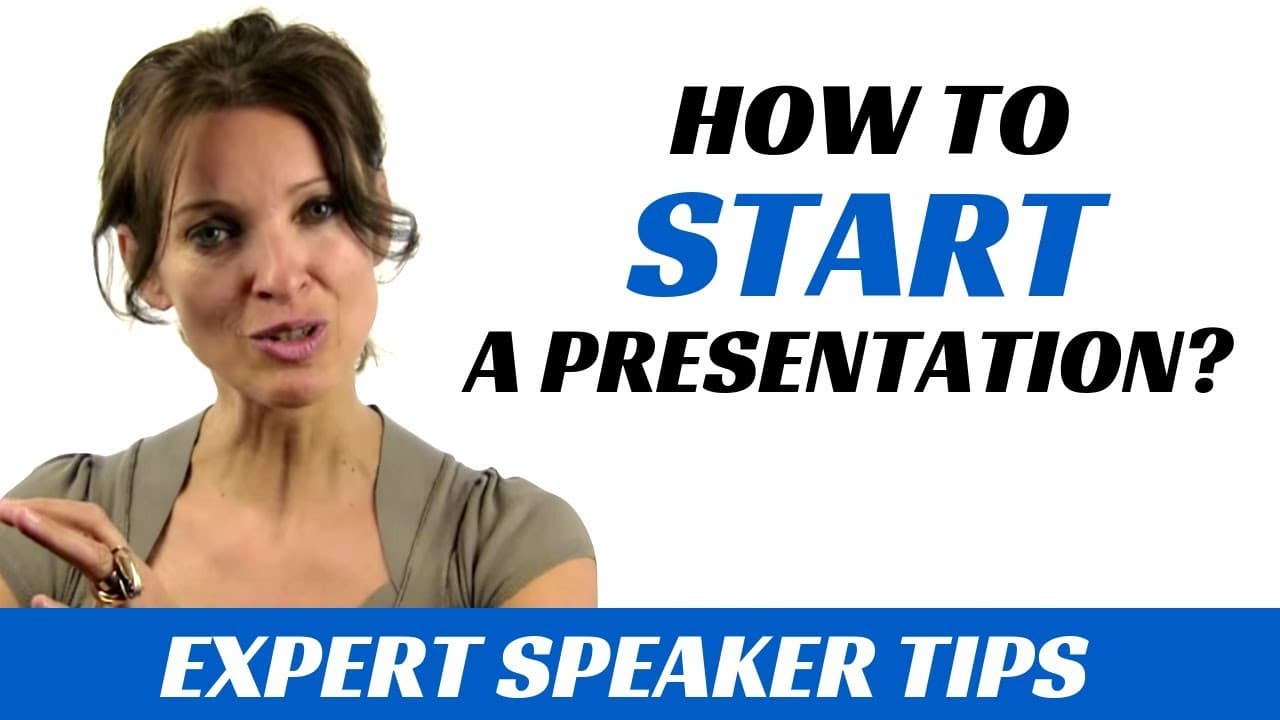
How to start a presentation
TL;DR
Starting a presentation with a story, rather than the typical introduction, can captivate the audience and convey the importance of the topic.
Transcript
it always strikes me how people think about their presentations or how they prepare their presentations. I'm actually talking about the first words the first sentences of a presentation. What most people do is they think of a presentation so automatically you think about a PowerPoint so you make your slides You look at your slides and you think ab... Read More
Key Insights
- ⚔️ Many presentations prioritize slide creation over crafting impactful opening words and sentences.
- ❔ The common introduction of stating one's name and topic answers the WHAT question but misses the opportunity to address the WHY question.
- 🍻 Starting with a story, linked to the presentation's goal, creates engagement and clarifies the importance for the audience.
- 📰 Stories can be personal experiences, conversations, customer interactions, or relevant articles/news events.
- ❔ The WHY question helps the audience understand the purpose and value of the presentation.
- 📖 Opening with a story sets a time frame and makes the presentation more relatable.
- 🔰 Beginning presentations with a story captivates the audience from the start and keeps them engaged.
Install to Summarize YouTube Videos and Get Transcripts
Explore YouTube Video Summarizer or Get YouTube Transcript Extractor
Questions & Answers
Q: Why do most people overlook the importance of the first words and sentences in a presentation?
People tend to prioritize slide creation and overlook the impact of the opening. They often assume that the audience already knows the topic or agenda.
Q: How can starting with a story make a presentation more interesting?
Starting with a story engages the audience by creating a time frame and using real experiences or conversations. It connects the presenter's goal to a relatable context, making it more relevant and interesting for the audience.
Q: Can you provide examples of stories that can be used in professional presentations?
Stories can be anecdotes from personal experiences, conversations with colleagues, encounters with customers, or even articles or news events that are relevant to the topic. The key is to choose stories that align with the presentation's goal and purpose.
Q: Why is it important to focus on the WHY question in presentations?
Answering the WHY question helps the audience understand the purpose and relevance of the presentation. It ensures that the audience knows why they should pay attention and what value they can gain from listening.
Key Insights:
- Many presentations prioritize slide creation over crafting impactful opening words and sentences.
- The common introduction of stating one's name and topic answers the WHAT question but misses the opportunity to address the WHY question.
- Starting with a story, linked to the presentation's goal, creates engagement and clarifies the importance for the audience.
- Stories can be personal experiences, conversations, customer interactions, or relevant articles/news events.
- The WHY question helps the audience understand the purpose and value of the presentation.
- Opening with a story sets a time frame and makes the presentation more relatable.
- Beginning presentations with a story captivates the audience from the start and keeps them engaged.
- Conscious use of stories in presentations makes the objective or goal of the presentation clear to the audience.
Summary & Key Takeaways
-
Many people focus on creating slides for their presentations, but overlook the importance of the first words and sentences.
-
The common introduction of "Good morning, my name is, and today I'm going to talk about..." misses the opportunity to answer the WHY question.
-
By starting with a story and linking it to the presentation's goal, the audience is immediately engaged and understands the importance of listening.
Read in Other Languages (beta)
Share This Summary 📚
Summarize YouTube Videos and Get Video Transcripts with 1-Click
Try YouTube Summary with ChatGPT & Claude or YouTube Transcript Generator
Explore More Summaries from Expert Academy 📚
Summarize YouTube Videos and Get Video Transcripts with 1-Click
Try YouTube Summary with ChatGPT & Claude or YouTube Transcript Generator