10 Best Chrome Extensions 🔥 You Should Start Using Right Now !
TL;DR
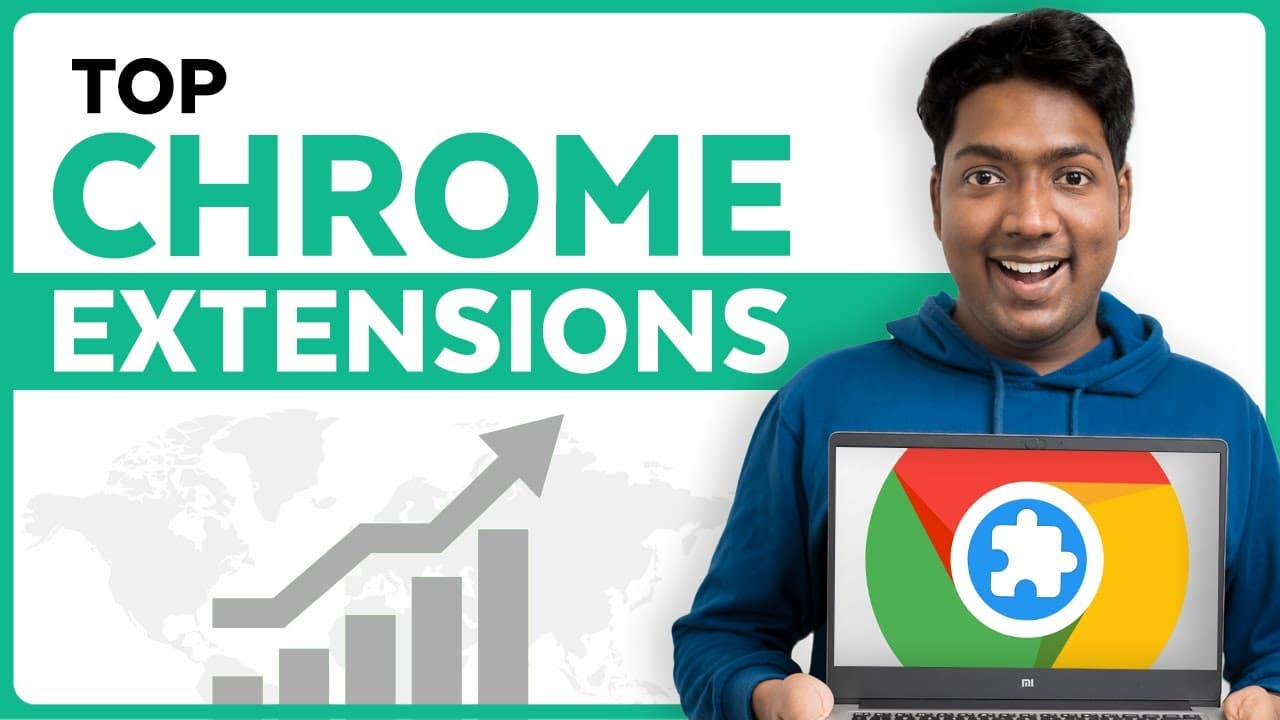
Increase your browser productivity with these top Chrome extensions that allow you to copy text from any screen, organize tabs, summarize YouTube videos, enable copy-paste on restricted websites, remove distractions on YouTube, improve grammar and spelling, enhance readability, convert text to speech, watch videos in a floating window, and block ads.
Transcript
hi guys today we're going to see the top Chrome extensions to increase your productivity if you're like me who spends a lot of time on your browser extensions can take your productivity to the next level that's why I made a list of some great extensions which you should add to Chrome right now now we're going to focus mainly on extensions for Chrom... Read More
Key Insights
- ❓ These top Chrome extensions enhance productivity by improving various aspects of browsing and content consumption.
- 🛀 The Blackbox extension allows users to copy text from any screen, image, or video, making note-taking easier.
- 🉑 One Tab organizes all open tabs in one place, simplifying tab management and improving browsing speed.
- 🎥 With Rapid summarizes YouTube videos, providing key points and timestamps without the need to watch the complete video.
- ©️ The Enable Copy Paste extension enables users to bypass copy-paste restrictions on websites and freely copy and paste text.
- 👤 Unhook removes distractions from YouTube, allowing users to focus on their desired content.
- ◾ Grammarly assists in improving grammar, spelling, and writing style, making it useful for writing emails, documents, and social media posts.
- 🥶 Clearly Reader removes unnecessary elements from blogs and articles, providing a distraction-free reading experience.
- 🥖 Read Me converts web page text into audio, allowing users to listen instead of reading.
- 👤 Picture in Picture enables users to watch videos in a floating window while working on other tasks.
Install to Summarize YouTube Videos and Get Transcripts
Explore YouTube Video Summarizer or Get YouTube Transcript Extractor
Questions & Answers
Q: How does the Blackbox extension work?
Blackbox allows users to copy text from any screen, image, or video by simply selecting the desired text and copying it. This extension is a game changer for those who frequently take notes while browsing or watching videos.
Q: What does the One Tab extension do?
The One Tab extension helps users organize all their open tabs in one place, making it easier to find and manage them. It also improves browsing speed and declutters the browser interface.
Q: How does the With Rapid extension summarize YouTube videos?
With Rapid can summarize the content of YouTube videos, providing main points and timestamps. Users can skip ahead to specific portions of the video without watching the entire content, saving time and increasing productivity.
Q: What is the purpose of the Enable Copy Paste extension?
The Enable Copy Paste extension allows users to bypass copy-paste restrictions on certain websites, enabling them to copy and paste text freely. This extension is helpful when accessing websites that disable the copy-paste option.
Key Insights:
- These top Chrome extensions enhance productivity by improving various aspects of browsing and content consumption.
- The Blackbox extension allows users to copy text from any screen, image, or video, making note-taking easier.
- One Tab organizes all open tabs in one place, simplifying tab management and improving browsing speed.
- With Rapid summarizes YouTube videos, providing key points and timestamps without the need to watch the complete video.
- The Enable Copy Paste extension enables users to bypass copy-paste restrictions on websites and freely copy and paste text.
- Unhook removes distractions from YouTube, allowing users to focus on their desired content.
- Grammarly assists in improving grammar, spelling, and writing style, making it useful for writing emails, documents, and social media posts.
- Clearly Reader removes unnecessary elements from blogs and articles, providing a distraction-free reading experience.
- Read Me converts web page text into audio, allowing users to listen instead of reading.
- Picture in Picture enables users to watch videos in a floating window while working on other tasks.
- Adg guard blocks ads on websites, improving browsing experience and reducing distractions.
Summary & Key Takeaways
-
Blackbox: Copy text from any screen, image, or video.
-
One Tab: Organize all your tabs in one place for easy access and a clean browsing experience.
-
With Rapid: Summarize YouTube videos and get main points and timestamps without watching the entire video.
-
Enable Copy Paste: Bypass copy-paste restrictions on websites and freely copy and paste text.
Read in Other Languages (beta)
Share This Summary 📚
Summarize YouTube Videos and Get Video Transcripts with 1-Click
Try YouTube Summary with ChatGPT & Claude or YouTube Transcript Generator
Explore More Summaries from Website Learners 📚



Summarize YouTube Videos and Get Video Transcripts with 1-Click
Try YouTube Summary with ChatGPT & Claude or YouTube Transcript Generator