3 In-depth Tips on How to Record MOTORCYCLE AUDIO | Minus the wind noise 2021
TL;DR
Learn how to enhance the audio quality in videos using a portable recorder, even if you don't have a camera with a shoe mount.
Transcript
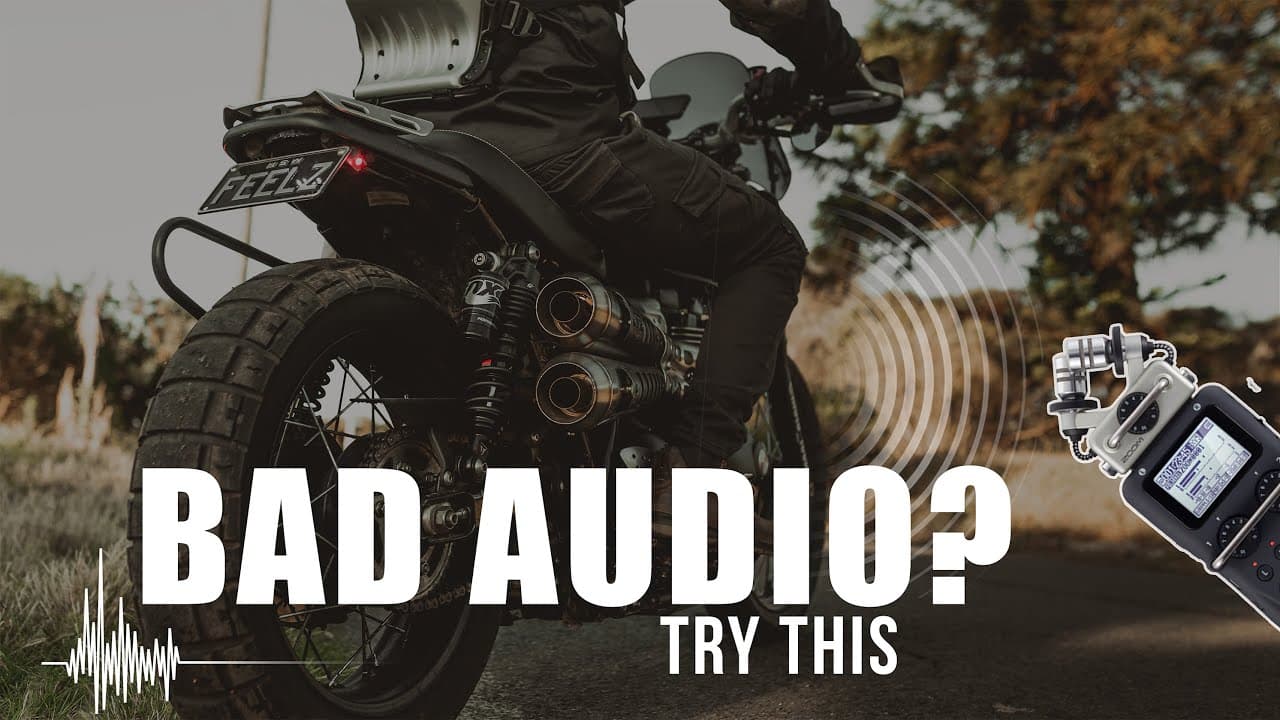
in today's tutorial i'm going to show you guys how i get my audio sounding from this to this now this is what i use it's a zoom h5 portable recorder if you don't have one of these it's all good i'm going to show you a way to get better audio quality than your standard gopro microphone and i'll show you how at the end of the vid there are a whole bu... Read More
Key Insights
- 🪈 Portable recorders like the zoom h5 offer versatility in recording audio for videos.
- 📷 Proper gain settings on both the microphone and camera are essential to avoid distorted audio.
- 🔔 Using headphones to monitor audio while recording provides better control over the sound quality.
- 🔄 Syncing audio recorded separately with video footage is crucial for a seamless viewing experience.
- 💨 Hiding the microphone from wind and vibrations can significantly improve audio quality.
- 🔔 Mixing different audio sources, such as external microphones and GoPro audio, can add depth to the sound.
- 🎤 You can achieve better audio without expensive equipment by using an internal helmet microphone or a budget external microphone.
Install to Summarize YouTube Videos and Get Transcripts
Explore YouTube Video Summarizer or Get YouTube Transcript Extractor
Questions & Answers
Q: Why should I use a portable recorder for recording audio in videos?
Using a portable recorder like the zoom h5 allows for better audio quality compared to the standard microphone on a GoPro or similar cameras. It provides more versatility in recording different environments and offers options for adjusting the gain settings.
Q: Can I improve audio quality without using a portable recorder?
Yes, you can use the internal microphone in your helmet as an alternative solution. However, purchasing a microphone like the purple panda can significantly enhance sound quality and reduce wind noise.
Q: How do I sync audio recorded with an external microphone with video footage?
Start by turning on the GoPro and the external microphone, and adjust the settings accordingly. Then, clap in front of your face to create a sync marker. In post-production, import the video and audio footage and align the sync markers to perfectly synchronize the audio and video.
Q: What if I don't have professional video editing software?
While professional software like Final Cut Pro or Premiere can enhance the audio mixing process, you can still achieve improved audio by following the techniques mentioned using free or basic editing software. The key is to find matching sync markers and adjust audio levels appropriately.
Key Insights:
- Portable recorders like the zoom h5 offer versatility in recording audio for videos.
- Proper gain settings on both the microphone and camera are essential to avoid distorted audio.
- Using headphones to monitor audio while recording provides better control over the sound quality.
- Syncing audio recorded separately with video footage is crucial for a seamless viewing experience.
- Hiding the microphone from wind and vibrations can significantly improve audio quality.
- Mixing different audio sources, such as external microphones and GoPro audio, can add depth to the sound.
- You can achieve better audio without expensive equipment by using an internal helmet microphone or a budget external microphone.
- Adjusting audio levels and applying equalizers can further enhance the sound quality in post-production.
Summary & Key Takeaways
-
The content discusses using a zoom h5 portable recorder to improve audio quality in videos and explains that there are many options available on the market.
-
The first method explained is using a direct line in, where the microphone is connected to the camera's microphone input for crisp audio quality.
-
The second method described involves syncing the audio from an external microphone with the video footage taken on a GoPro by using a synchronizing marker.
Read in Other Languages (beta)
Share This Summary 📚
Summarize YouTube Videos and Get Video Transcripts with 1-Click
Try YouTube Summary with ChatGPT & Claude or YouTube Transcript Generator
Explore More Summaries from Moto Feelz 📚


Summarize YouTube Videos and Get Video Transcripts with 1-Click
Try YouTube Summary with ChatGPT & Claude or YouTube Transcript Generator