How to Make a Raspberry Pi Robot Move Autonomously
TL;DR
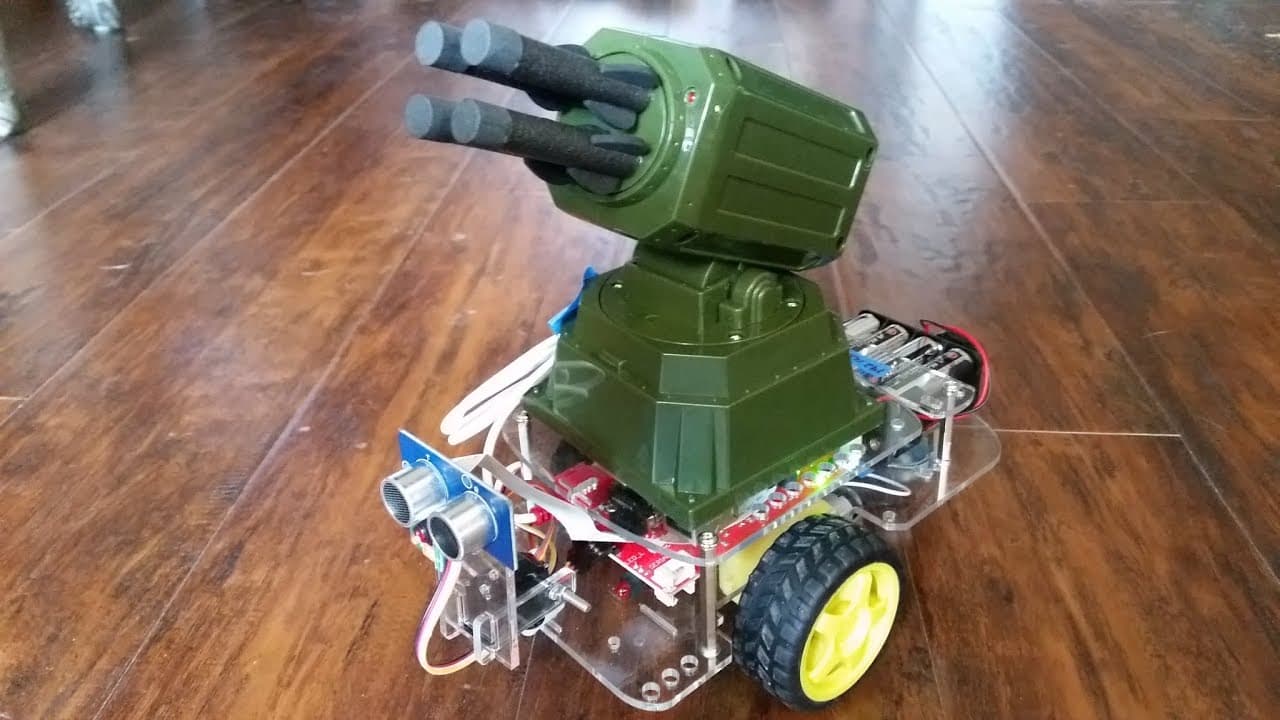
To make a Raspberry Pi-powered robot move autonomously, use distance sensors to detect obstacles and write a simple script to control servos for navigation. The robot assesses its environment, determining whether to move forward, turn, or reverse based on a minimum distance threshold. This tutorial lays the groundwork for future enhancements, including camera integration for visual processing.
Transcript
what's going on everybody welcome to part 6 of our robotics with the Raspberry Pi in the go p-- aegyo tutorial series in this video we're going to be talking about how we can make this robot autonomous basically how we can make it move around all on its own without hopefully too much input from us it's a little more complex we'll just write a reall... Read More
Key Insights
- 🤖 The tutorial demonstrates how to achieve autonomy in a Raspberry Pi-powered robot using distance sensors and servos.
- 👋 The script includes code for turning, reversing, and choosing the best direction based on available distance.
- 🤖 The minimum distance is used as a threshold to determine when the robot should stop or consider alternate paths.
- 🤖 The tutorial mentions the future integration of the camera module to provide visual data to the robot.
Install to Summarize YouTube Videos and Get Transcripts
Explore YouTube Video Summarizer or Get YouTube Transcript Extractor
Questions & Answers
Q: How can we make the robot move autonomously without much user input?
By utilizing distance sensors and servos, the robot can measure the distance to objects and choose the best path for movement. It can turn left or right based on the available distance or reverse if there is no viable path.
Q: What is the purpose of the minimum distance in this autonomous movement script?
The minimum distance is set to ensure that the robot does not get too close to objects. If the distance measured by the sensor is less than the minimum distance, the robot stops and considers alternative directions.
Q: Is it possible to use the robot's camera for autonomous movement?
Although the tutorial focuses on distance sensors, it mentions that the camera module can be used to provide vision to the robot. However, further explanation and code examples for working with camera data are deferred to the next tutorial in the series.
Q: How can the script handle situations where there is no viable path for movement?
In such cases, the script prints a "No good option" message and initiates a blind reverse. The robot moves backward for a specified duration, hoping to create enough space to move forward again.
Summary & Key Takeaways
-
This tutorial is part 6 of a series on robotics with Raspberry Pi, focusing on making the robot move autonomously without much user input.
-
The tutorial explains how to use distance sensors and servos to avoid objects and choose the best path for movement.
-
It also discusses the concept of minimum distance and includes code examples for different scenarios, such as turning left or right and reversing when there is no viable path.
Read in Other Languages (beta)
Share This Summary 📚
Summarize YouTube Videos and Get Video Transcripts with 1-Click
Try YouTube Summary with ChatGPT & Claude or YouTube Transcript Generator
Explore More Summaries from sentdex 📚






Summarize YouTube Videos and Get Video Transcripts with 1-Click
Try YouTube Summary with ChatGPT & Claude or YouTube Transcript Generator