How to Make Your First VST Plugin | #05 Create Sliders, Buttons & Labels with JUCE
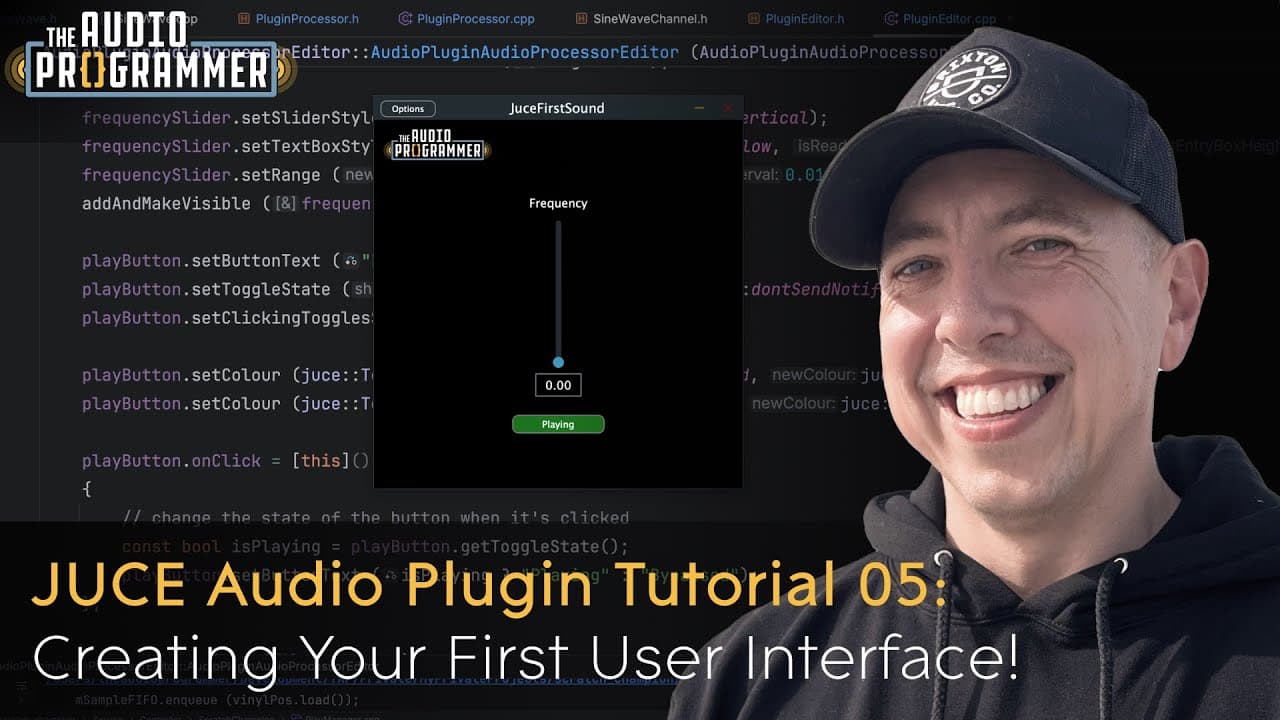
How to Make Your First VST Plugin | #05 Create Sliders, Buttons & Labels with JUCE
Transcript
Hey, what's up everybody? I'd like to welcome you to another audio programmer tutorial. And in this tutorial, I'm going to show you how to get started with using graphic controls in your audio plug-in, including how to create sliders, labels, and buttons using C++ and the Juice Framework. These are the building blocks of your plug-in user interface... Read More
Install to Summarize YouTube Videos and Get Transcripts
Explore YouTube Video Summarizer or Get YouTube Transcript Extractor
Read in Other Languages (beta)
Share This Summary 📚
Summarize YouTube Videos and Get Video Transcripts with 1-Click
Download browser extensions on:
Try YouTube Summary with ChatGPT & Claude or YouTube Transcript Generator
Explore More Summaries from The Audio Programmer 📚
CMake for JUCE Developers (#1): Why CMake?
The Audio Programmer
CLion for C++ - Fantastic Cross-Platform Experience & Walkthrough for Beginners!
The Audio Programmer
How to Make Your First VST Plugin | #03: Graphics in JUCE for Beginners
The Audio Programmer

Steinberg Just Changed The Game! (VST3 & ASIO Go Open Source)
The Audio Programmer
Max 8 Tutorial Series | Part 2: Basic Delay Line Principles
The Audio Programmer
How to Make Your First VST Plugin | #01: Creating New Projects with JUCE (CMake vs Projucer)
The Audio Programmer
Summarize YouTube Videos and Get Video Transcripts with 1-Click
Download browser extensions on:
Try YouTube Summary with ChatGPT & Claude or YouTube Transcript Generator