Products
Features
YouTube Video Summarizer
Summarize YouTube videos
Web & PDF Highlighter
Highlight web pages & PDFs
Chat with PDF
Ask any PDF questions with AI
Ask AI Clone
Chat with your highlights & memories
Audio Transcriber
Transcribe audio files to text
Glasp Reader
Read and highlight articles
Kindle Highlight Export
Export your Kindle highlights
Idea Hatch
Hatch ideas from your highlights
Integrations
Obsidian Plugin
Notion Integration
Pocket Integration
Instapaper Integration
Medium Integration
Readwise Integration
Snipd Integration
Hypothesis Integration
Apps & Extensions
Chrome Extension
Safari Extension
Edge Add-ons
Firefox Add-ons
iOS App
Android App
Discover
Discover
Ideas
Discover new ideas and insights
Articles
Curated articles and insights
Books
Book recommendations by great minds
Posts
Essays and notes from readers
Quotes
Inspiring quotes collection
Videos
Curated videos and summaries
Explore Glasp
Glasp Story
How we grew from 0 to 3 million users
Glasp Newsletter
Weekly insights and updates
Glasp Talk
Interview series with great minds
Glasp Blog
Latest news and articles
Glasp Use Cases
Learn how others use Glasp
Build & Support
Glasp API
Access Glasp's API for developers
MCP Connector
Connect Glasp to Claude & ChatGPT
Community
Glasp Reddit Community
Students
Student discount and benefits
FAQs
Frequently Asked Questions
AboutPricing
DashboardLog inSign up

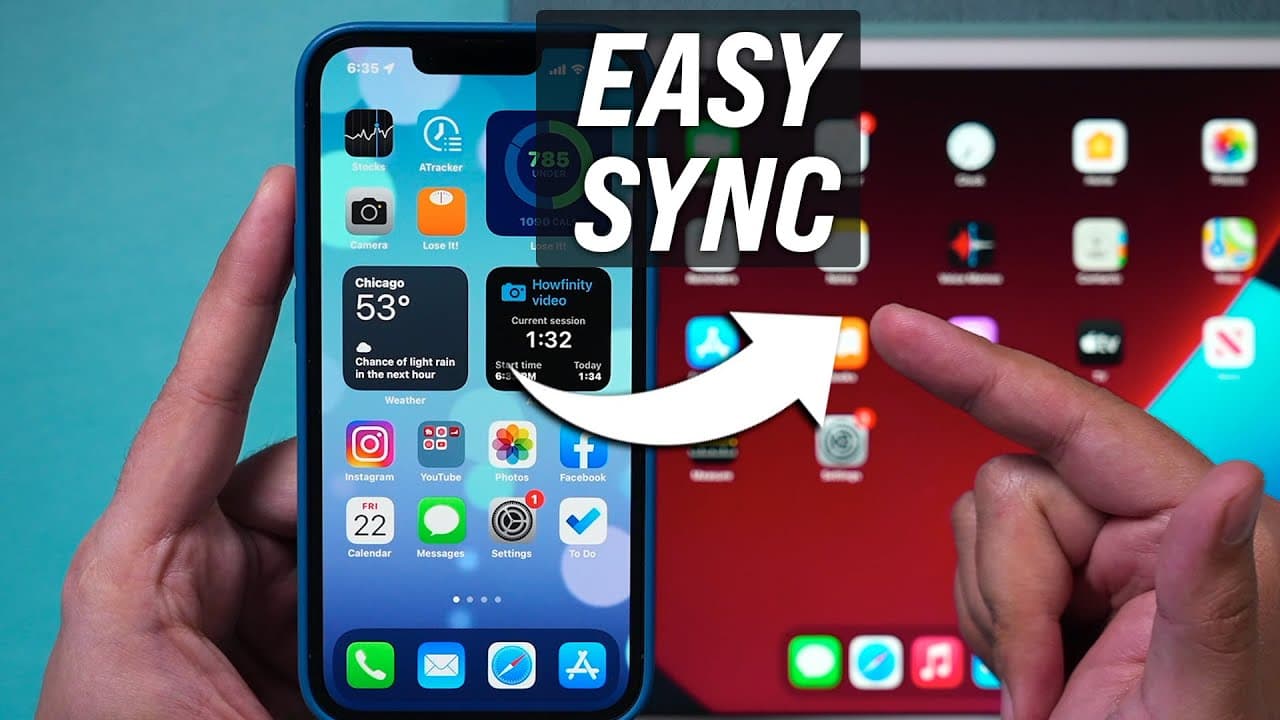
How to Sync iPhone and iPad
1.0M views
•
October 22, 2021
by
Howfinity
YouTube video player
How to Sync iPhone and iPad

TL;DR

Use iCloud for 90% syncing, another method for the remaining 10%.

Transcript

hey everyone in today's video i want to show you how to sync anything from your iphone and your ipad so you basically get identical information on both now the easiest way to do this and the first one i'm going to show you is by correctly using icloud because this will sync up 90 of things that you want to sync up and then i'll show you another met... Read More

Key Insights

  • 🔄 Utilize the same Apple ID for iCloud syncing between iPhone and iPad.
  • 🔄 Ensure all desired items are checked in iCloud settings for efficient data syncing.
  • 👤 Dr.Fone offers an alternative method for data transfer with a user-friendly interface.
  • 📷 iCloud photos with optimized storage can sync across devices seamlessly.
  • 📷 Airdrop can be used for individual photo transfers between devices.
  • 💻 Dr.Fone provides a comprehensive solution for centralized data management on a computer.
  • 📷 Consider Dr.Fone for transferring live photos or hidden photos between devices.

Install to Summarize YouTube Videos and Get Transcripts

Explore YouTube Video Summarizer or Get YouTube Transcript Extractor

Questions & Answers

Q: How can iCloud help sync data between an iPhone and iPad?

By ensuring the same Apple ID is used on both devices and selecting desired items in iCloud settings, data can seamlessly sync between an iPhone and iPad.

Q: What is the significance of checking all items in iCloud settings for syncing?

It is crucial to ensure all desired items are checked in iCloud settings to guarantee that messages, photos, and other data are synced between an iPhone and iPad effectively.

Q: What is Dr.Fone, and how does it aid in data transfer between devices?

Dr.Fone is a software that facilitates data transfer between devices by allowing users to transfer photos, videos, music, and more from an iPhone to a computer and then to an iPad for centralized management.

Q: When might users consider using Dr.Fone over iCloud for syncing?

Users may opt for Dr.Fone when they need a visual interface for easy data transfer or when they encounter compatibility issues with iCloud syncing for transferring data between their iPhone and iPad.

Summary & Key Takeaways

  • Use iCloud with the same Apple ID on both devices for seamless syncing.

  • Ensure all desired items are checked for syncing in iCloud settings.

  • Consider using Dr.Fone as an alternative method for data transfer.


Read in Other Languages (beta)

English

Share This Summary 📚

Summarize YouTube Videos and Get Video Transcripts with 1-Click

Download browser extensions on:

Try YouTube Summary with ChatGPT & Claude or YouTube Transcript Generator

Explore More Summaries from Howfinity 📚
How To Become a Content Creator - Complete Beginner's Guide thumbnail
How To Become a Content Creator - Complete Beginner's Guide
Howfinity
How to Upload Custom Thumbnails on Instagram thumbnail
How to Upload Custom Thumbnails on Instagram
Howfinity
Unlock Hidden Siri Pro Mode on iPhone - Combine Siri with Chat GPT thumbnail
Unlock Hidden Siri Pro Mode on iPhone - Combine Siri with Chat GPT
Howfinity
How to Create an Engaging YouTube Intro Quickly thumbnail
How to Create an Engaging YouTube Intro Quickly
Howfinity
How to Batch Resize Images in Photoshop thumbnail
How to Batch Resize Images in Photoshop
Howfinity
How to Sell a Car on Facebook Marketplace thumbnail
How to Sell a Car on Facebook Marketplace
Howfinity

Summarize YouTube Videos and Get Video Transcripts with 1-Click

Download browser extensions on:

Try YouTube Summary with ChatGPT & Claude or YouTube Transcript Generator

Apps & Extensions

  • Chrome Extension
  • Safari Extension
  • Edge Add-ons
  • Firefox Add-ons
  • iOS App
  • Android App

Key Features

  • YouTube Video Summarizer
  • Web & PDF Summarizer
  • Web & PDF Highlighter
  • Chat with PDF
  • Ask AI Clone
  • Audio Transcriber
  • Glasp Reader
  • Kindle Highlight Export
  • Idea Hatch

Integrations

  • Obsidian Plugin
  • Notion Integration
  • Pocket Integration
  • Instapaper Integration
  • Medium Integration
  • Readwise Integration
  • Snipd Integration
  • Hypothesis Integration

More Features

  • APIs
  • MCP Connector
  • Blog & Post
  • Embed Links
  • Image Highlight
  • Personality Test
  • Quote Shots
  • Open Graph Checker

Company

  • About us
  • Our Story
  • Brand Assets
  • Blog
  • Community
  • FAQs
  • Job Board
  • Newsletter
  • Pricing
Terms

•

Privacy

•

Guidelines

© 2026 Glasp Inc. All rights reserved.