Character Animation in Procreate: How to Add Detail
TL;DR
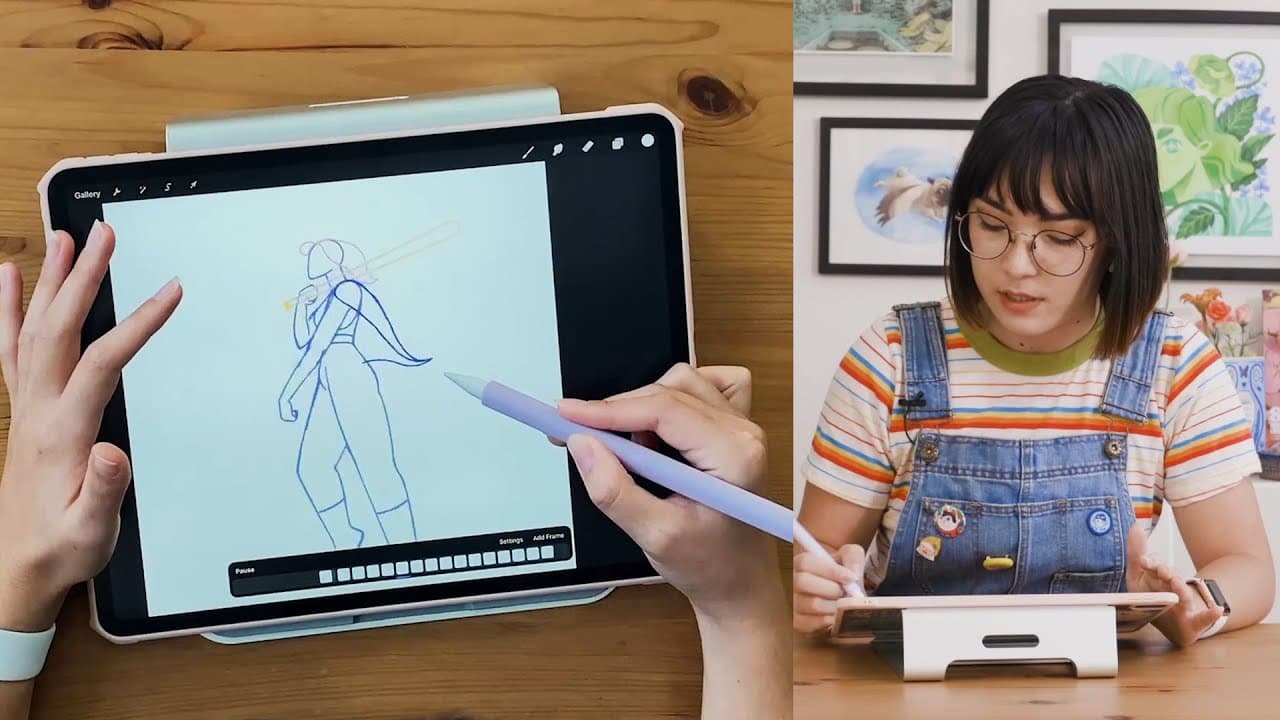
Learn how to add secondary animations like hair and clothing to a walk cycle in Procreate for added flair and personality.
Transcript
i'm danny fisher shin i'm an animated illustrator and i have a great skillshare class for you on animating a walk cycle in procreate today i'm showing you an exclusive preview of my class let's get started so now that we've cleaned up our base animation we're ready to start adding secondary animation now this can sound kind of intimidating but it's... Read More
Key Insights
- 👱 Secondary animations, like hair and clothing, can enhance the personality of a character.
- 👋 Applying the wave animation principle helps create realistic and engaging secondary movements.
- 👻 Keeping elements on separate layers allows for easier editing and manipulation in the animation process.
- 🪜 Adding dimensionality and subtle movements to secondary elements can improve the overall depth of the animation.
- ❓ Secondary animations follow different physics than the main body, requiring attention to detail and creativity in their implementation.
- 👱 Secondary animations can include elements like flowing hair, loose clothing, or accessories that add fluidity and movement to a character.
- 👋 The wave animation principle serves as a foundational technique for creating dynamic and realistic secondary movements in an animation.
Install to Summarize YouTube Videos and Get Transcripts
Explore YouTube Video Summarizer or Get YouTube Transcript Extractor
Questions & Answers
Q: What are secondary animations in the context of animating a walk cycle?
Secondary animations refer to elements like hair, clothing, or loose accessories that are not directly attached to the body and flow with different physics, adding flair and personality to the animation.
Q: How can the wave animation principle be applied to secondary elements like hair and clothing?
By treating each secondary element as a wave attached to a static point, animators can create realistic movements that follow the motion of the main body, adding realism and depth to the overall animation.
Q: Why is it important to keep secondary elements on separate layers while animating in Procreate?
Keeping secondary elements on separate layers allows for non-destructive editing, easier manipulation of individual elements, and simplifies the process of filling and cleaning up the animation later on.
Q: How can animating secondary elements like clothing sleeves and hair holes add three-dimensional depth to a walk cycle animation?
By adding subtle movements and dimensionality to secondary elements, such as sleeves turning away or opening up, animators can create a more immersive and lifelike animation with added visual interest.
Summary & Key Takeaways
-
Animating secondary elements like hair and clothing can add personality to a walk cycle.
-
Secondary animations include elements not directly attached to the body, flowing off with different physics.
-
Following a wave animation principle helps create realistic and engaging secondary movements in Procreate.
Read in Other Languages (beta)
Share This Summary 📚
Summarize YouTube Videos and Get Video Transcripts with 1-Click
Try YouTube Summary with ChatGPT & Claude or YouTube Transcript Generator
Explore More Summaries from Skillshare 📚






Summarize YouTube Videos and Get Video Transcripts with 1-Click
Try YouTube Summary with ChatGPT & Claude or YouTube Transcript Generator