Top Chrome Extensions for 2026: Must-Have Tools
TL;DR
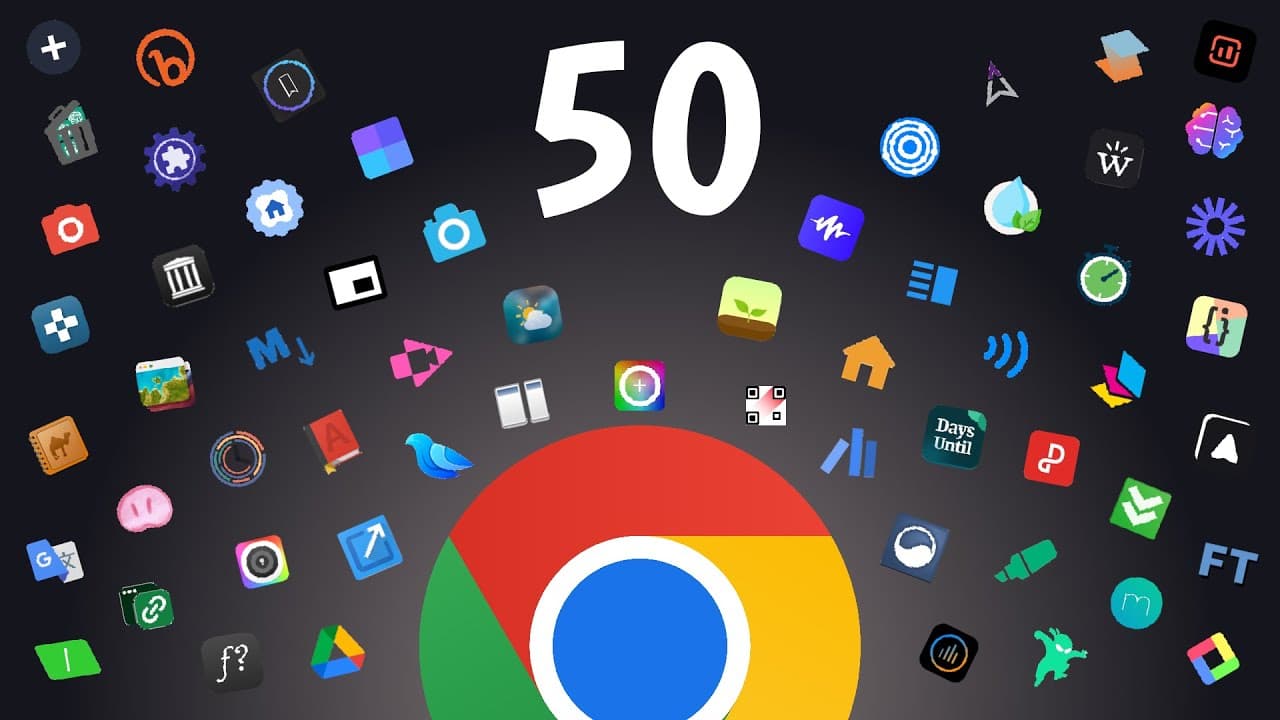
Discover 50 essential Chrome extensions that enhance productivity, streamline tasks, and offer unique features for everyday browsing. From managing extensions and bookmarks to utilizing AI tools and productivity timers, these extensions cater to diverse needs, ensuring a more efficient and enjoyable browsing experience.
Transcript
Google Chrome, the browser that most people seem to use. And if it isn't Google Chrome, most people are probably using a browser that is based off Chrome through the Chromium framework. Either way, I think we can all agree that browser extensions are a core part of the browser experience. And considering that there are over 100,000 of them to choos... Read More
Key Insights
- Chrome extensions enhance browser functionality, offering features not natively available.
- Extension Manager simplifies managing and organizing installed extensions with a user-friendly interface.
- Bookmark Sidebar provides an alternative to the bookmarks bar, allowing for better organization and searchability.
- Vertical Tabs extension offers vertical tab management, freeing up horizontal screen space.
- New Tab Page Themers customize the new tab page with aesthetic and functional options.
- Wayback Machine extension allows users to view archived versions of websites, useful for accessing removed content.
- Google Scholar extensions facilitate academic research by providing quick access to scholarly articles and PDF analysis.
- Screen Time Tracker monitors browsing time, offering detailed insights into online activity.
Install to Summarize YouTube Videos and Get Transcripts
Explore YouTube Video Summarizer or Get YouTube Transcript Extractor
Questions & Answers
Q: How to manage Chrome extensions effectively?
To manage Chrome extensions effectively, use an extension manager like the one mentioned in the video. This tool provides a clean interface for enabling, disabling, and organizing extensions. It offers options to categorize extensions, adjust icon sizes, and switch between dark and light modes, streamlining the management process.
Q: What is the best way to organize bookmarks in Chrome?
The Bookmark Sidebar extension is an excellent tool for organizing bookmarks in Chrome. It offers a sidebar view for easy management, allowing users to search, sort, and color-code bookmarks. Users can customize the sidebar's position, theme, and other settings, making it easier to keep bookmarks organized and accessible.
Q: How can I enable vertical tabs in Chrome?
To enable vertical tabs in Chrome, install a vertical tabs extension. This tool allows users to manage tabs vertically, freeing up horizontal screen space. It supports tab groups and other Chrome features while providing an intuitive interface for searching and managing tabs efficiently.
Q: What are some recommended new tab page customizations?
For new tab page customization, consider extensions like Momentum, Bonjjo, and Homie. These tools offer modern, aesthetic designs with customizable features. Users can personalize their new tab page with widgets, quick links, and themes, enhancing both functionality and visual appeal.
Q: How can I access archived versions of websites?
To access archived versions of websites, use the Wayback Machine extension. This tool allows users to view past versions of websites, which can be useful for retrieving removed content or exploring the history of a site. Simply enable the extension and click on it to access available archives.
Q: What tools are available for academic research in Chrome?
For academic research, the Google Scholar and Google Scholar PDF Reader extensions are invaluable. They provide quick access to scholarly articles and offer features like citation detection, AI summaries, and PDF analysis. These tools streamline the research process and enhance academic productivity.
Q: How to track and analyze browsing time in Chrome?
To track and analyze browsing time in Chrome, use a screen time tracker extension. This tool runs in the background, recording time spent on each website. It provides detailed reports, including pie charts and session data, and allows users to export data for further analysis, promoting efficient time management.
Q: What are some useful productivity tools for Chrome?
Chrome offers various productivity tools, such as focus timers and distraction blockers. Extensions like Forest and StayFocusd help users maintain focus by setting timers and blocking distracting websites. These tools are essential for enhancing productivity and ensuring a balanced online work environment.
Summary & Key Takeaways
-
Chrome extensions significantly enhance the browser experience by offering additional functionalities like extension management, vertical tabs, and new tab customization. These tools streamline tasks and boost productivity, making them valuable for daily use.
-
Extensions like Wayback Machine and Google Scholar provide specialized features for accessing historical web content and academic research, respectively. Such tools are essential for users needing specific functionalities beyond the default browser capabilities.
-
Productivity and focus tools, including timers and screen time trackers, help manage online activities effectively. These extensions ensure users can maintain focus and track their usage efficiently, promoting a balanced digital lifestyle.
Read in Other Languages (beta)
Share This Summary 📚
Summarize YouTube Videos and Get Video Transcripts with 1-Click
Try YouTube Summary with ChatGPT & Claude or YouTube Transcript Generator
Explore More Summaries from Productive Tech 📚
Summarize YouTube Videos and Get Video Transcripts with 1-Click
Try YouTube Summary with ChatGPT & Claude or YouTube Transcript Generator