3.2: The Bouncing Ball - p5.js Tutorial
TL;DR
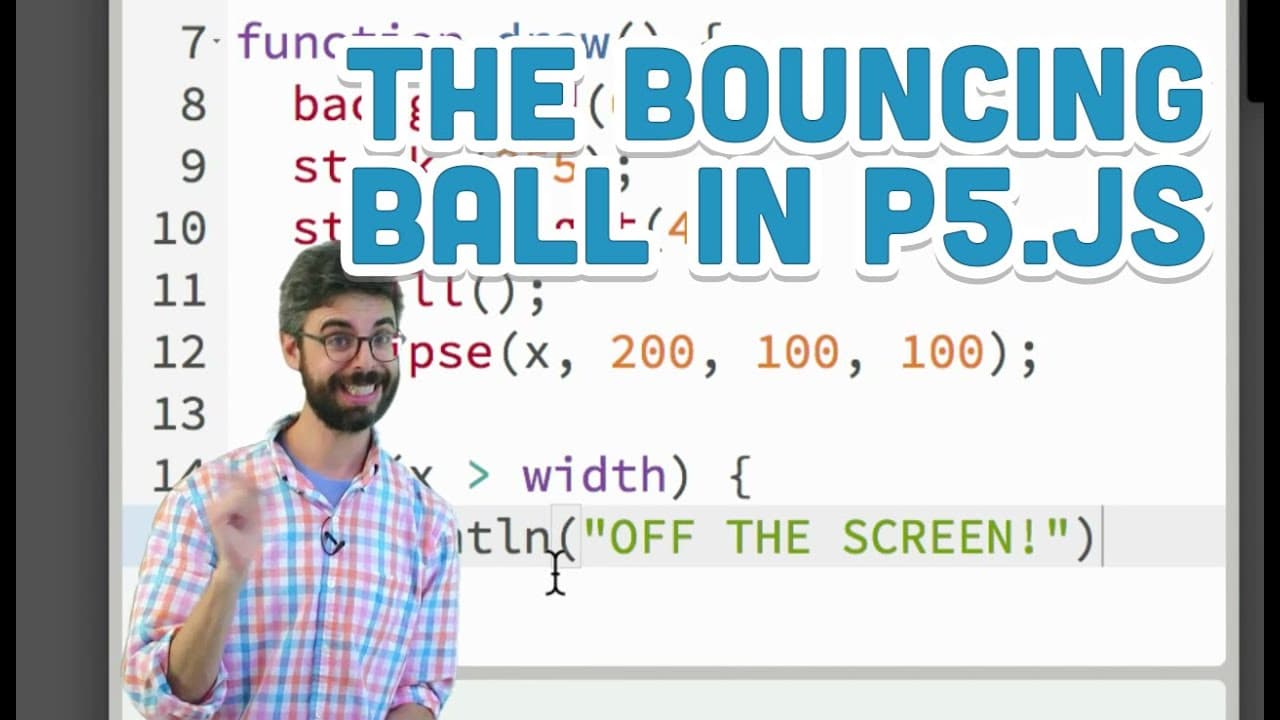
Learn how to make a circle turn around on-screen using conditional statements and variables.
Transcript
Hi again. So in this video, I would like to look at a kind of classic problem that comes up in programming graphics when you're first getting started that requires a conditional statement. You really need an if statement for this problem. And the problem is this. So here I have a little bit of an example here. We can see there's one variable, x equ... Read More
Key Insights
- ⚾ Conditional statements are crucial in programming to make decisions based on specific conditions.
- 🖐️ Variables play a significant role in dynamically adjusting behaviors based on changing conditions.
- 🎮 Accuracy in defining conditions is essential to ensure precise control over program outcomes.
- 😒 The use of dynamic variables can enhance the flexibility and functionality of code.
- ❓ Experimentation with different scenarios and conditions can deepen understanding of programming concepts like conditional statements.
- ❓ Further exploration of branching statements like else and else if, as well as logical operators like AND and OR, can expand programming capabilities.
- 🤩 Continuous practice and exploration of programming concepts are key to improving skills and understanding complex problems.
Install to Summarize YouTube Videos and Get Transcripts
Explore YouTube Video Summarizer or Get YouTube Transcript Extractor
Questions & Answers
Q: What was the initial issue with using a fixed value for the screen edge condition?
Using a fixed value for the screen edge led to inaccuracies as the circle might not have reached the exact limit due to incremental movement.
Q: How did the creator introduce a variable to solve the circle movement problem?
By introducing a variable called "speed" and adjusting its value dynamically, the circle could change direction accurately on reaching the screen edge.
Q: Why was it necessary to use a variable for controlling the movement direction of the circle?
Using a variable allowed for dynamic adjustments in the circle's movement, enabling it to change direction reliably based on specific conditions.
Q: What other variations or modifications can be explored with conditional statements in this context?
Exploring changing colors, sizes, speeds, or behaviors based on different boundary conditions can further enhance the understanding and application of conditional statements.
Summary & Key Takeaways
-
The video discusses a programming problem where a moving circle needs to turn around on reaching the screen edge.
-
Initial attempts using fixed values for conditions proved ineffective due to the circle potentially not hitting an exact limit.
-
The solution involved using a variable to control the circle's movement direction dynamically.
Read in Other Languages (beta)
Share This Summary 📚
Summarize YouTube Videos and Get Video Transcripts with 1-Click
Try YouTube Summary with ChatGPT & Claude or YouTube Transcript Generator
Explore More Summaries from The Coding Train 📚






Summarize YouTube Videos and Get Video Transcripts with 1-Click
Try YouTube Summary with ChatGPT & Claude or YouTube Transcript Generator