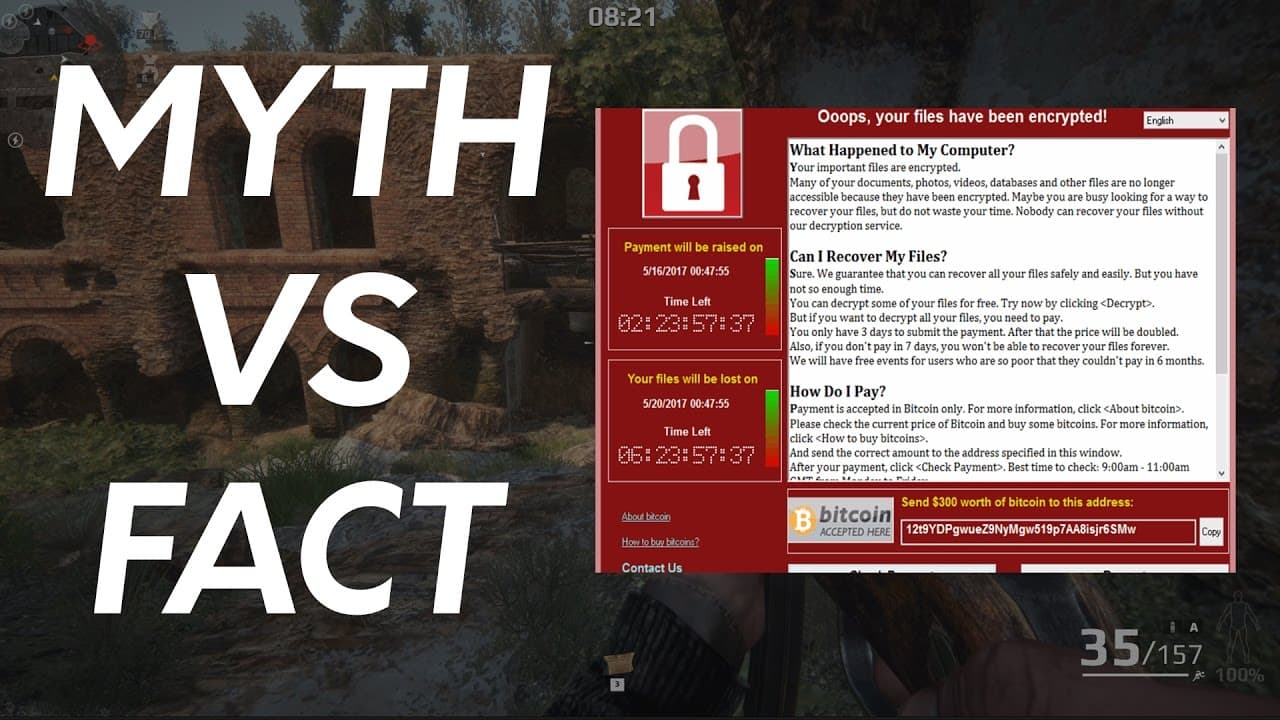
WannaCry Ransomware FAQ | What you need to know
TL;DR
Learn how to protect yourself from ransomware attacks by keeping your system updated and understanding how the malware spreads.
Transcript
good the whole wanna cry outbreak I've been so caught up with some technical details that I haven't really addressed basic questions which the majority of users are asking so in this video we're going to go over some really important things that are relevant to everyday users and discuss what you need to do to prepare for such attacks in the future... Read More
Key Insights
- 📁 Paying cybercriminals does not guarantee the recovery of files infected by ransomware.
- 👤 Ransomware can spread through vulnerabilities in your system without the need for user interaction.
- 💝 Keeping your system up-to-date with the latest patches significantly reduces the risk of infection.
- ❓ The recent discovery of a kill switch in ransomware should not be considered a permanent solution.
- 👶 New variants of ransomware without the kill switch could emerge at any time.
- 💁 Share information about ransomware to dispel misconceptions and help others stay informed.
- 👨💼 Businesses with poor ethics may exploit desperate individuals by offering false promises of file recovery.
Install to Summarize YouTube Videos and Get Transcripts
Explore YouTube Video Summarizer or Get YouTube Transcript Extractor
Questions & Answers
Q: What can I do if my computer is infected with ransomware?
Unfortunately, there is no guaranteed solution to recover your files once infected. Accept the consequences, learn from the experience, and focus on improving your security measures in the future.
Q: Do I need to click on something for ransomware to infect my computer?
No, ransomware can spread through exploits that take advantage of vulnerabilities in your system. Simply being connected to the internet without the necessary patches can make you vulnerable to the malware.
Q: How can I protect myself from ransomware attacks?
The most important step is to keep your system up-to-date with the latest patches. Regardless of your operating system, make sure it is patched to prevent exploitation. Additionally, be cautious about opening email attachments or clicking on suspicious links.
Q: Is the recent discovery of a kill switch in ransomware code enough to stop the attacks?
While the kill switch temporarily halted the attacks, new variants without the kill switch have already emerged. It is crucial to patch your systems and ensure your backups are ready to prevent future incidents.
Summary & Key Takeaways
-
Users infected with ransomware must accept the reality that paying cybercriminals won't guarantee the recovery of their files.
-
Ransomware can infect your computer through various means, including exploits that take advantage of vulnerabilities.
-
Protect yourself by ensuring your system is up-to-date and patched, regardless of the operating system you use.
Read in Other Languages (beta)
Share This Summary 📚
Summarize YouTube Videos and Get Video Transcripts with 1-Click
Try YouTube Summary with ChatGPT & Claude or YouTube Transcript Generator
Explore More Summaries from The PC Security Channel 📚






Summarize YouTube Videos and Get Video Transcripts with 1-Click
Try YouTube Summary with ChatGPT & Claude or YouTube Transcript Generator