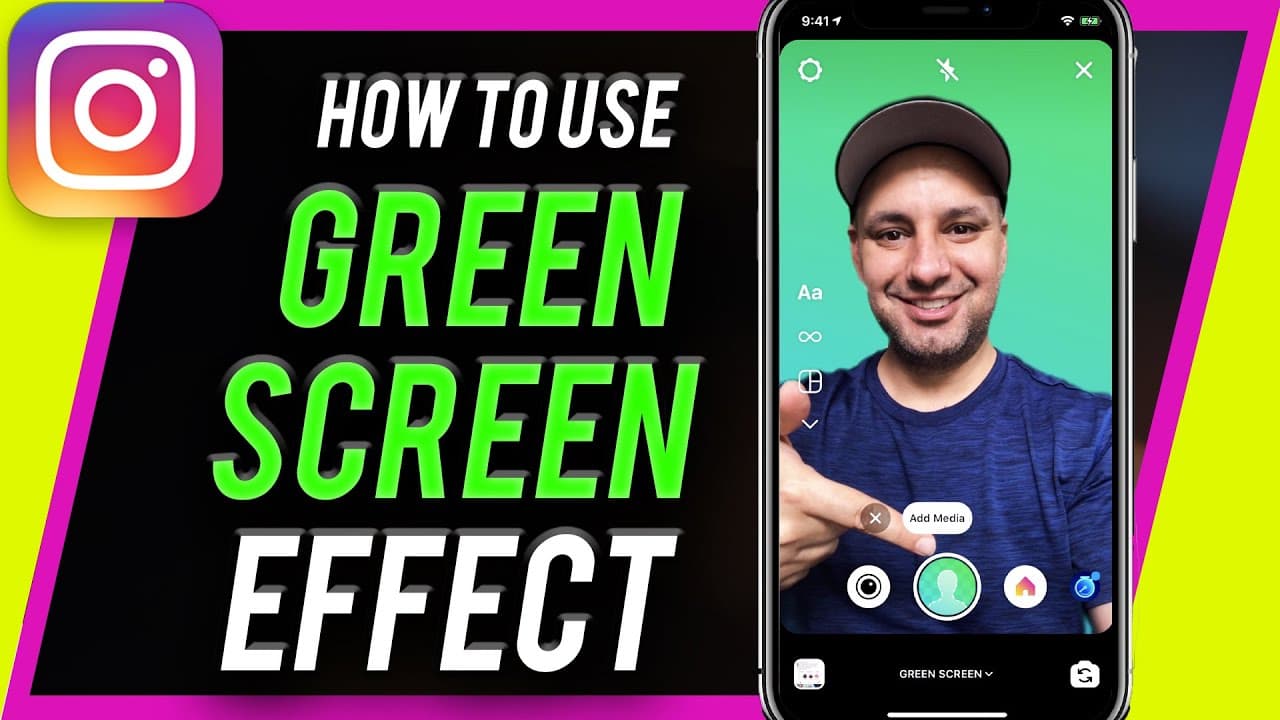
How to add Green Screen effect inside Instagram Reels
TL;DR
Learn how to use the Instagram green screen filter for creative video backgrounds.
Transcript
hey everyone in today's instagram video i want to show you how to use the green screen filter inside of instagram reels and that's basically where you can remove the background behind you and replace it with a background that you upload like an image that you upload as your background so a very useful option you don't even need to sit in front of a... Read More
Key Insights
- 👻 The Instagram green screen filter allows users to replace backgrounds with customized images or videos.
- 💚 Accessing the green screen filter involves navigating to the effects tab and searching for the specific filter.
- 💚 Users can add a personal touch to Instagram Reels by utilizing the green screen filter creatively.
- 💚 The green screen filter enables users to stand out with unique and engaging content on Instagram.
- 🎮 Backgrounds for videos can be changed to static images, videos, or even screenshots using the green screen filter.
- 💚 Recording videos with the green screen filter is easy and offers up to 15 seconds of recording time.
- 💚 The green screen filter on Instagram Reels provides a versatile way to enhance video content with personalized backgrounds.
Install to Summarize YouTube Videos and Get Transcripts
Explore YouTube Video Summarizer or Get YouTube Transcript Extractor
Questions & Answers
Q: How can you access the green screen filter in Instagram Reels?
To access the green screen filter, open Instagram Reels, navigate to the effects tab, search for "green screen by Instagram," and add it to your filters.
Q: What type of media can be used as backgrounds with the green screen filter?
Users can use images, videos, or even screenshots as backgrounds with the green screen filter in Instagram Reels.
Q: How long can videos be recorded with the green screen filter?
Users can record up to 15 seconds of video with the green screen filter in Instagram Reels.
Q: What are some creative ways to use the green screen filter on Instagram?
Users can showcase follower counts, promote content creatively, or simply change their environment using the green screen filter.
Summary & Key Takeaways
-
This tutorial demonstrates how to access and use the green screen filter in Instagram Reels.
-
Users can easily remove backgrounds and replace them with images or videos of their choice.
-
The green screen filter offers a creative way to enhance Instagram Reels content without needing a physical green screen.
Read in Other Languages (beta)
Share This Summary 📚
Summarize YouTube Videos and Get Video Transcripts with 1-Click
Try YouTube Summary with ChatGPT & Claude or YouTube Transcript Generator
Explore More Summaries from Howfinity 📚






Summarize YouTube Videos and Get Video Transcripts with 1-Click
Try YouTube Summary with ChatGPT & Claude or YouTube Transcript Generator