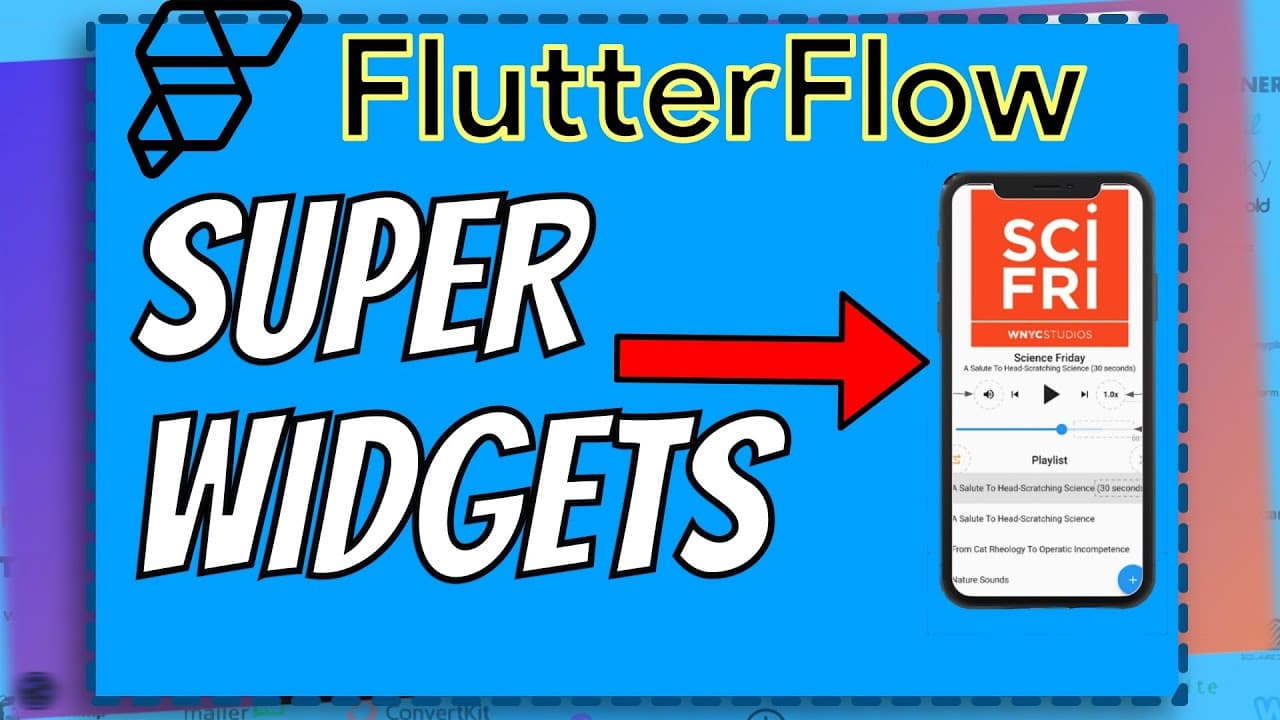
Easily Build SUPER CUSTOMIZABLE Widgets in FlutterFlow! (FlutterFlow Tutorial 2022)
TL;DR
Learn how to customize and incorporate different widgets and plugins in Flutter Flow to create unique and feature-filled apps.
Transcript
what's good guys so one of the main advantages of using flutter flow is the availability of widgets and the amount of things that you can do with them so as an example and so let's say i want like a youtube widget right i just i just search for youtube i just drag and drop it and we have a youtube widget that's that already has a video loaded right... Read More
Key Insights
- 👍 Flutter Flow offers a wide range of customizable widgets and plugins for app development.
- 🎈 Third-party packages from pub.dev can expand the capabilities and customization options of Flutter Flow.
- 🤑 The "just audio" plugin is a popular choice for creating feature-rich and highly customizable audio players.
- 💱 Customization options in Flutter Flow include changing colors, adding images, modifying functionality, and integrating additional plugins.
- 🦮 A step-by-step tutorial is provided to guide developers through the process of importing, customizing, and incorporating plugins in Flutter Flow.
- 👨💻 The code used in the tutorial and additional code snippets can be found on the creator's Patreon page.
- ❓ The tutorial suggests exploring the "just waveform" plugin for creating audio visualizations in conjunction with the audio player plugin.
Install to Summarize YouTube Videos and Get Transcripts
Explore YouTube Video Summarizer or Get YouTube Transcript Extractor
Questions & Answers
Q: What are the advantages of using Flutter Flow for app development?
One of the main advantages of Flutter Flow is the availability of widgets and the ease of customization. You can easily search for and drag and drop widgets like YouTube player, video player, and audio player into your app.
Q: How can I find more widgets and plugins for customization in Flutter Flow?
You can visit websites like pub.dev, where you can search for packages and find a wide range of widgets and plugins for various functionalities. These packages often come with comprehensive examples and documentation.
Q: Can I create a customized audio player using Flutter Flow?
Yes, you can create a customized audio player by importing and customizing popular audio player plugins like "just audio." These plugins offer a range of features, including gapless playback, various audio formats, and customizable design elements.
Q: How can I import and customize a specific plugin in Flutter Flow?
To import and customize a plugin in Flutter Flow, you need to create a custom code widget, copy the boilerplate code from the plugin's example, add necessary dependencies, and make any desired modifications in the code. The process is explained in detail in the provided tutorial.
Key Insights:
- Flutter Flow offers a wide range of customizable widgets and plugins for app development.
- Third-party packages from pub.dev can expand the capabilities and customization options of Flutter Flow.
- The "just audio" plugin is a popular choice for creating feature-rich and highly customizable audio players.
- Customization options in Flutter Flow include changing colors, adding images, modifying functionality, and integrating additional plugins.
- A step-by-step tutorial is provided to guide developers through the process of importing, customizing, and incorporating plugins in Flutter Flow.
- The code used in the tutorial and additional code snippets can be found on the creator's Patreon page.
- The tutorial suggests exploring the "just waveform" plugin for creating audio visualizations in conjunction with the audio player plugin.
- Users are encouraged to provide feedback, like the video, subscribe to the channel, and support the creator on Patreon.
Summary & Key Takeaways
-
Flutter Flow offers a wide range of widgets and plugins that can be easily incorporated into your app.
-
By using third-party packages from websites like pub.dev, you can find additional widgets and plugins with more customization options.
-
A step-by-step guide is provided to demonstrate how to import and customize a popular audio player plugin in Flutter Flow.
Read in Other Languages (beta)
Share This Summary 📚
Summarize YouTube Videos and Get Video Transcripts with 1-Click
Try YouTube Summary with ChatGPT & Claude or YouTube Transcript Generator
Explore More Summaries from James NoCode 📚


Summarize YouTube Videos and Get Video Transcripts with 1-Click
Try YouTube Summary with ChatGPT & Claude or YouTube Transcript Generator