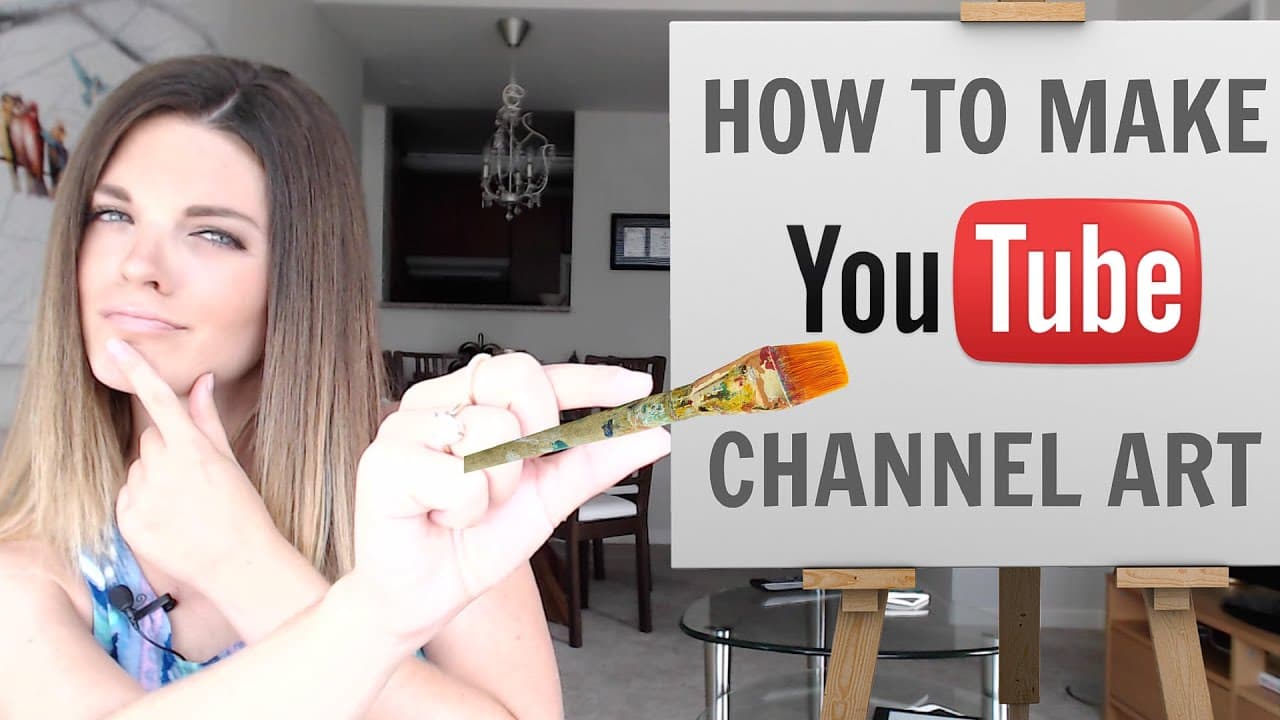
How to make YouTube Channel Art - NO PHOTOSHOP! (2015)
TL;DR
Learn how to create eye-catching and personalized YouTube channel art using Canva and Google Image Search.
Transcript
you never get a second chance at a first impression and your YouTube channel art plays a big part in whether people will subscribe to your channel or even watch your videos see you want to make sure that your YouTube channel looks great and depicts who you are and what your brand is all about So, today by request this week's tutorial all about how ... Read More
Key Insights
- 🥰 First impressions matter on YouTube, and channel art influences whether people will subscribe or watch your videos.
- 🥰 Canva and Google Image Search provide free and accessible resources for creating customized YouTube channel art without the need for Photoshop skills.
- 🥰 The tutorial emphasizes the importance of consistency, including a regular posting schedule and using a recognizable photo in the channel art.
Install to Summarize YouTube Videos and Get Transcripts
Explore YouTube Video Summarizer or Get YouTube Transcript Extractor
Questions & Answers
Q: Why is YouTube channel art important?
YouTube channel art is important because it helps create a strong first impression and represents your brand. It influences whether people will subscribe to your channel or watch your videos.
Q: Can I create YouTube channel art without Photoshop?
Yes, you can create YouTube channel art for free without using Photoshop. This tutorial demonstrates how to do it using Canva, which offers easy-to-use templates and design tools.
Q: How do I resize and customize the channel art template?
After downloading the channel art template from YouTube, you can upload it to Canva and resize it to fit the appropriate dimensions. You can customize the template by adding text, images, and backgrounds of your choice.
Q: Are there any other tools I can use to create channel art?
Yes, besides Canva, another recommended tool to create channel art is PicMonkey. It offers similar functionality and allows you to create personalized artwork for your YouTube channel.
Summary & Key Takeaways
-
YouTube channel art is crucial for making a great first impression and attracting subscribers.
-
The three websites needed for this tutorial are Google Image Search, Canva, and YouTube.
-
By following the step-by-step instructions, users can easily create professional-looking channel art for their YouTube channels.
Read in Other Languages (beta)
Share This Summary 📚
Summarize YouTube Videos and Get Video Transcripts with 1-Click
Try YouTube Summary with ChatGPT & Claude or YouTube Transcript Generator
Explore More Summaries from Sunny Lenarduzzi 📚
Summarize YouTube Videos and Get Video Transcripts with 1-Click
Try YouTube Summary with ChatGPT & Claude or YouTube Transcript Generator