How to Send HTTP POST Requests Using fetch() in JavaScript
TL;DR
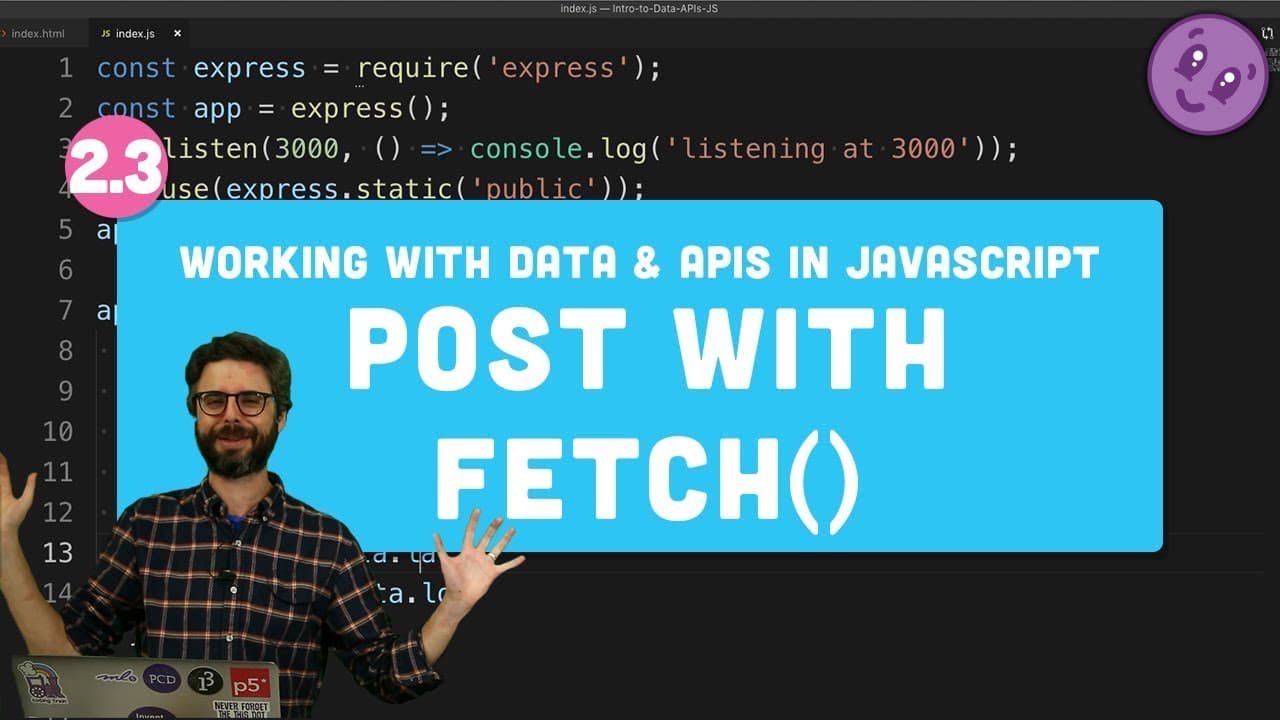
To send an HTTP POST request using fetch() in JavaScript, create a fetch call with the method set to 'POST' and include the data you want to send in the body, formatted as a JSON string. Ensure your server is set up to parse incoming JSON data using express.json() for successful data exchange.
Transcript
[BELL RINGING] Welcome back. I don't know what you did since the last video, but I went and got a haircut. Thank you. In this video, I am going to do something important, a key feature here. What I want to do is take data from the client, the latitude and longitude, and send it to the server and have the server receive it. Ultimately, the point of ... Read More
Key Insights
- 😫 Utilizing Express to set up routes for handling client requests in a server.
- ❓ Configuring Fetch function in the client to send data to a specified endpoint using POST requests.
- 🛟 Parsing incoming data as JSON in the server to process and respond to client requests accurately.
- 😫 Understanding the importance of setting up callbacks to handle incoming data and send appropriate responses back.
- 🛟 Exploring Node Mon as a tool to monitor server changes and automatically restart the server.
- 🏪 Implementing data persistence by storing latitude and longitude values in an array or a text file.
- 📁 Exploring the use of Node file system package for saving data to a text file in different formats.
Install to Summarize YouTube Videos and Get Transcripts
Explore YouTube Video Summarizer or Get YouTube Transcript Extractor
Questions & Answers
Q: How do you set up a route in Express to receive POST requests?
To set up a route in Express for POST requests, use app.post with the specified endpoint and a callback function to handle the incoming data and send a response back.
Q: What is the purpose of configuring the Fetch function in the client for POST requests?
Configuring Fetch function for POST requests allows the client to send data to the server in a structured manner, facilitating communication between the client and server.
Q: Why is it necessary to parse incoming data as JSON in the server?
Parsing incoming data as JSON in the server is essential to understand and process the data sent by the client accurately, ensuring seamless communication and interaction between the client and server.
Q: How can Node Mon be used to monitor and automatically restart the server?
Node Mon is a utility that can be installed as a global node module to monitor changes in the server code and automatically restart the server, allowing developers to make real-time updates and modifications.
Summary & Key Takeaways
-
Setting up a route in Express to receive client data and send a response back.
-
Configuring Fetch function in the client to send data as a POST request to the server.
-
Parsing incoming data as JSON in the server to process and respond to client requests.
Read in Other Languages (beta)
Share This Summary 📚
Summarize YouTube Videos and Get Video Transcripts with 1-Click
Try YouTube Summary with ChatGPT & Claude or YouTube Transcript Generator
Explore More Summaries from The Coding Train 📚






Summarize YouTube Videos and Get Video Transcripts with 1-Click
Try YouTube Summary with ChatGPT & Claude or YouTube Transcript Generator