Triggering Ragdoll Physics (Unity Tutorial)
TL;DR
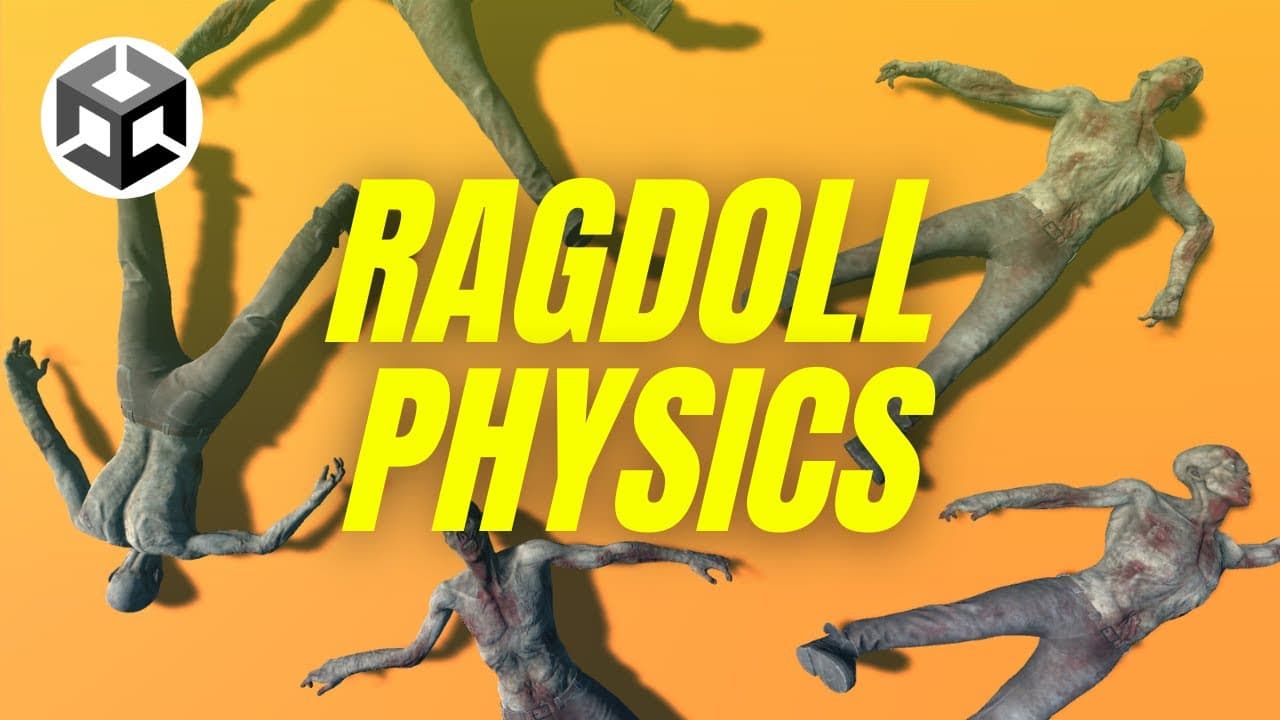
Learn to implement ragdoll physics in Unity with character interactions.
Transcript
hi guys today we're going to look at how we can Implement ragd doll physics in unity first of all we'll look at how to configure a ragd doll for a character and then we'll look at how to activate the ragd doll when the character's killed we'll also look at how we can Target specific body parts and have that a... Read More
Key Insights
- The tutorial begins with setting up a new 3D project in Unity and downloading free assets from the Unity Asset Store for the scene environment.
- A character model is imported from Mixamo, a free resource for characters and animations, and integrated into the Unity project.
- The tutorial covers configuring a ragdoll for the character using Unity's Ragdoll Wizard, which involves assigning bones to slots to create necessary physics components.
- A script is created to control the activation of the ragdoll effect, allowing the character to collapse when triggered by user input.
- The tutorial demonstrates how to animate the character using Mixamo's animation resources and integrate walking animations into the Unity project.
- A basic state machine is implemented to manage the character's behavior, switching between walking and ragdoll states based on user interactions.
- The tutorial explains how to apply forces to specific body parts using raycasting, enabling interactions like shooting parts of the character to trigger physics effects.
- Stability improvements for the ragdoll are discussed, including enabling projection on character joints, and the tutorial concludes with duplicating characters to create a horde effect.
Install to Summarize YouTube Videos and Get Transcripts
Explore YouTube Video Summarizer or Get YouTube Transcript Extractor
Questions & Answers
Q: How do you set up a new 3D project in Unity?
To set up a new 3D project in Unity, open Unity Hub, click on 'New Project', select the 3D template, and name your project. This creates a new workspace with the necessary components for 3D development, allowing you to import assets, create scenes, and start building your project.
Q: What resources are used for character models and animations?
The tutorial uses Mixamo, a free online resource that provides a variety of character models and animations. Users need to create an account to access these resources, which can be downloaded in FBX format and imported into Unity for integration into the project.
Q: How is the Ragdoll Wizard in Unity used?
The Ragdoll Wizard in Unity is accessed via the main menu under GameObject > 3D Object > Ragdoll. It helps configure a character by assigning bones to specific slots, creating necessary physics components like colliders and joints, which are essential for simulating realistic ragdoll physics.
Q: How is the ragdoll effect triggered in the tutorial?
The ragdoll effect is triggered using a script that disables the character's rigid bodies at game start. The script then checks for user input, such as pressing the space bar, to enable the rigid bodies, allowing the character to collapse under physics simulation, mimicking a ragdoll effect.
Q: What is the purpose of the state machine in the tutorial?
The state machine manages the character's behavior by defining states such as walking and ragdoll. It allows for switching between these states based on conditions like user input, enabling the character to transition smoothly between animations and physics-based interactions, enhancing the overall gameplay experience.
Q: How are specific body parts targeted in the tutorial?
Specific body parts are targeted using raycasting, which involves emitting a ray from the camera towards the mouse cursor position. If the ray intersects with a character's collider, the tutorial applies force to the hit body part, allowing interactions like shooting to affect the character dynamically.
Q: What stability improvements are made to the ragdoll?
To improve stability, the tutorial enables projection on character joints, which helps maintain the integrity of joint constraints during physics simulations. This adjustment prevents excessive stretching or distortion of limbs, resulting in a more stable and realistic ragdoll behavior during interactions.
Q: How does the tutorial suggest enhancing the project further?
The tutorial suggests adding more zombies to create a horde effect and hints at future enhancements like enabling zombies to stand back up after falling. These additions offer opportunities to explore more complex interactions and behaviors, potentially covered in future tutorials based on viewer interest.
Summary & Key Takeaways
-
This Unity tutorial guides users through implementing ragdoll physics for a character, starting with project setup and asset importation. It covers configuring the character with the Ragdoll Wizard and scripting interactions to trigger physics effects upon user input.
-
The tutorial explains animating the character with Mixamo resources, creating a state machine for behavior management, and enabling interactions like shooting to apply forces to specific body parts, enhancing the realism of physics effects.
-
Stability improvements are addressed by enabling projection on character joints, and the tutorial concludes with creating multiple character instances for a horde effect, offering insights into further enhancements like enabling characters to stand after falling.
Read in Other Languages (beta)
Share This Summary 📚
Summarize YouTube Videos and Get Video Transcripts with 1-Click
Try YouTube Summary with ChatGPT & Claude or YouTube Transcript Generator
Explore More Summaries from Ketra Games 📚
Summarize YouTube Videos and Get Video Transcripts with 1-Click
Try YouTube Summary with ChatGPT & Claude or YouTube Transcript Generator