How to Create Lower Thirds in Adobe Premiere Pro
TL;DR
To create lower thirds in Adobe Premiere Pro, use the text tool to add your name and title, overlay a rectangle for a background, and adjust position and size. For quicker options, you can download animated lower thirds from platforms like Envato Elements, which are easily customizable and more efficient than creating them from scratch.
Transcript
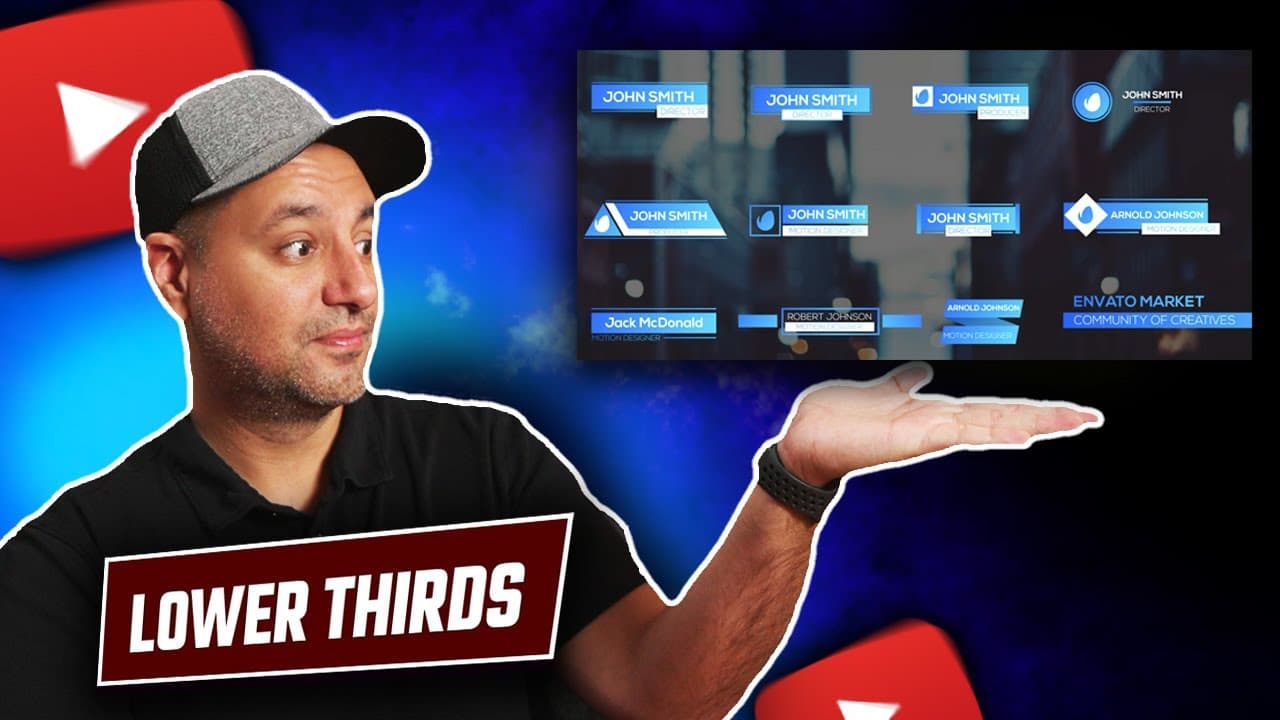
Adobe Premiere has a lot of different options when it comes to creating lower third just like these and back in the day I always had to rely on Adobe After Effects Which is far too advanced of a software for most people but now you could do everything right inside of Adobe Premiere for creating lower thirds and I also put a free trial link below to... Read More
Key Insights
- 😘 Adobe Premiere offers comprehensive options for creating lower thirds, eliminating the need for advanced software like After Effects.
- 😘 Safe margins help in positioning lower thirds effectively on the screen for better visibility.
- 😘 Pre-made lower thirds from platforms like Envato Elements provide quick and professional solutions for video projects.
- 👻 Customization options in Adobe Premiere allow for easy adjustments to text, font, size, and position of lower thirds.
- 😘 Animations can be applied to lower thirds using keyframes to enhance visual interest and make graphics more dynamic.
- ⏳ Lower thirds created from scratch can be time-consuming, while pre-made options offer efficiency and simplicity.
- 😘 Envato Elements offers a wide range of digital assets beyond lower thirds, making it a valuable resource for content creators.
Install to Summarize YouTube Videos and Get Transcripts
Explore YouTube Video Summarizer or Get YouTube Transcript Extractor
Questions & Answers
Q: How can lower thirds be created in Adobe Premiere?
Lower thirds can be created in Adobe Premiere by using the text and shape tools to add text and graphics, adjusting them to fit the desired location on the video.
Q: Are there resources available for downloading pre-made lower thirds?
Yes, platforms like Envato Elements offer pre-made lower thirds that can be downloaded, customized, and easily added to Adobe Premiere projects.
Q: What are the advantages of using pre-made animated lower thirds?
Pre-made animated lower thirds save time, offer professional design choices, and simplify customization with easy-to-use tools in Adobe Premiere.
Q: How can animations be added to lower thirds in Adobe Premiere?
Animations can be added to lower thirds in Adobe Premiere by utilizing keyframes to create movement and effects, enhancing the visual appeal of the graphics.
Summary & Key Takeaways
-
Adobe Premiere now allows creating lower thirds within the software, removing the need for advanced software like After Effects.
-
Lower thirds can be created from scratch using text and shapes within Adobe Premiere.
-
Alternatively, pre-made animated lower thirds can be downloaded from platforms like Envato Elements and customized quickly.
Read in Other Languages (beta)
Share This Summary 📚
Summarize YouTube Videos and Get Video Transcripts with 1-Click
Try YouTube Summary with ChatGPT & Claude or YouTube Transcript Generator
Explore More Summaries from Howfinity 📚






Summarize YouTube Videos and Get Video Transcripts with 1-Click
Try YouTube Summary with ChatGPT & Claude or YouTube Transcript Generator