MASTER Figma Components in 10 Minutes (Everything You Need To Know)
TL;DR
Learn how to effectively use Figma components to create versatile designs that can be easily updated and customized.
Transcript
figma components is usually the thing that people struggle with the most when getting into figma they have their entire setup done maybe even learn Auto layout but they then struggle to build with components so in this video we're going to go over components explain why you need to use them how you can use them efficiently and do something like thi... Read More
Key Insights
- 🧩 Figma components are often difficult for beginners to understand and utilize effectively, but they offer the ability to update multiple instances at once, making design changes easier and faster.
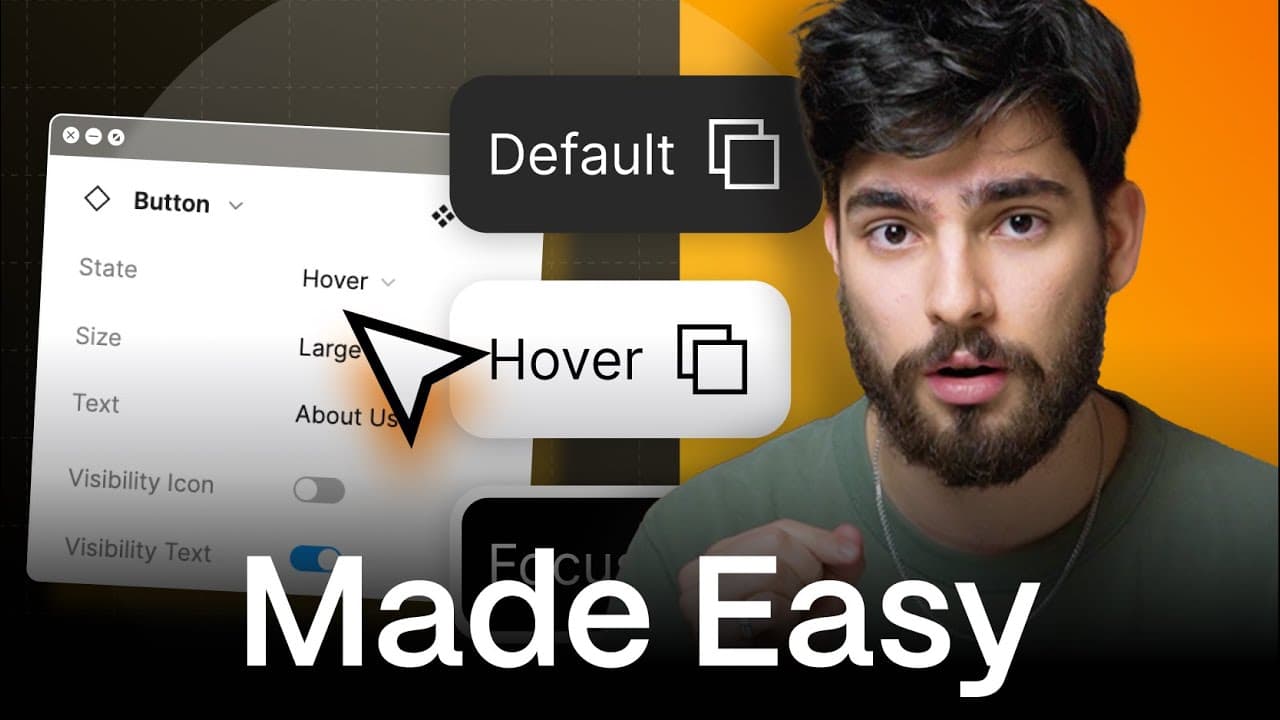
- 🖌️ Components in Figma can be used to create a button variant system, allowing for easy customization of button states such as hover, focus, and default, as well as the ability to show or remove text and icons.
- 📐 Auto layout is recommended prior to working with components in order to maximize the efficiency and effectiveness of their use.
- 📝 To create a button variant system, start with a text block and convert it into an auto layout frame. Create a component and then variants for different button states, such as hover and focus.
- 🎨 To add additional customization, utilize text properties and visibility options for the text and icon elements of the button.
- 🔘 Creating variants for different button sizes is possible by adding a size property, allowing for large, medium, and small buttons at different breakpoints.
- 👀 Properly referencing and linking icons in components is important for easy selection and customization. Individual components for different icon variations can be created and placed within the button instance.
- 💡 Using Figma components and variants allows for faster design iteration and updates, making it a powerful tool for creating UI libraries and building websites efficiently.
Install to Summarize YouTube Videos and Get Transcripts
Explore YouTube Video Summarizer or Get YouTube Transcript Extractor
Questions & Answers
Q: What is the purpose of using components in Figma?
Components in Figma serve as reusable master designs that can be easily modified and updated across multiple instances, saving time and effort in the design process.
Q: How do components in Figma allow for efficient design workflows?
Components in Figma enable designers to make changes to the master design, which automatically updates all instances of the component, ensuring consistency throughout the design.
Q: Can you explain how to create a button variant system using components in Figma?
To create a button variant system, you start by designing the master button component and then creating different variants for hover, focus, etc. You can also add text properties and icons to make the button more versatile.
Q: What is the advantage of using text properties and icons with components in Figma?
Text properties and icons can be added as customizable elements within the component, allowing designers to easily change the text and icon displayed in different instances of the component.
Q: How can the visibility of elements, such as icons and text, be controlled within Figma components?
By using the layer panel in Figma, designers can create properties to control the visibility of elements within a component, allowing for toggling on and off of specific elements in different instances.
Q: How can different sizes of components be created using Figma components?
Designers can add a size property to a component and create different variants for large, medium, and small sizes, enabling the flexibility to adapt designs for different breakpoints.
Q: Are components in Figma suitable for creating extensive UI libraries?
Yes, Figma components are perfect for creating UI libraries as they allow for the creation of reusable and customizable design elements that can be easily accessed and modified across projects.
Q: Can changes made to a component in Figma affect instances of the component in different design files?
Yes, changes made to a component in Figma will be reflected in all instances of the component, even if they are located in different design files, ensuring consistency and efficiency in design updates.
Summary & Key Takeaways
-
Figma components can be challenging for beginners, but they are essential for efficient design workflows.
-
Components allow you to create master designs that can be easily modified and updated across multiple instances.
-
This tutorial focuses on creating a button variant system using components, Auto layout, and text properties.
Read in Other Languages (beta)
Share This Summary 📚
Summarize YouTube Videos and Get Video Transcripts with 1-Click
Try YouTube Summary with ChatGPT & Claude or YouTube Transcript Generator