How your computer's memory works
TL;DR
This video explores the inner workings of computers by using the Baby computer as an example and covers topics such as storing and handling numbers, executing programs, and the role of memory.
Transcript
thanks to brilliant dot-org for sponsoring this video I recently took delivery of a new laptop to edit videos on the go and I'm a pretty smart guy I mean admittedly I did lose my girlfriend's car in a car park for an hour last week but I've got a couple of degrees in science I know the rules of how the universe works but if you ask me or pretty muc... Read More
Key Insights
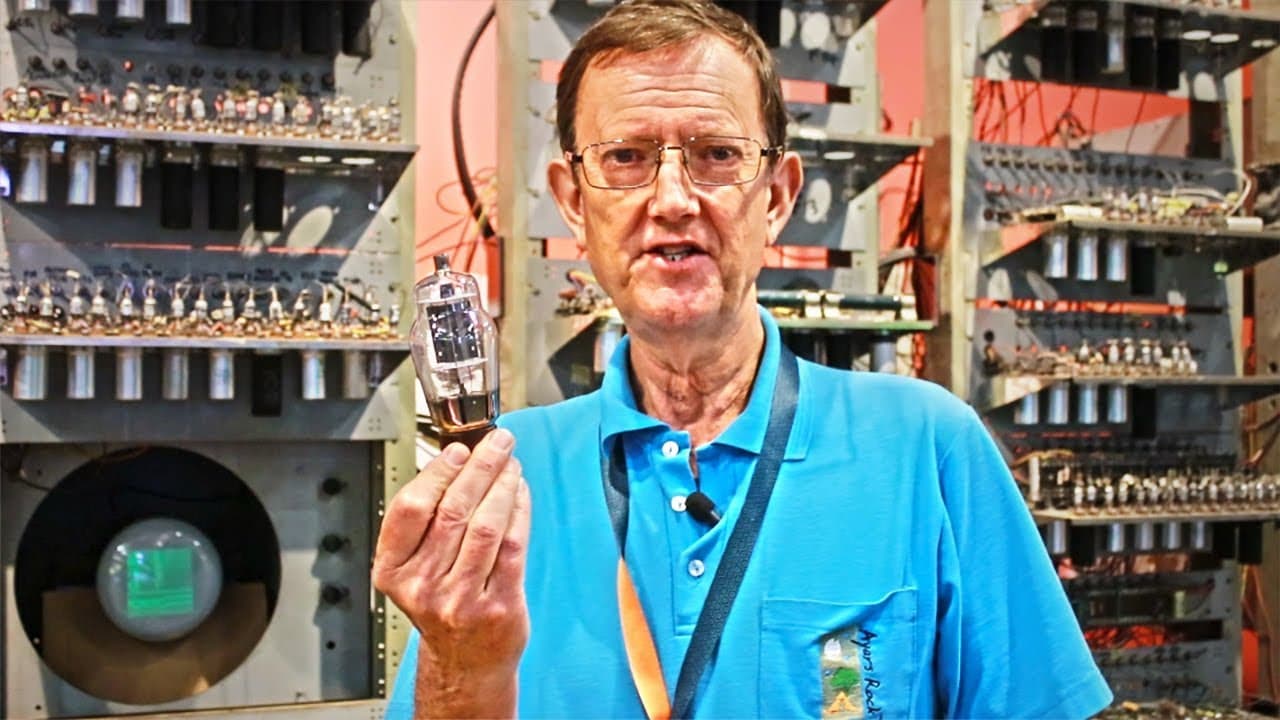
- 💻 The Baby computer is a replica of the world's first all-electronic computer with an electronic memory, built in 1948 at Manchester University.
- 🖱️ Computers use binary representation for numbers, with 0s and 1s representing different powers of 2.
- 🖱️ Memory and storage are different components in a computer, with memory used for immediate use and storage used for long-term memory.
- 🧪 The Baby computer utilized a Williams tube, a type of cathode ray tube, to store and display information.
- 🫠 Programs are executed by the computer by reading instructions stored in memory and carrying out the specified actions.
- 🖱️ The Baby computer demonstrated the use of valves, or vacuum tubes, for controlling electric signals within the computer.
- 🍗 The video emphasizes the importance of trying out problems and learning from mistakes in understanding computer science concepts.
Install to Summarize YouTube Videos and Get Transcripts
Explore YouTube Video Summarizer or Get YouTube Transcript Extractor
Questions & Answers
Q: How do computers store and handle numbers?
Computers use a binary representation system, with 0s and 1s, instead of the base 10 system we use. Each column represents a power of 2, and numbers are written using combinations of 0s and 1s.
Q: What is the difference between storage and memory in a computer?
Storage is used for long-term memory, while memory is for immediate use. Storage is like a library shelving, while memory is like a reading table. Computers with larger memory can handle more information simultaneously.
Q: How does the Baby computer remember and display information?
The Baby computer uses a unique device called a Williams tube, which uses a phosphor-coated cathode ray tube to store information as dark and bright spots. The information is read as voltages by the computer's electronics.
Q: How is a program executed on a computer?
Programs are stored in the computer's memory and consist of instructions. The computer reads each line of the program, carries out the specified action, and proceeds to the next line until a stop instruction is reached.
Summary & Key Takeaways
-
The video provides a historical perspective by introducing the Baby computer, the world's first all-electronic computer with an electronic memory.
-
It explains how computers store and handle numbers, using binary representation instead of the base 10 system we are familiar with.
-
The video discusses the concept of memory and how it differs from storage, as well as the use of a Williams tube to store and display information in the Baby computer.
Read in Other Languages (beta)
Share This Summary 📚
Summarize YouTube Videos and Get Video Transcripts with 1-Click
Try YouTube Summary with ChatGPT & Claude or YouTube Transcript Generator
Explore More Summaries from Simon Clark 📚






Summarize YouTube Videos and Get Video Transcripts with 1-Click
Try YouTube Summary with ChatGPT & Claude or YouTube Transcript Generator