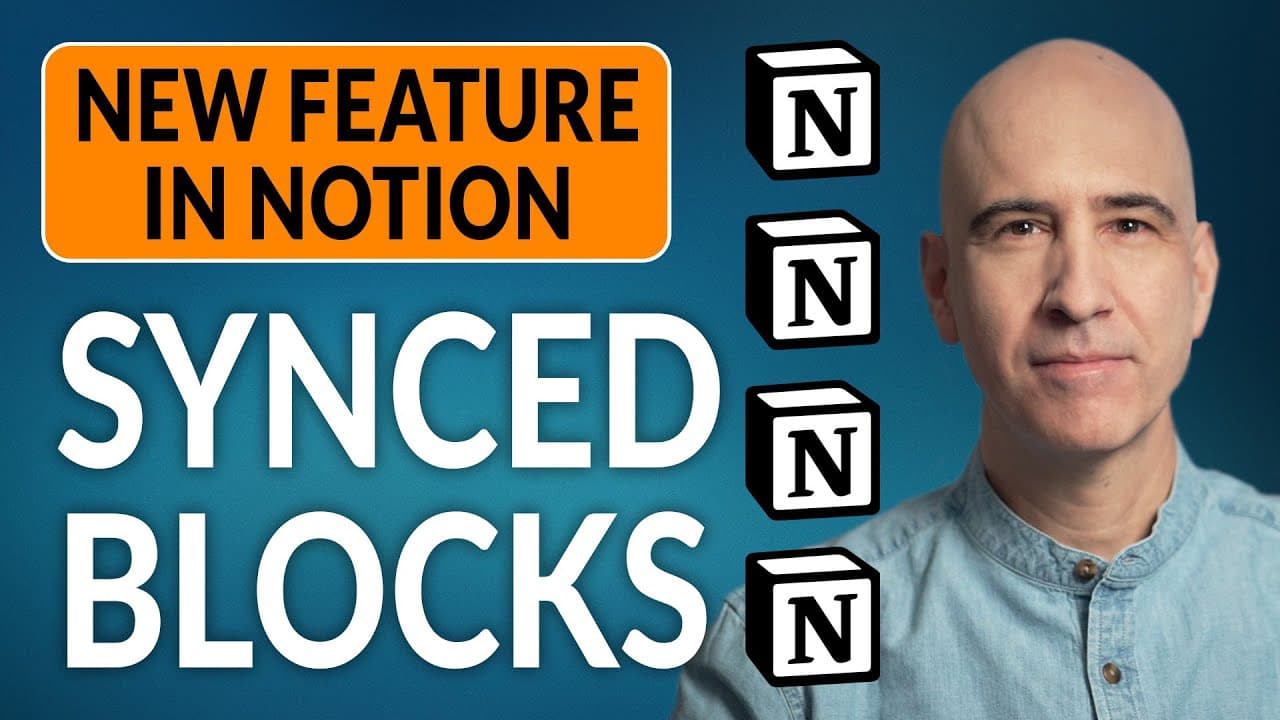
SYNCED BLOCKS in Notion: How & When to Use — Replacing Global Blocks
TL;DR
Notion has introduced a new feature called Synced Blocks that allows for the syncing of changes and additions across multiple locations, making it easier to create comprehensive system designs.
Transcript
hi everyone welcome to our ongoing series on how to create a life operating system in notion today we're going to look at the new synced blocks feature that notion just released it is an enhancement to a very rough hack that we've been doing for a while and it's nice to have it as an official feature now and with the official implementation of this... Read More
Key Insights
- 📝 The new synced blocks feature in Notion is a helpful enhancement for creating comprehensive and integrated system designs within the platform, making it easier to manage and update information across different pages.
- 💻 Synced blocks can be created by using the slash command and can include various elements such as toggles, tables, and widgets. Each element within a block is considered a separate block as well.
- 🔄 Synced blocks allow for easy copying and pasting across different pages, ensuring that any changes made to the original block are automatically updated in all synced locations. This is particularly useful for maintaining consistent views of tables or databases in multiple places.
- 🔗 Synced blocks can be used to create navigation headers or footers that link to other pages within a system, providing easy access to important information across various pages.
- 📚 Knowledge vaults can benefit from using synced blocks to gather and sync relevant information across different topic entries. This allows for easy updates and synchronization of knowledge in multiple spaces.
- 📝 Synced blocks can also be utilized in templates, such as in a weekly review template, to ensure that important information, such as guiding principles, remains consistent and up to date across all instances of the template.
- 💡 The possibilities for using synced blocks are vast, and users are encouraged to explore innovative and creative ways to incorporate the feature into their systems and workspaces.
- 🗂️ Notion's implementation of synced blocks has transformed a previously cumbersome process into a user-friendly and efficient feature, providing users with more capabilities for managing and organizing their content.
Install to Summarize YouTube Videos and Get Transcripts
Explore YouTube Video Summarizer or Get YouTube Transcript Extractor
Questions & Answers
Q: How does the Synced Blocks feature in Notion improve system designs?
The Synced Blocks feature in Notion greatly enhances system designs by allowing for easy syncing of changes and additions across multiple locations. This feature is particularly useful for creating comprehensive and well-integrated systems within Notion.
Q: Can Synced Blocks be used for tables in Notion?
Yes, Synced Blocks can be created from tables. By creating a Synced Block, you can have the exact same view of the table in multiple locations, with updates automatically synced across all instances of the Synced Block.
Q: How can Synced Blocks be used for navigation headers in Notion?
Synced Blocks can be used to create navigation headers that can be placed on multiple pages. By linking each navigation header to the appropriate page, updates made to the Synced Block will be reflected on all the pages where the navigation header is placed.
Q: Can Synced Blocks be used in a knowledge vault in Notion?
Yes, Synced Blocks can be used in a knowledge vault. For example, if you have a note or section that is relevant to multiple topic entries, you can turn it into a Synced Block and add it to all the relevant topic entries. Any changes made to the Synced Block will be updated across all the topic entries, keeping them in sync.
Summary & Key Takeaways
-
Notion has released the new Synced Blocks feature, enhancing the ability to create comprehensive system designs.
-
Synced Blocks can be created by typing "synced" with the slash command and can be used for various elements within Notion, including tables, toggles, and widgets.
-
Synced Blocks can be mirrored across multiple pages, allowing for easy updates and syncing of information.
Read in Other Languages (beta)
Share This Summary 📚
Summarize YouTube Videos and Get Video Transcripts with 1-Click
Try YouTube Summary with ChatGPT & Claude or YouTube Transcript Generator
Explore More Summaries from August Bradley - Life Design 📚

Summarize YouTube Videos and Get Video Transcripts with 1-Click
Try YouTube Summary with ChatGPT & Claude or YouTube Transcript Generator