How to Use Filmora 11 - Video Editing for Beginners
TL;DR
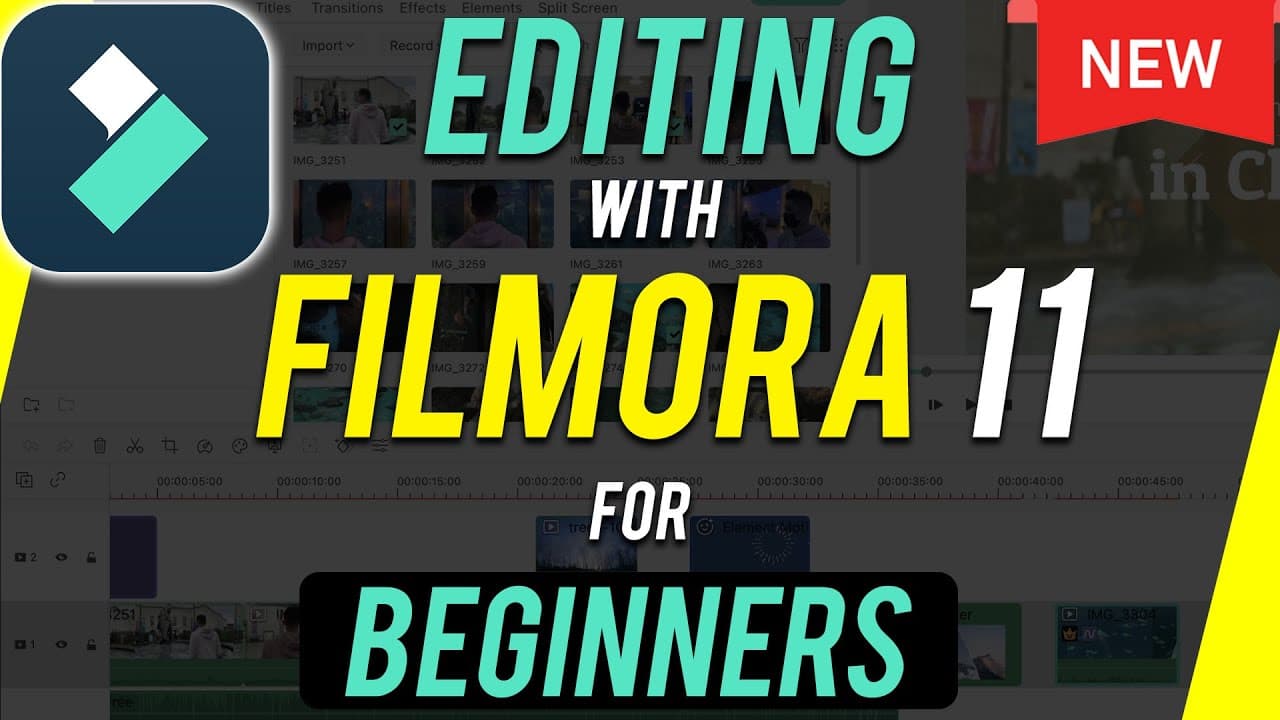
Learn how to edit your first project with Filmora 11, a beginner-friendly editing app with new special features.
Transcript
filmora 11 is one of the easiest to learn and one of the most beginner friendly editing apps out there so i wanted to show you exactly how to get started editing your first project with filmora 11. i'll start with the basic editing process in filmora 11 and then i'll show you all the different things you could do right inside of the filmora app and... Read More
Key Insights
- 👤 Filmora 11 is designed to be beginner-friendly, offering a user-friendly interface similar to other editing platforms.
- 💇 The software provides essential editing tools like cutting, splitting, and deleting clips in the timeline section.
- 👤 Users can easily import media, including photos, videos, and audio clips, to create their projects.
- 💚 Filmora 11 offers advanced features such as transitions, effects, green screen editing, speed ramping, and color matching for more creative options.
- 👤 Split screen editing and the ability to add multiple video and audio tracks provide users with more versatility in their editing process.
- 🎮 The software simplifies the process of adding titles, graphics, and effects to enhance the visual appeal of videos.
- 😑 Filmora 11 also offers a wide range of transitions and pre-built elements for users to incorporate into their projects.
Install to Summarize YouTube Videos and Get Transcripts
Explore YouTube Video Summarizer or Get YouTube Transcript Extractor
Questions & Answers
Q: What are some of the key features of Filmora 11 for beginners?
Filmora 11 offers basic editing tools, transitions, effects, split screen, green screen editing, speed ramping, color matching, and more, making it ideal for beginners to create professional-looking videos.
Q: How can beginners import media into Filmora 11 for editing?
Beginners can import media by clicking the import button or dragging media into the media panel, allowing them to easily add photos, videos, and audio clips for editing.
Q: How does Filmora 11 simplify the editing process with its timeline feature?
The timeline in Filmora 11 allows users to easily cut, split, rearrange, and delete clips, providing a user-friendly interface for storytelling and editing video content.
Q: What advanced editing options does Filmora 11 offer for users looking to enhance their videos?
Filmora 11 provides advanced editing options like speed ramping, color matching, transitions, effects, and elements, allowing users to create visually appealing and professional videos with ease.
Summary & Key Takeaways
-
Filmora 11 is user-friendly for beginners, offering basic editing processes and advanced features.
-
The interface consists of three main sections: media panel, preview window, and timeline for editing.
-
Features include transitions, effects, elements, green screen editing, speed ramping, and color matching options.
Read in Other Languages (beta)
Share This Summary 📚
Summarize YouTube Videos and Get Video Transcripts with 1-Click
Try YouTube Summary with ChatGPT & Claude or YouTube Transcript Generator
Explore More Summaries from Howfinity 📚






Summarize YouTube Videos and Get Video Transcripts with 1-Click
Try YouTube Summary with ChatGPT & Claude or YouTube Transcript Generator