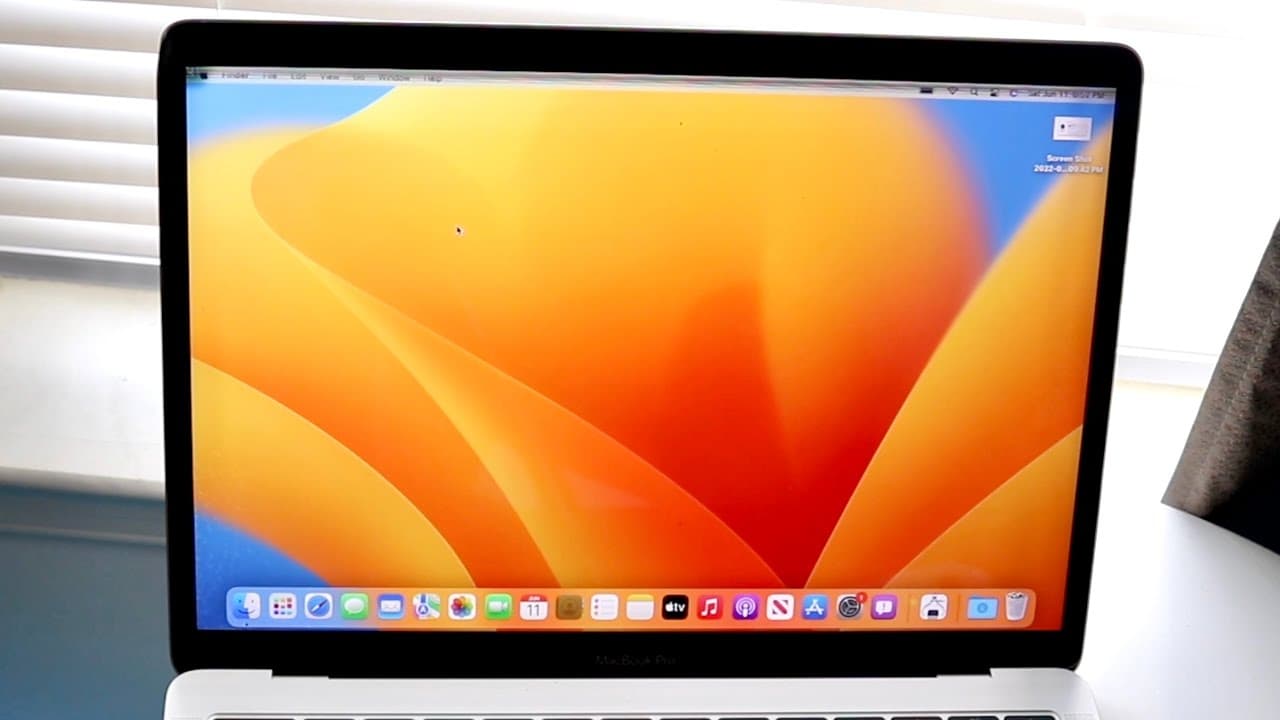
MacOS Ventura On The Oldest MacBook Pro
TL;DR
Mac OS Ventura drops support for older MacBook models, offering limited new features.
Transcript
so mac os ventura actually ended up coming out for a few different models of macbooks now i did go ahead and install it on the oldest supported macbook pro which is actually very interesting because it is kind of from the last generation of software mac os monterey to this one they actually drop support of two different macbooks one the 2015 macboo... Read More
Key Insights
- 😚 Mac OS Ventura introduces features such as Stage Manager and enhanced iMessage capabilities but scales back support for older Intel-based Macs.
- 🥶 The removal of older MacBook models from support reflects Apple's commitment to maintaining a quality user experience and correcting past hardware issues.
- 😚 Users with older models might experience significant issues if they attempt to install Ventura, making earlier OS versions a better option.
- 👨🔬 The new Spotlight search feature adds intelligence to searching, promising a more efficient method to find images and content quickly.
- 🥶 Performance improvements remain, but they seem limited primarily to more recent M1 chip-based models rather than older Intel machines.
- 🥶 The design philosophy of the 2016 MacBook Pro has been questioned due to its inherent issues, impacting how Apple supports older devices moving forward.
- 👶 New features like using an iPhone as a webcam further illustrate Apple's integration strategy between its devices, enhancing usability for users with mixed-device environments.
Install to Summarize YouTube Videos and Get Transcripts
Explore YouTube Video Summarizer or Get YouTube Transcript Extractor
Questions & Answers
Q: Why did Mac OS Ventura drop support for the 2015 and 2016 MacBook Pros?
The decision to drop support for the 2015 and 2016 MacBook Pros aligns with Apple's history of addressing persistent issues in specific models. The 2016 MacBook Pro was known for its problematic keyboard and significant design changes, including removing various ports. Consequently, Apple has opted to limit the new OS to more recent and reliable models to ensure better performance and user experience.
Q: What are the main new features available with Mac OS Ventura for supported models?
Users of supported models, such as the 2017 MacBook Pro, can access several new features in Mac OS Ventura, including a redesigned Spotlight search that enhances search capabilities. Additionally, iMessage now allows users to edit sent messages, unsend messages, and use SharePlay within conversations, providing a richer communication experience.
Q: Is it advisable to install Mac OS Ventura on older MacBooks?
Generally, it is not advisable to install Mac OS Ventura on older MacBooks. Users are encouraged to remain on Mac OS Monterey or earlier versions as Ventura might lead to instability and performance issues. The risks associated with updating to Ventura, combined with limited new features for older hardware, render this update less appealing.
Q: How does the user experience improve with the introduction of Stage Manager in Mac OS Ventura?
Stage Manager in Mac OS Ventura enhances user experience by allowing better organization of applications and windows. Users can create workspaces that allow for easy navigation between tasks without switching constantly between multiple open applications. This streamlined approach aims to enhance focus and productivity by keeping relevant apps in view.
Summary & Key Takeaways
-
Mac OS Ventura has been released for various MacBook models, although it drops support for the 2015 and 2016 MacBook Pros due to previous design issues.
-
The 2017 MacBook Pro is the oldest supported model, receiving some performance improvements and features like enhanced iMessage capabilities and Spotlight search updates.
-
Despite some updates, it's recommended to stay on Mac OS Monterey due to potential issues and lack of support for older Intel-based models.
Read in Other Languages (beta)
Share This Summary 📚
Summarize YouTube Videos and Get Video Transcripts with 1-Click
Try YouTube Summary with ChatGPT & Claude or YouTube Transcript Generator
Explore More Summaries from Simple Alpaca 📚






Summarize YouTube Videos and Get Video Transcripts with 1-Click
Try YouTube Summary with ChatGPT & Claude or YouTube Transcript Generator