8 Fatal Aiming Mistakes on Controller
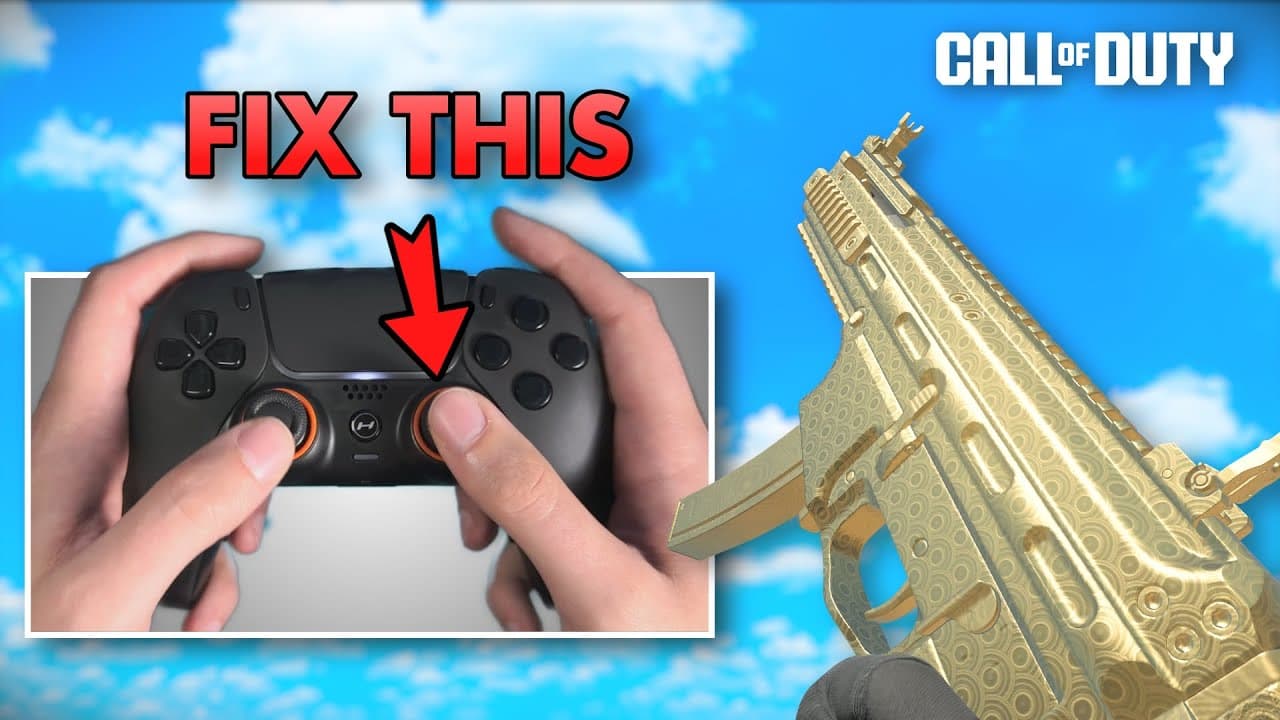
TL;DR
Avoid these fatal aiming mistakes on controller to improve accuracy and performance in games.
Transcript
these are eight fatal aiming mistakes that you shouldn't make on controller nice okay so let's start with mistake number one now to demonstrate this let's compare the hand cameras of two different Pro Call of Duty players now aside from the fact that one of them uses a claw grip style you can see that both of these players have significantly differ... Read More
Key Insights
- 🫰 Thumb position on the controller is subjective and varies for each individual.
- 🎴 Input delay can negatively impact aim, and playing on a gaming monitor with low latency is recommended.
- 👾 Practicing vertical aim is important in games like Warzone due to the presence of varying heights.
- 🤗 Addressing hand conditions like sweatiness or coldness can significantly improve aim performance.
- 🛄 Maintaining focus and avoiding autopilot mode is crucial for accurate aim.
- 🧑🦼 Practicing without aim assist can help develop fine motor control and improve crosshair placement.
- 🙃 Balancing aim dominance on both sides and utilizing left analog stick movement can enhance precision.
Install to Summarize YouTube Videos and Get Transcripts
Explore YouTube Video Summarizer or Get YouTube Transcript Extractor
Questions & Answers
Q: What are the different thumb positions that affect aim in Call of Duty?
In Call of Duty, players have different thumb positions on the controller. Some prefer a downward thumb rest, while others place their thumb more to the side. The best thumb position varies for each individual, and it is important to find the angle, bend, and contact point that work best for you.
Q: How does input delay impact aiming?
Input delay refers to the time it takes for a button press on the controller to be displayed on the screen. High input delay can make it difficult to react quickly and accurately in the game. Playing on a gaming monitor with low latency is recommended to minimize input delay and improve aim performance.
Q: Why is practicing vertical aim important in Warzone?
Warzone maps have more verticality compared to multiplayer maps. Being able to quickly adjust aim from the ground to different heights is crucial in gunfights. Practicing vertical aim through drills in larger maps or utilizing downtime in matches can improve this skill.
Q: How can hand conditions like sweatiness or coldness affect aim?
Sweaty hands can make it difficult to maintain a grip on the controller, while cold hands can hinder dexterity. Using a USB fan to cool down hands and a hairdryer to warm them up can help overcome these issues and improve aim.
Summary & Key Takeaways
-
Thumb position on the controller affects aim in Call of Duty, with different players preferring different angles and bends in their thumb.
-
Input delay can negatively impact aim, and it is important to play on a gaming monitor with low latency for optimal performance.
-
Practicing vertical aiming is crucial in games like Warzone, as it involves quickly moving the aim from the ground to different heights.
-
Addressing issues with sweaty or cold hands can significantly improve aim and grip on the controller.
-
Focusing on the target and avoiding autopilot mode can greatly enhance aim accuracy.
-
Aiming without aim assist can help to develop fine motor control and improve crosshair placement.
-
Balancing aim dominance on both sides and utilizing left analog stick movement can enhance precision.
-
Identifying and fixing the major factor that can harm aim is essential for overall improvement.
Read in Other Languages (beta)
Share This Summary 📚
Summarize YouTube Videos and Get Video Transcripts with 1-Click
Try YouTube Summary with ChatGPT & Claude or YouTube Transcript Generator
Explore More Summaries from dreamstrike 📚
![How to Control Recoil on Ground Loot in Warzone Pacific [Caldera] thumbnail](/_next/image?url=https%3A%2F%2Fi.ytimg.com%2Fvi%2F-T7VW7dRLKU%2Fhqdefault.jpg&w=750&q=75)

Summarize YouTube Videos and Get Video Transcripts with 1-Click
Try YouTube Summary with ChatGPT & Claude or YouTube Transcript Generator