How to Use Google Voice
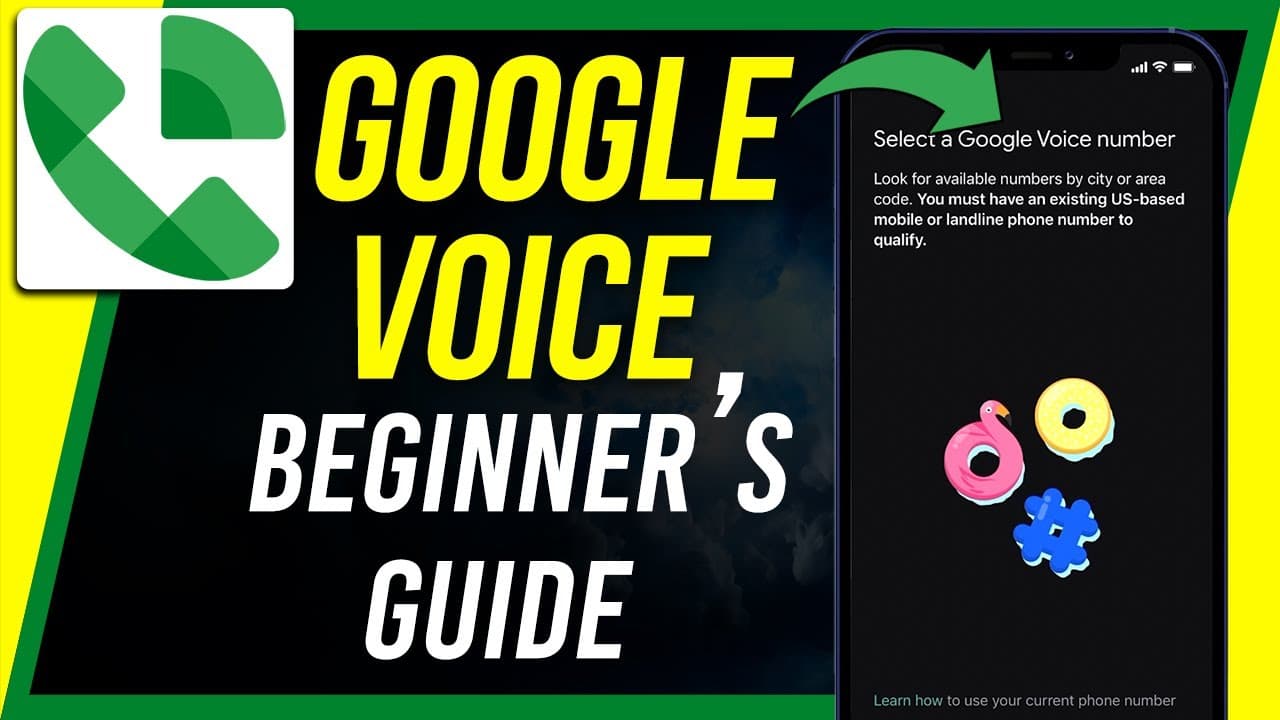
TL;DR
Google Voice allows users to have an additional phone number for calls and texts across multiple devices, useful for personal and business purposes.
Transcript
everyone in today's video i want to show you how to use google voice and if you've never heard of google voice before basically is a service from google that gives you an additional phone number so you could receive calls on your phone for example on your iphone or android phone with another number and you could make calls with that number and rece... Read More
Key Insights
- 📲 Google Voice provides an additional phone number for calls and texts on multiple devices, suitable for personal and business use.
- 👤 Users can sign up for Google Voice for free for personal use or opt for a paid business plan.
- 😀 The app offers features like voicemail transcription, call forwarding, and easy calling and texting across devices.
- 📲 Google Voice ensures security by verifying users' identities through phone calls or texts during setup.
- 😀 Users can access Google Voice through the web or mobile apps on Android and iOS devices.
- 👻 The service allows for easy management of calls, voicemails, and text messages in one platform.
- 🔔 Google Voice offers advanced settings for call handling, voicemail management, and notification preferences.
Install to Summarize YouTube Videos and Get Transcripts
Explore YouTube Video Summarizer or Get YouTube Transcript Extractor
Questions & Answers
Q: What is Google Voice and how does it work?
Google Voice is a service that offers an additional phone number for calls and texts on multiple devices. Users can sign up for free for personal use or opt for a business plan. The service integrates with existing Google accounts for easy access.
Q: What are the benefits of using Google Voice?
Google Voice allows users to have a second phone number for personal or business use, with features like voicemail transcription, call forwarding, and easy calling and texting across devices. It offers flexibility and convenience in managing calls and messages.
Q: How can users set up Google Voice on their devices?
Users can download the Google Voice app on Android or iOS devices or access it through the web. The setup process involves selecting a phone number and verifying it through a text or phone call. Users can then start using Google Voice for calls and texts.
Q: What are some advanced features of Google Voice?
Google Voice offers features like call screening, do not disturb mode, and spam call filtering. Users can customize settings for call forwarding, voicemail transcription, and notification preferences. The service is designed to enhance communication efficiency and productivity.
Summary & Key Takeaways
-
Google Voice provides an additional phone number for calls and texts on various devices.
-
Users can sign up for Google Voice for personal or business use, with different options available.
-
The app allows for easy calling, texting, voicemail transcription, and call forwarding across devices.
Read in Other Languages (beta)
Share This Summary 📚
Summarize YouTube Videos and Get Video Transcripts with 1-Click
Try YouTube Summary with ChatGPT & Claude or YouTube Transcript Generator
Explore More Summaries from Howfinity 📚






Summarize YouTube Videos and Get Video Transcripts with 1-Click
Try YouTube Summary with ChatGPT & Claude or YouTube Transcript Generator