How to Repurpose Content for Social Media Effectively
TL;DR
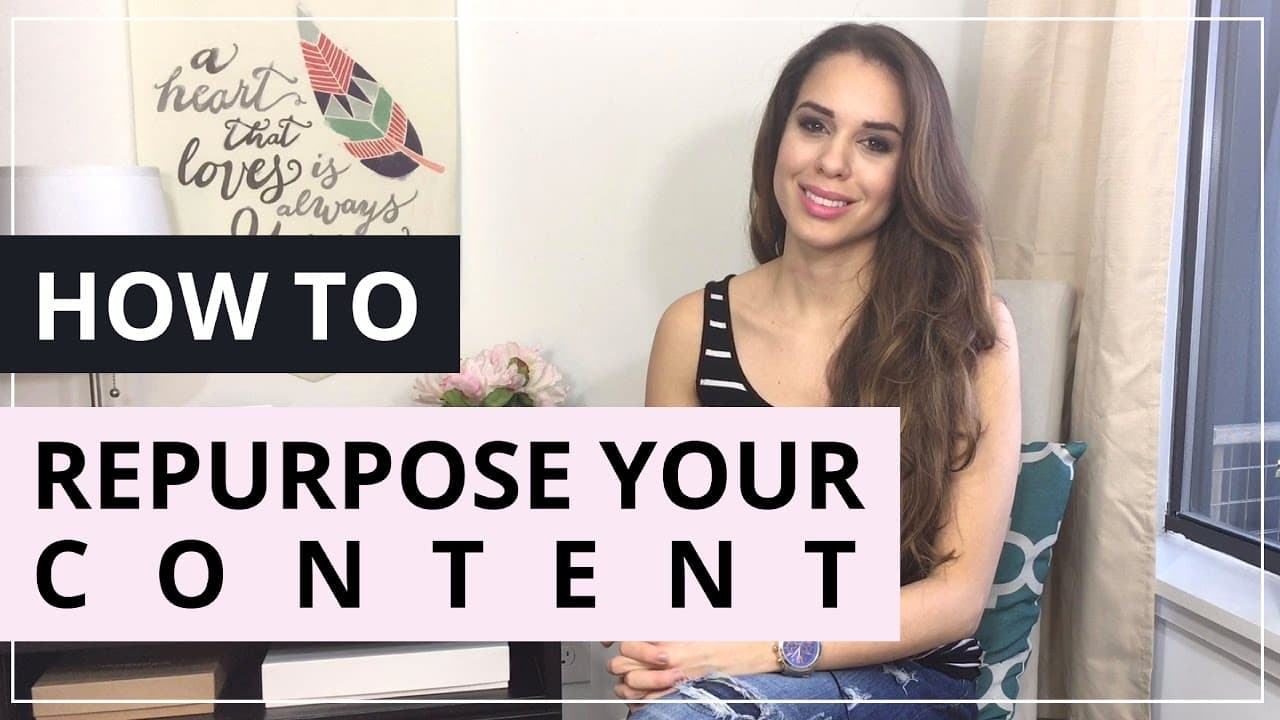
Repurposing content saves time and maximizes reach by transforming existing materials into multiple social media posts. Start with a long-format piece like a blog or video, then break it into smaller posts for various platforms. This strategy increases visibility and engagement without the need for constant new content creation.
Transcript
well hello there and welcome back to our series countdown to zilch kick off your social media with a bang in 2016 I'm so excited to have you back if this is the very first video you are watching then you have to go back and definitely binge through the previous videos so you can actually get to all the tips and insights on how to plan your social m... Read More
Key Insights
- Repurposing content involves transforming existing materials into multiple social media posts to maximize reach.
- Start with a long-format piece like a blog, video, or podcast, which can be broken down into smaller posts.
- Social media algorithms often limit content visibility, so posting multiple times in different formats is essential.
- Outsourcing the repurposing process to a virtual assistant can save time and maintain content authenticity.
- Create diverse content formats such as tweets, Facebook posts, Instagram graphics, and Pinterest pins from one main piece.
- Video and audio content can be easily repurposed into blog posts and social media snippets.
- Advanced marketers can turn old content into new formats, such as videos or infographics, to refresh their strategy.
- Repurposing strategies can be applied to both online content creators and traditional businesses for broader reach.
Install to Summarize YouTube Videos and Get Transcripts
Explore YouTube Video Summarizer or Get YouTube Transcript Extractor
Questions & Answers
Q: How to effectively repurpose content for social media?
To effectively repurpose content for social media, start with a long-format piece like a blog post or video. Break it down into smaller posts tailored for different platforms, such as tweets, Facebook posts, and Instagram graphics. This approach maximizes reach and engagement by utilizing existing materials in diverse formats, saving time and effort in content creation.
Q: What are the benefits of repurposing content?
Repurposing content offers several benefits, including saving time, maximizing reach, and increasing engagement. By transforming existing materials into multiple social media posts, you can maintain a consistent online presence without constantly creating new content. This strategy also helps overcome platform algorithm limitations and ensures your content reaches a broader audience.
Q: What types of content can be repurposed?
Various types of content can be repurposed, including blog posts, videos, podcasts, and slide decks. These long-format pieces can be broken down into smaller social media posts, such as tweets, Facebook updates, Instagram graphics, and Pinterest pins. This approach allows you to reach different audiences on multiple platforms using diverse content formats.
Q: How can outsourcing help in content repurposing?
Outsourcing content repurposing to a virtual assistant can save time and maintain content authenticity. A VA can manage the transformation of long-format pieces into smaller social media posts, ensuring the content remains in your own words while freeing you to focus on other business tasks. This approach enhances efficiency and productivity in content marketing.
Q: What strategies can advanced marketers use to repurpose content?
Advanced marketers can refresh their strategy by turning old content into new formats, such as videos or infographics. They can also transform blog posts into slide decks for platforms like SlideShare or create live video content from existing materials. These strategies help maintain a dynamic content presence and attract new audiences by offering fresh perspectives.
Q: How can video content be repurposed for social media?
Video content can be repurposed by creating shorter clips for different social media platforms. For example, a YouTube video can be edited into 15-second clips for Instagram or 1-2 minute clips for Facebook. These shorter formats are more suitable for social media audiences and can be scheduled for regular posting using tools like Buffer.
Q: Can traditional businesses benefit from content repurposing?
Yes, traditional businesses can benefit from content repurposing by using visual content to explain processes or decision-making for clients. By transforming existing materials into engaging formats like infographics or videos, traditional businesses can stand out from competitors and reach broader audiences, enhancing their online presence and customer engagement.
Q: What tools can assist in content repurposing?
Tools like Canva and Buffer can assist in content repurposing. Canva allows you to create graphics for various platforms, using features like the magic resize tool to adapt designs. Buffer helps schedule and manage posts across multiple social media platforms, ensuring consistent content distribution and maximizing audience engagement.
Summary & Key Takeaways
-
Repurposing content is a strategic way to maximize the use of existing materials by transforming them into multiple social media posts. Start with a long-format piece, such as a blog or video, and break it into smaller posts for different platforms. This approach increases visibility and engagement without the need for constant new content creation.
-
Outsourcing the repurposing process to a virtual assistant can save time while maintaining content authenticity. Create diverse formats like tweets, Facebook posts, Instagram graphics, and Pinterest pins from one main piece. This strategy helps overcome social media algorithm limitations and ensures consistent audience engagement.
-
Advanced marketers can refresh their strategy by turning old content into new formats like videos or infographics. Repurposing strategies are applicable to both online content creators and traditional businesses, helping them stand out by providing visual content that explains processes or decision-making for clients.
Read in Other Languages (beta)
Share This Summary 📚
Summarize YouTube Videos and Get Video Transcripts with 1-Click
Try YouTube Summary with ChatGPT & Claude or YouTube Transcript Generator
Explore More Summaries from Kimberly Ann Jimenez 📚



Summarize YouTube Videos and Get Video Transcripts with 1-Click
Try YouTube Summary with ChatGPT & Claude or YouTube Transcript Generator