Windows 11 vs Ransomware
TL;DR
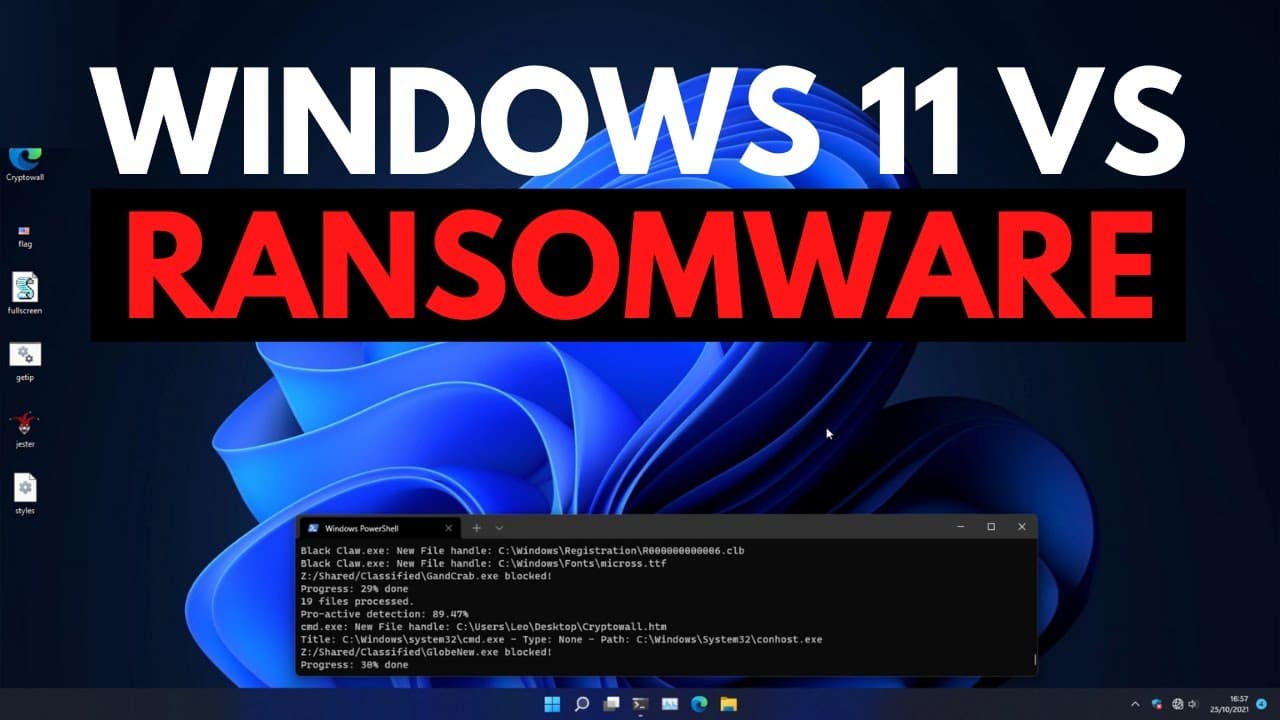
Windows 11's performance in blocking ransomware is slightly improved compared to Windows 10, but there are no major upgrades in terms of security.
Transcript
hello and welcome to the pc security channel today we're doing the much anticipated windows 11 versus ransomware test we have tested windows defender versus ransomware in the past which has definitely garnered some attention now we're going to redo the tasks with windows 11 to see if there are any major changes this video is brought to you by prova... Read More
Key Insights
- 🙂 Windows 11 performs slightly better in blocking ransomware compared to Windows 10.
- ❓ Regular updates are crucial for Windows 11's ransomware detection capabilities.
- 🎮 Windows Defender's controlled folder access feature enhances ransomware protection by preventing unauthorized data deletion.
- 👶 Windows 11's behavior-based defenses show promise in blocking new and unknown ransomware threats.
- 👊 Ransomware attacks can encrypt files and render them inaccessible.
- 🥳 Third-party VPN provider Provado VPN is recommended for secure access to content and protection against cyber threats.
Install to Summarize YouTube Videos and Get Transcripts
Explore YouTube Video Summarizer or Get YouTube Transcript Extractor
Questions & Answers
Q: How does Windows 11 perform in blocking ransomware compared to Windows 10?
Windows 11 performs slightly better in blocking ransomware compared to Windows 10, showing an improved ability to detect and prevent threats. However, it still misses some threats without regular updates.
Q: What is the significance of testing Windows 11's behavior-based defenses?
Testing Windows 11's behavior-based defenses helps evaluate its ability to block new and unknown ransomware threats. By simulating the behavior of ransomware, the test aims to assess the system's proactive defenses.
Q: Are there any major security upgrades in Windows 11 compared to Windows 10?
No, there are no major security upgrades in Windows 11 compared to Windows 10. The difference in performance is likely due to additional signature updates rather than significant security enhancements.
Q: What additional features does Windows Defender offer for ransomware protection?
Windows Defender has a feature called controlled folder access, which allows users to designate specific folders where programs cannot delete data without explicit permission. This adds an extra layer of protection against ransomware.
Summary & Key Takeaways
-
The video demonstrates a test comparing Windows 11's performance in blocking ransomware to Windows 10.
-
Windows Defender, the built-in security feature, is used to detect and block well-known ransomware threats.
-
With updates, Windows 11 shows better results in blocking ransomware, but without updates, it still misses some threats.
Read in Other Languages (beta)
Share This Summary 📚
Summarize YouTube Videos and Get Video Transcripts with 1-Click
Try YouTube Summary with ChatGPT & Claude or YouTube Transcript Generator
Explore More Summaries from The PC Security Channel 📚






Summarize YouTube Videos and Get Video Transcripts with 1-Click
Try YouTube Summary with ChatGPT & Claude or YouTube Transcript Generator