Supercharge Your Privacy with these 10 Tips! All FREE
TL;DR
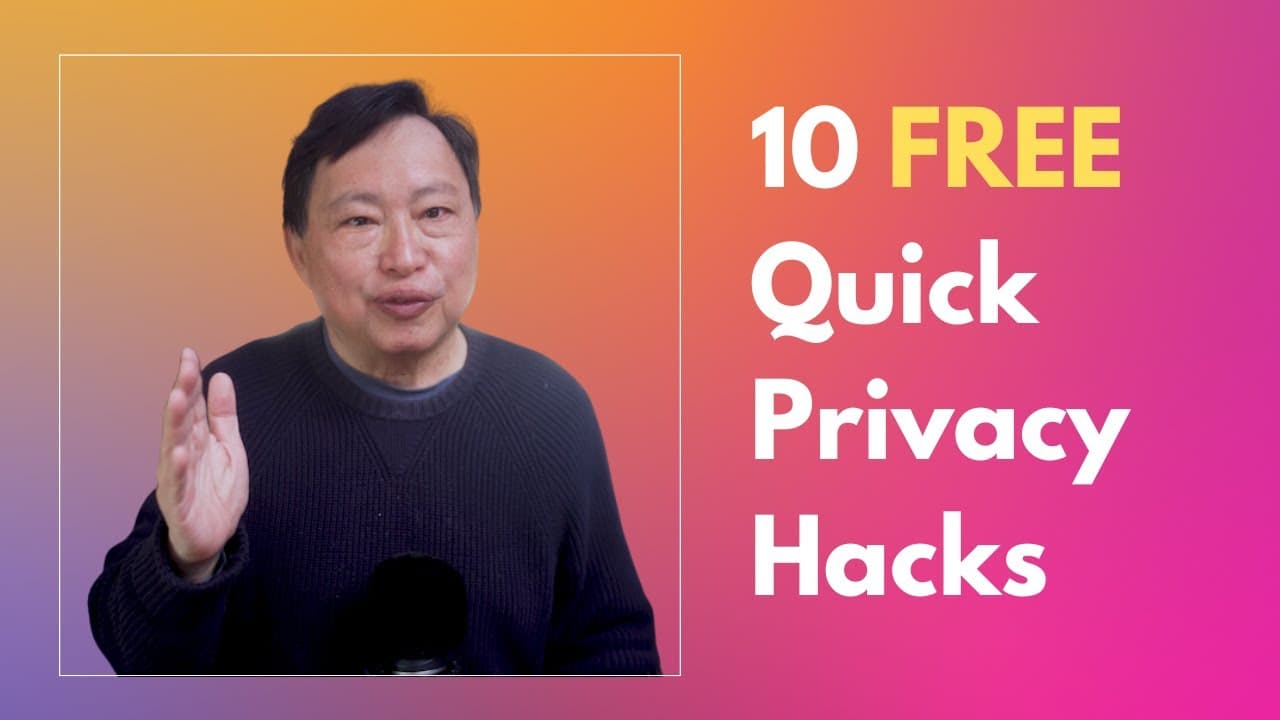
This video provides 10 free tips to help individuals protect their internet privacy, including using cell data or Starlink, removing SIM cards, employing browser isolation, avoiding Google Search, eliminating metadata from photos, using encrypted messaging apps, utilizing secret email methods, using free VPN alternatives, and sharing files safely.
Transcript
many of you are starting to be aware of privacy issues but want to venture into protecting your privacy in Little Steps meaning you want to do it for free well it is your lucky day because today I will give you 10 tips which will make a significant Dent to your internet privacy and they are all free most of you will not be aware of the Privacy bene... Read More
Key Insights
- 📱 Using cell data or starlink for internet browsing can provide more privacy than using your own Wi-Fi network due to IP address routing methods.
- 📵 Removing the SIM card from your phone can prevent tracking via an MZ catcher or Stingray device, commonly used by governments and hackers.
- 🌐 Browser isolation can help protect your privacy by using different browsers for different activities and only logging into Google on one browser.
- 🔍 Avoid using Google Search as it tracks and alters search results based on your Google ID, use alternative search engines like startpage.com instead.
- 📷 Eliminate EXIF metadata from your photos to prevent location data from being shared when uploading them to social media platforms.
- 🔐 Utilize two-factor authentication with a separate Android phone or old iPhone running the Google app over Wi-Fi without a SIM card for added protection.
- 📲 Use encrypted messaging apps such as Signal or Session to ensure the privacy of your text messages and conversations.
- 📧 Email communication is unsecure, but you can create a single "Anonymous" email account and communicate by saving messages in drafts to avoid metadata and identity exposure.
- 🌐 For a more secure browsing experience, utilize free options like Tor Browser or LowKeyNet to hide your IP address and traffic.
- 📂 Safely share files by setting up a single account on a file-sharing site or using an app like BraxMe, where both parties can access files without sign-up and encryption is provided.
Install to Summarize YouTube Videos and Get Transcripts
Explore YouTube Video Summarizer or Get YouTube Transcript Extractor
Questions & Answers
Q: How does using cell data or Starlink instead of home Wi-Fi protect privacy?
Cell data and Starlink provide privacy benefits by using IPv6 protocol, which allows these providers to route traffic internally and share an IPv4 address among multiple users. This makes it difficult for destination websites or platforms to track individual users based on their IP address.
Q: Is it necessary to remove the SIM card from your phone to prevent tracking?
Removing the SIM card can prevent tracking through devices like Stingrays, which capture the MZ (carrier) information. Without the SIM card emitting an MZ, it becomes challenging to geofence your location accurately. However, SIM card removal may not be feasible in all cases, and other precautions should also be considered.
Q: How does browser isolation enhance privacy?
Browser isolation involves using different browsers for specific activities. By logging into Google and accessing Google services only on a dedicated browser like Chrome, you can limit Google's ability to track your internet activities on other websites. Using separate browsers for non-Google sites helps isolate your Google ID and reduces tracking.
Q: What are the advantages of using encrypted messaging apps like Signal and Session?
Encrypted messaging apps like Signal and Session provide privacy by securing your communications and preventing interception by carriers or surveillance agencies. These apps use encryption protocols that make it extremely difficult for unauthorized parties to access the content of your messages, enhancing your privacy and security.
Summary & Key Takeaways
-
Tip 1: Using cell data or Starlink instead of home Wi-Fi can protect your privacy by sharing an IP address with many users, making it difficult for websites to track you individually.
-
Tip 2: Removing the SIM card from your phone can prevent tracking through MZ catchers or Stingrays commonly used for surveillance.
-
Tip 3: Practicing browser isolation by logging into Google on one browser dedicated to Google services and using different browsers for other websites can limit Google's ability to track your activities.
-
Tip 4: Avoid using Google Search as it tracks your searches and alters search results based on your profile; instead, consider using alternate search engines like Startpage.com.
-
Tip 5: Disable location services for your camera app to prevent metadata, including location data, from being attached to your photos when sharing them online.
-
Tip 6: Use two-factor authentication (2FA) on a separate device, such as an old Android phone, to add an extra layer of protection without using your regular phone for 2FA.
-
Tip 7: Use encrypted messaging apps like Signal or Session to secure your communications and protect them from surveillance.
-
Tip 8: Email communication is insecure and can reveal metadata; an alternative method is to use anonymous draft emails, as demonstrated by General Petraeus and Paula Broadwell.
-
Tip 9: Consider utilizing free darknet solutions like Tor Browser or Lowkeynet to hide your IP address and encrypt your traffic for enhanced online privacy.
-
Tip 10: Safely share files by setting up a single account on a file-sharing site with encryption or using the Braxme app, where both parties can access the files without requiring additional sign-ups.
Read in Other Languages (beta)
Share This Summary 📚
Summarize YouTube Videos and Get Video Transcripts with 1-Click
Try YouTube Summary with ChatGPT & Claude or YouTube Transcript Generator
Explore More Summaries from Rob Braxman Tech 📚



Summarize YouTube Videos and Get Video Transcripts with 1-Click
Try YouTube Summary with ChatGPT & Claude or YouTube Transcript Generator