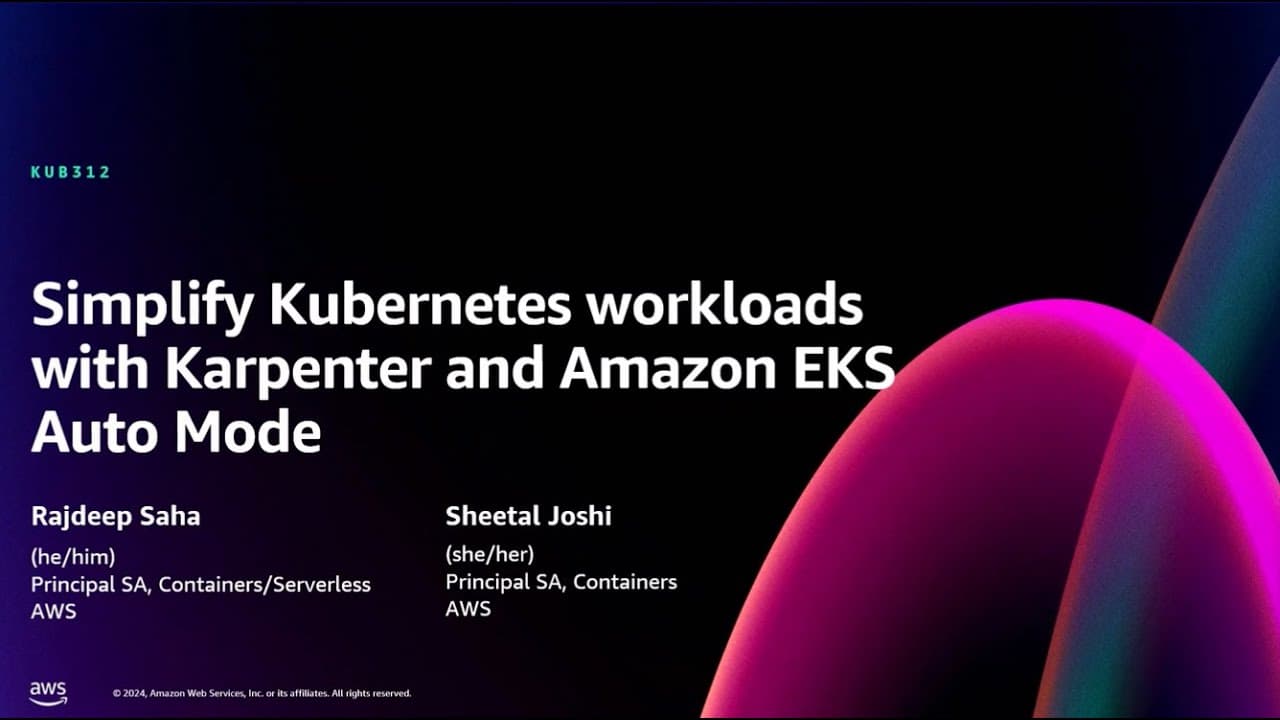
AWS re:Invent 2024 - Simplify Kubernetes workloads with Karpenter & Amazon EKS Auto Mode (KUB312)
TL;DR
Learn how Karpenter and EKS Auto Mode simplify Kubernetes management.
Transcript
all right welcome everyone I know this is Tuesday afternoon you have a lot of choices on the sessions first of all thanks for coming to this session little bit of Easter egg for those of you who have been watching the catalog You' notice the title of our session changed so you signed up for Carpenter you are getting Carpenter and then some ... Read More
Key Insights
- Amazon EKS Auto Mode streamlines Kubernetes cluster management by offloading operational responsibilities to AWS, enhancing agility and innovation.
- Karpenter optimizes Kubernetes scaling by directly interacting with EC2, bypassing traditional autoscaling groups for faster performance.
- EKS Auto Mode includes built-in best practices for networking, storage, and compute management, reducing the complexity of Kubernetes operations.
- Karpenter offers cost optimization by consolidating underutilized instances and supporting diverse workloads, including AI and machine learning.
- EKS Auto Mode provides automatic updates and security patches for worker nodes, ensuring clusters remain secure and up-to-date.
- The introduction of Amazon EC2 managed instances in EKS Auto Mode simplifies the deployment of Kubernetes applications by automating infrastructure provisioning.
- EKS Auto Mode supports both ARM and x86 architectures and integrates with AWS Silicon innovations like Graviton for enhanced performance.
- Users can define custom node pools and node classes in EKS Auto Mode to tailor infrastructure to specific workload requirements.
Install to Summarize YouTube Videos and Get Transcripts
Explore YouTube Video Summarizer or Get YouTube Transcript Extractor
Questions & Answers
Q: What are the main benefits of Amazon EKS Auto Mode?
Amazon EKS Auto Mode offers several benefits, including increased agility by offloading cluster operations to AWS, improved performance through dynamic scaling, and enhanced security with automatic updates and patches. It also optimizes costs with automatic capacity planning and provides a simplified user experience by integrating best practices for Kubernetes management.
Q: How does Karpenter improve Kubernetes scaling?
Karpenter improves Kubernetes scaling by directly interacting with EC2 instances, bypassing traditional autoscaling groups. This direct interaction allows for faster scaling and more efficient resource allocation. Karpenter also offers cost optimization by consolidating underutilized instances and supports diverse workloads, including AI and machine learning, making it a versatile tool for Kubernetes environments.
Q: What challenges does EKS Auto Mode address for Kubernetes users?
EKS Auto Mode addresses several challenges faced by Kubernetes users, including the complexity of managing cluster operations, ensuring security and compliance, and optimizing resource allocation. It simplifies the deployment process by automating infrastructure provisioning and integrates best practices for networking, storage, and compute management. Additionally, it provides automatic updates and patches, reducing the operational burden on users.
Q: How does EKS Auto Mode handle security updates?
EKS Auto Mode handles security updates by automatically applying patches to worker nodes and updating the core cluster capabilities. It respects disruption budgets to ensure minimal impact on running applications and performs updates in a rolling deployment fashion. This approach ensures that clusters remain secure and up-to-date without requiring manual intervention from users.
Q: What is the role of EC2 managed instances in EKS Auto Mode?
EC2 managed instances in EKS Auto Mode play a crucial role in simplifying the deployment of Kubernetes applications. These instances are automatically provisioned based on application requirements, ensuring that the necessary infrastructure is in place without manual configuration. They also come with pre-installed Kubernetes agents and node agents, streamlining the setup process and ensuring compatibility with EKS Auto Mode's management features.
Q: Can users customize node pools and node classes in EKS Auto Mode?
Yes, users can customize node pools and node classes in EKS Auto Mode to tailor the infrastructure to specific workload requirements. This customization allows users to define specific instance types, architectures, and other configurations to optimize performance and cost for their applications. EKS Auto Mode provides built-in node pools with best practices, but users have the flexibility to create additional custom configurations as needed.
Q: What is the relationship between Karpenter and EKS Auto Mode?
Karpenter and EKS Auto Mode are closely related, with EKS Auto Mode built on the principles of Karpenter. Karpenter provides the underlying scaling capabilities for EKS Auto Mode, allowing it to efficiently manage resource allocation and optimize costs. Both tools are designed to simplify Kubernetes management, but EKS Auto Mode offers additional features, such as automatic updates and integrated best practices, to further enhance the user experience.
Q: How does EKS Auto Mode support diverse workloads?
EKS Auto Mode supports diverse workloads by offering flexible configuration options for node pools and node classes. Users can define specific instance types and architectures to accommodate various applications, including those that require specialized resources like GPUs or AI accelerators. EKS Auto Mode also integrates with AWS Silicon innovations, such as Graviton, to provide enhanced performance and cost-efficiency for a wide range of workloads.
Summary & Key Takeaways
-
Amazon EKS Auto Mode enhances Kubernetes management by automating cluster operations and integrating Karpenter's scaling capabilities. It simplifies the deployment process, allowing users to focus on application development rather than infrastructure management.
-
Karpenter optimizes resource allocation by directly interacting with EC2, offering faster scaling and cost savings through intelligent instance management. It supports a wide range of workloads and is open-source, encouraging community contributions.
-
EKS Auto Mode provides built-in best practices for security, networking, and storage, ensuring a secure and efficient Kubernetes environment. It includes automatic updates and supports custom configurations for specialized workloads.
Read in Other Languages (beta)
Share This Summary 📚
Summarize YouTube Videos and Get Video Transcripts with 1-Click
Try YouTube Summary with ChatGPT & Claude or YouTube Transcript Generator
Explore More Summaries from AWS Events 📚



Summarize YouTube Videos and Get Video Transcripts with 1-Click
Try YouTube Summary with ChatGPT & Claude or YouTube Transcript Generator