What Are the Most Effective ChatGPT Hacks to Boost Productivity?
TL;DR
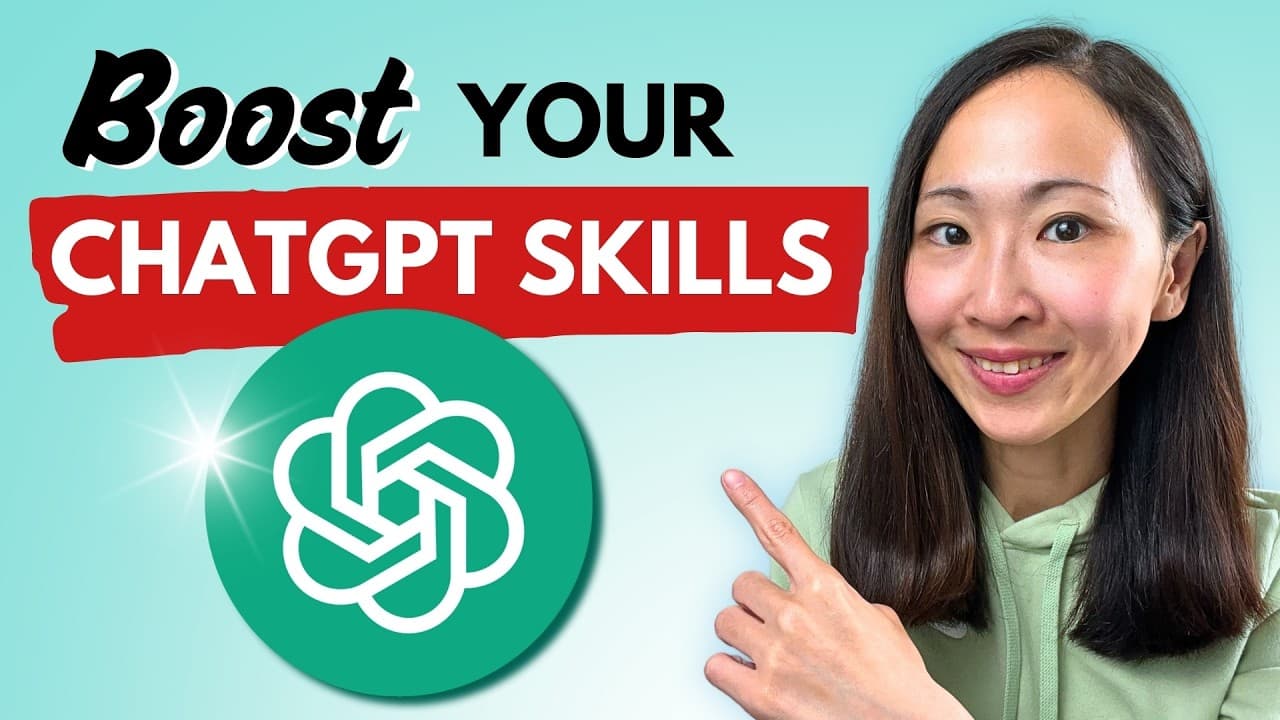
Leverage advanced ChatGPT techniques to significantly enhance your productivity and user experience. These tips include real-time document edits in Canvas mode, adjusting the creativity of outputs with temperature settings, and using memory features for context retention.
Transcript
want to know how top performers get 10 times more values from chat gbt than everyone else it all comes down to knowing the powerful techniques that most people overlook this is also the difference between a basic CH user and a pro user in this video I'll share 10 plus powerful hacks of using Char gbt and this will seriously upgrade how you ... Read More
Key Insights
- Top performers use advanced ChatGPT techniques, enhancing productivity tenfold compared to average users.
- Canvas mode allows real-time document editing, offering a seamless way to modify and repurpose content.
- Utilizing temperature settings can control ChatGPT's creativity, with higher settings yielding more diverse outputs.
- Image generation features include quality enhancement and in-painting tools, providing flexibility in AI-generated visuals.
- Memory features in ChatGPT enable context retention, improving response relevance and efficiency.
- Custom instructions personalize ChatGPT's responses, ensuring alignment with user-specific guidelines and preferences.
- Scenario-based and prompt review techniques enhance ChatGPT's problem-solving capabilities and prompt quality.
- SearchGPT integrates AI search within ChatGPT, providing an advanced research tool for evolving topics.
Install to Summarize YouTube Videos and Get Transcripts
Explore YouTube Video Summarizer or Get YouTube Transcript Extractor
Questions & Answers
Q: How can Canvas mode enhance document editing?
Canvas mode allows users to upload documents directly for real-time editing within ChatGPT. This feature enables seamless modifications and repurposing of content, eliminating the need for traditional copy-paste methods. Users can track changes, adjust formatting, and enhance documents according to specific guidelines, significantly streamlining the editing process.
Q: What is the significance of temperature settings in ChatGPT?
Temperature settings control the randomness and creativity of ChatGPT's output. A higher temperature results in more diverse and creative responses, while a lower temperature yields predictable and factual outputs. This feature is crucial for tailoring responses to specific tasks, such as creative writing or technical documentation.
Q: How does the memory feature improve ChatGPT's functionality?
The memory feature allows ChatGPT to retain context and user-specific information, enhancing the relevance and efficiency of responses. Users can organize memories into situation-specific categories and retrieve them as needed, ensuring that ChatGPT's outputs align with ongoing projects or specific user preferences.
Q: What are the benefits of using custom instructions in ChatGPT?
Custom instructions enable users to personalize ChatGPT's responses by specifying guidelines, formatting preferences, and response logic. Unlike temporary memory settings, custom instructions provide a permanent framework for responses, ensuring consistency and alignment with user-specific needs across different interactions.
Q: How can image generation features be utilized in ChatGPT?
ChatGPT's image generation features include quality enhancement and in-painting tools, allowing users to refine and modify AI-generated visuals. These tools provide flexibility in creating high-quality images and making quick adjustments, such as changing colors or adding elements, without the need for external editing software.
Q: What are scenario-based prompting techniques?
Scenario-based prompting involves breaking down prompts into multiple scenarios, encouraging ChatGPT to analyze key factors, obstacles, and solutions for each scenario. This technique enhances the model's problem-solving capabilities, providing more thoughtful and comprehensive responses by considering multiple perspectives.
Q: How does SearchGPT enhance research capabilities within ChatGPT?
SearchGPT integrates AI search directly within the ChatGPT interface, offering a standalone AI search experience. It allows users to trace topic evolution, compare trends, and gather comprehensive information efficiently. This feature is particularly useful for researching popular or unfamiliar topics, providing a clear timeline and relevant sources.
Q: What are the advantages of exporting memories in ChatGPT?
Exporting memories allows users to save and manage context-specific information efficiently. By exporting memories into downloadable formats, users can free up storage space while retaining the ability to re-import and use the information in future interactions. This ensures that valuable context is preserved without cluttering the system.
Summary & Key Takeaways
-
This video explores advanced ChatGPT techniques that significantly enhance productivity and user experience. From utilizing Canvas mode for document editing to controlling output creativity with temperature settings, these hacks transform how users interact with AI. Memory and custom instruction features further personalize responses, while SearchGPT offers integrated AI search capabilities.
-
Image generation features in ChatGPT are highlighted, including quality enhancement and in-painting tools. These allow users to refine AI-generated visuals effortlessly. Additionally, the video covers memory management and exportation, offering users efficient ways to handle context and information storage within ChatGPT.
-
Prompting techniques such as scenario-based approaches and prompt reviews are discussed, showcasing how they enhance ChatGPT's problem-solving abilities. The video concludes with insights on using SearchGPT for in-depth research and tracing topic evolution, providing users with comprehensive tools for maximizing ChatGPT's potential.
Read in Other Languages (beta)
Share This Summary 📚
Summarize YouTube Videos and Get Video Transcripts with 1-Click
Try YouTube Summary with ChatGPT & Claude or YouTube Transcript Generator
Explore More Summaries from Grace Leung 📚



Summarize YouTube Videos and Get Video Transcripts with 1-Click
Try YouTube Summary with ChatGPT & Claude or YouTube Transcript Generator