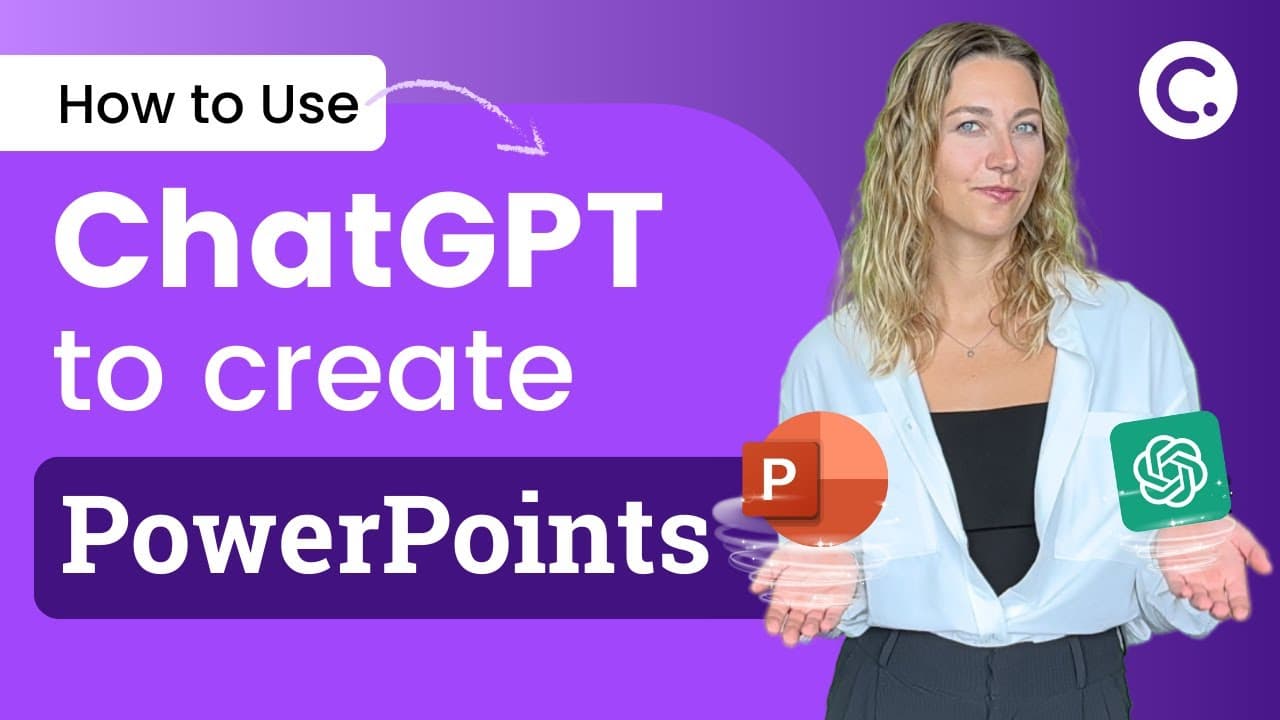
3 Ways to Create PowerPoint Presentations with ChatGPT [for Teachers]
TL;DR
Learn how to use ChatGPT to automate the process of creating PowerPoint presentations, add interactive quiz questions, and enhance the design with visuals.
Transcript
no more tedious PowerPoint presentation making instead use chatgpt to create not only PowerPoint presentations but interactive PowerPoint presentations I have three different methods for you all so let's try them out our first method is to use Chachi petite to create your slide outline and your slide structure by providing Chachi Beauty with your t... Read More
Key Insights
- 💡 Using ChatGPT, you can automate the process of creating PowerPoint presentations by generating slide outlines, structures, and bullet formats.
Install to Summarize YouTube Videos and Get Transcripts
Explore YouTube Video Summarizer or Get YouTube Transcript Extractor
Questions & Answers
Q: How can ChatGPT be used to create PowerPoint presentations?
ChatGPT can be used to automate the process of creating PowerPoint presentations by generating slide outlines, structure, and even VBA codes for slide population.
Q: What are some interactive features that can be added to a PowerPoint presentation?
Interactive quiz questions can be added using Classpoint, which analyzes slide content and generates questions for live responses. Gamification features like stars, levels, and leaderboards can also be implemented.
Q: How can visuals be enhanced in a PowerPoint presentation using ChatGPT?
ChatGPT can suggest images for each slide, which can be generated using AI image generators like Stable Diffusion or Bing Image Creator. These visuals can then be inserted into the PowerPoint presentation.
Q: What are the benefits of using VBA codes in PowerPoint?
VBA codes in PowerPoint can automate tasks, such as generating slides based on ChatGPT prompts, reducing manual effort and time spent on creating presentations.
Summary & Key Takeaways
-
Method 1: Use ChatGPT to create a slide outline and structure, then customize and slim it down into an outline format.
-
Method 2: Automate presentation creation using VBA codes in PowerPoint with ChatGPT, allowing for faster slide generation.
-
Method 3: Utilize ChatGPT with AI tools like AIPRM and image generators to suggest images that enhance slide content.
Read in Other Languages (beta)
Share This Summary 📚
Summarize YouTube Videos and Get Video Transcripts with 1-Click
Try YouTube Summary with ChatGPT & Claude or YouTube Transcript Generator
Explore More Summaries from ClassPoint 📚
Summarize YouTube Videos and Get Video Transcripts with 1-Click
Try YouTube Summary with ChatGPT & Claude or YouTube Transcript Generator