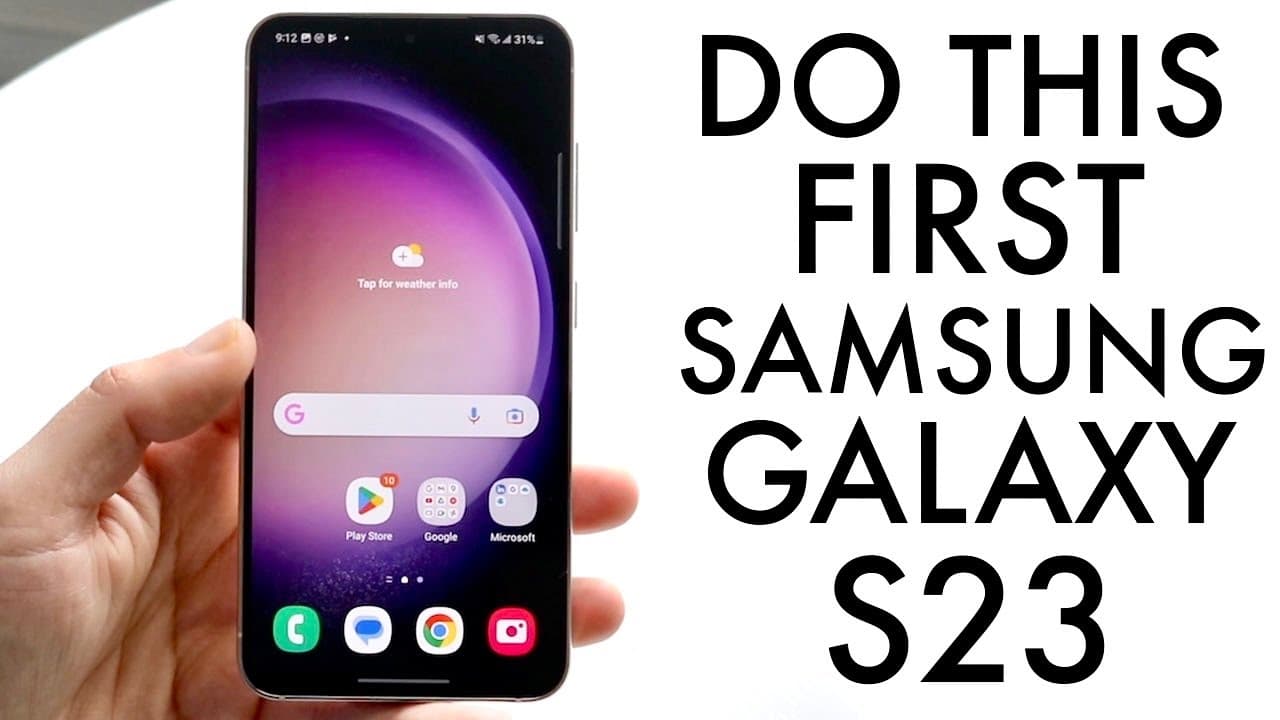
Samsung Galaxy S23: BEST Tricks & Tips!
TL;DR
Discover key tips and tricks to optimize your Samsung Galaxy S23 experience.
Transcript
so you may have just picked up your Samsung Galaxy s23 and you might be trying to find out some of the best tricks and tips that you can utilize within this specific phone so I'm going to go ahead and break them down I do one of these every year and these are very very good phones so thankfully you're a good company the s23 s23 plus and S3 through ... Read More
Key Insights
- 👶 Always check for software updates first when acquiring a new Galaxy S23 for optimal performance and security.
- 😀 The ability to customize the lock screen and app icons offers users enhanced personalization for a more tailored experience.
- 💨 Edge lighting for notifications is an engaging way to receive alerts without needing to turn on the screen.
- 👻 The always-on display feature allows users quick access to information but may impact battery life, making it essential to tailor it to personal needs.
- 👤 Rearranging camera modes enhances efficiency for users who frequently switch between different photography styles.
- 👻 Reverse wireless charging is a standout feature that allows the Galaxy S23 to assist in charging other compatible devices, showcasing its versatility.
- ⏲️ Customizable text colors on the lock screen improve visibility, making it easier to access time and notifications at a glance.
Install to Summarize YouTube Videos and Get Transcripts
Explore YouTube Video Summarizer or Get YouTube Transcript Extractor
Questions & Answers
Q: Why is it important to update the software on my Galaxy S23 immediately after purchase?
Updating the software on your Galaxy S23 ensures that you have the latest features, security patches, and bug fixes. Many phones come with software updates available at the time of purchase, and failing to update can result in missing out on enhancements that improve performance and user experience.
Q: How can I customize my lock screen on the Galaxy S23?
To customize the lock screen, press and hold on the screen until the customization menu appears. You can then adjust the clock size and style, change the color of the text, and modify app icons for quick access to commonly used functions. This level of personalization enhances both aesthetics and convenience.
Q: What is edge lighting and how can I enable it for notifications?
Edge lighting is a feature that creates a visual notification on the edges of your screen whenever you receive alerts. To enable it, go to Settings > Notifications > Notification pop-up style, and select Edge lighting style. You can customize the color, transparency, and duration, adding a dynamic element to your notifications.
Q: How does the always-on display feature work, and how can I enable it?
The always-on display shows essential information like the clock and notifications on your screen even when your phone is locked. To enable it, navigate to Settings > Lock Screen > Always On Display. You can choose to have it always on or to show only when tapped, allowing you to save battery life while still accessing important information.
Q: Can I rearrange camera modes for easy access on my Galaxy S23?
Yes, you can rearrange camera modes for quicker access. In the camera app, tap on "More," then drag your preferred modes like Pro Video or Portrait to the bottom panel. This customization allows for quicker access to frequently used modes, enhancing efficiency when taking photos or videos.
Q: What is reverse wireless charging, and how can I activate it?
Reverse wireless charging allows your Galaxy S23 to charge other devices by placing them on its back. To activate it, go to Settings > Battery and device care > Battery, and enable Wireless Power Sharing. This feature is useful for charging compatible devices, like earbuds or another phone, directly from your Galaxy S23.
Q: Are there any benefits to changing the color of text on the lock screen?
Changing the color of text on the lock screen enhances visibility against different wallpapers. By selecting colors that contrast well with your background, you ensure that time and notifications are easy to read at a glance, making your device more user-friendly and visually appealing.
Q: Is it necessary to have the always-on display feature turned on for my Galaxy S23?
While the always-on display feature is convenient for quick access to notifications and time, it can cause minor battery drain. You can choose to enable it or set it to show only when tapped, allowing flexibility to suit your personal preference and battery life considerations.
Summary & Key Takeaways
-
Begin your Galaxy S23 experience by checking for software updates to ensure you have the latest features and bug fixes available for your device.
-
Customize the lock screen by changing the clock size and style, as well as modifying app icons to enhance accessibility and personalization.
-
Utilize features like LED notifications, always-on display settings, and camera optimization options to maximize the functionality of your Galaxy S23.
Read in Other Languages (beta)
Share This Summary 📚
Summarize YouTube Videos and Get Video Transcripts with 1-Click
Try YouTube Summary with ChatGPT & Claude or YouTube Transcript Generator
Explore More Summaries from Simple Alpaca 📚





Summarize YouTube Videos and Get Video Transcripts with 1-Click
Try YouTube Summary with ChatGPT & Claude or YouTube Transcript Generator