How To Use Apple Intelligence! (Complete Beginners Guide)
TL;DR
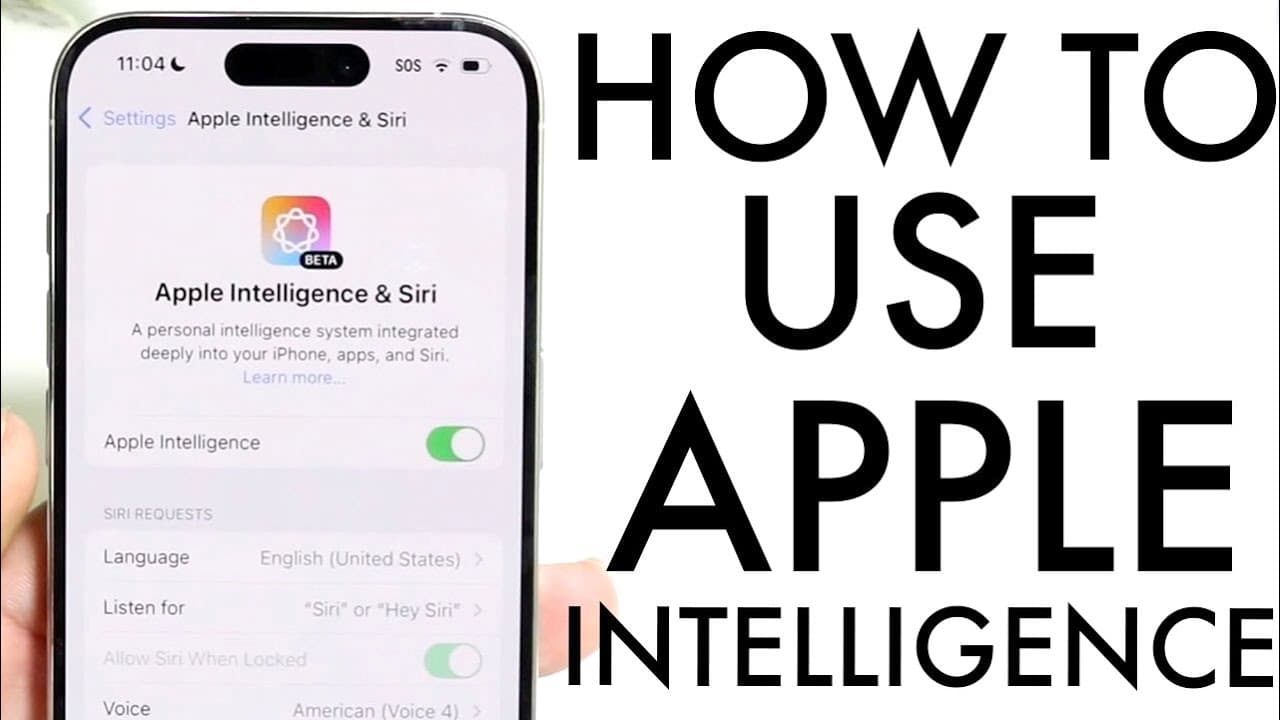
Apple Intelligence is a new AI feature available for iPhone 15 Pro users with iOS 18.1.
Transcript
so Apple intelligence has just officially came out and I kind of want to give you a quick breakdown on exactly how to use this particular AI feature inside of our iPhones now some big you know things we need to get out of the way first this is in a beta right now it's going to be coming out in another beta this fall apparently but keep in mind a ve... Read More
Key Insights
- 👤 Apple Intelligence is a significant step toward integrating AI features into the iPhone ecosystem, enhancing user interaction and functionality.
- ❤️🩹 Accessibility to Apple Intelligence is currently limited, focusing on high-end devices which may affect user adoption in the short term.
- 📱 The integration of advanced AI capabilities like contextual awareness in Siri sets a new standard for smart assistants on mobile devices.
- 👻 Users have a unique opportunity to participate in a waitlist, allowing for early access to emerging technology and features.
- 👀 Writing tools included within Apple Intelligence offer professional-grade support for users looking to improve their written communication.
- 👤 The iterative nature of this feature suggests continual improvements and refinements based on user feedback and technological advancements.
- ⛩️ The future potential for image generation and other creative functionalities hints at even broader applications for AI in personal devices.
Install to Summarize YouTube Videos and Get Transcripts
Explore YouTube Video Summarizer or Get YouTube Transcript Extractor
Questions & Answers
Q: How can users enable Apple Intelligence on their iPhones?
To enable Apple Intelligence, users must ensure their device is updated to iOS 18.1 or newer. They should then navigate to Settings > General > Software Update to check for updates. Once updated, they can find the Apple Intelligence option in Settings, where they can enable it and potentially join a waitlist.
Q: What are some main features of Apple Intelligence regarding Siri?
Apple Intelligence enhances Siri's functionality, allowing for more interactive conversations. Users can ask Siri detailed questions about photos and receive information back, making it more contextually aware. Additionally, Siri can assist with dictation and manage calls, providing notifications and suggestions based on user preferences.
Q: What writing capabilities does Apple Intelligence offer?
The writing tools within Apple Intelligence allow users to proofread and rewrite text seamlessly. By simply tapping on an existing text, users can choose to have it rewritten in different tones, such as friendly or professional. This feature aims to help users enhance the quality and readability of their written content.
Q: Are there any limitations to the Apple Intelligence features currently available?
Yes, Apple Intelligence is still in beta, which means that some features may not be fully functional or optimized. For example, the ability to generate images from drawings is yet to be supported fully, and users may encounter limitations when asking Siri contextual questions in its current iteration.
Q: How can users stay updated on new features for Apple Intelligence?
To keep up with new features and improvements to Apple Intelligence, users should regularly check the settings page dedicated to the feature within their iPhone. Keeping their device updated is also essential, as software updates can introduce new capabilities and enhancements.
Q: What devices currently support Apple Intelligence?
As of now, Apple Intelligence is only available on the iPhone 15 Pro and iPhone 15 Pro Max. It is expected to be rolled out to more devices in the future, so users should check their device compatibility by searching online for updates related to Apple Intelligence.
Q: What should users do if they encounter issues using Apple Intelligence?
Users experiencing issues with Apple Intelligence should provide feedback through the feedback option in the app. This information can help Apple refine and improve the feature over time. Additionally, users are encouraged to keep their devices updated to access the latest fixes and enhancements.
Summary & Key Takeaways
-
Apple Intelligence is currently in beta, specifically for iPhone 15 Pro and Pro Max models, with more devices expected to support it in the future.
-
Users can enable Apple Intelligence through their settings menu after updating to iOS 18.1 or later and can join a waitlist if required.
-
Key features include advanced Siri capabilities, writing tools for proofreading and rewriting text, and image generation capabilities that will evolve over time.
Read in Other Languages (beta)
Share This Summary 📚
Summarize YouTube Videos and Get Video Transcripts with 1-Click
Try YouTube Summary with ChatGPT & Claude or YouTube Transcript Generator
Explore More Summaries from Simple Alpaca 📚






Summarize YouTube Videos and Get Video Transcripts with 1-Click
Try YouTube Summary with ChatGPT & Claude or YouTube Transcript Generator