How to Get Started with ChatGPT for Beginners
TL;DR
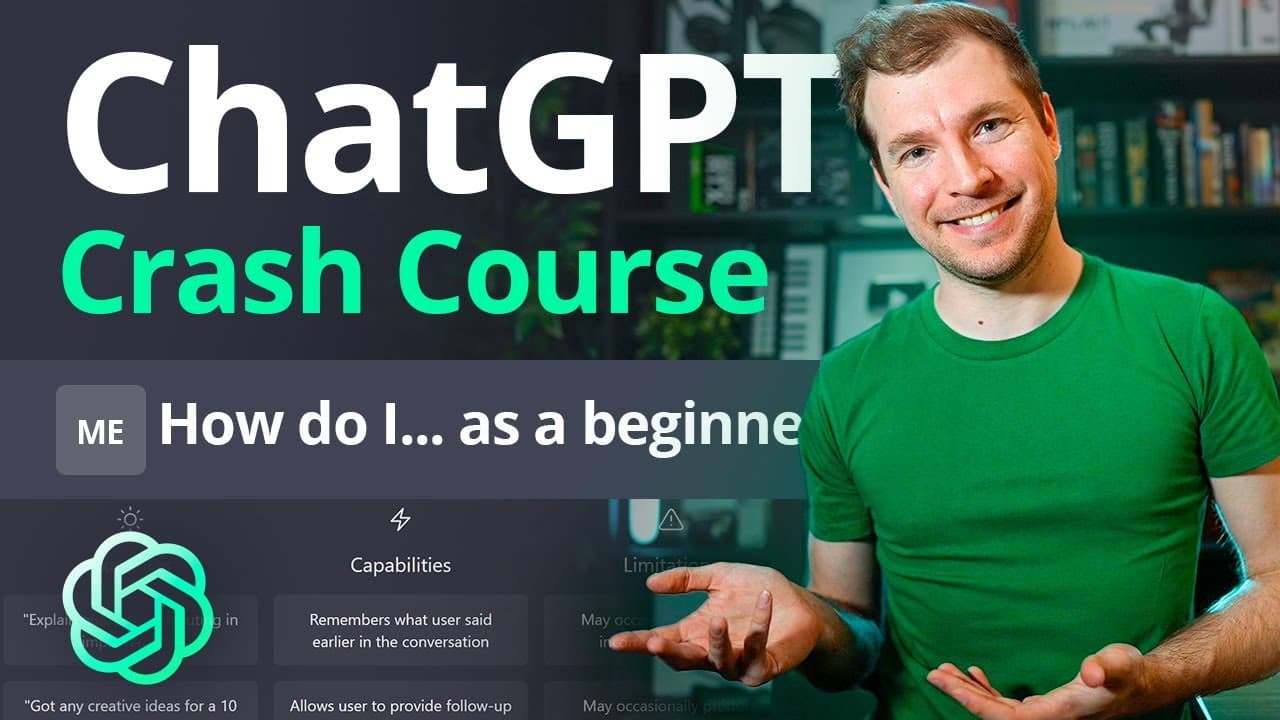
To get started with ChatGPT, first create an OpenAI account by signing up with an email or Google/Microsoft account. Once logged in, familiarize yourself with ChatGPT's capabilities, including coding, content generation, and storytelling, while being aware of its limitations and safety features. Engage with the community for feedback and tips to fully utilize the AI.
Transcript
this chat GPT tutorial is a small crash course for any beginner so we'll be doing a number of things from creating a brand new account on openai to logging and using chat gbt to some of the more advanced ways to use it if there's anything you want to know this video should cover it all let's begin I'm going to start on Google here and I'm gonna bro... Read More
Key Insights
- 🌟 Creating an account on OpenAI: The tutorial covers the process of creating a new account on OpenAI, either by logging in with an email address or through a Google or Microsoft account. It also explains the two-step verification process.
- ✨ Getting started with Chat GPT: After logging into the OpenAI dashboard, users can access Chat GPT by selecting the link provided. The tutorial highlights the importance of filling out personal details, verifying the account with a phone number, and being cautious with sensitive information.
- 📝 Feedback and community engagement: OpenAI encourages users to provide feedback on Chat GPT to help improve the system. There is a Discord server with over half a million members where users can share their feedback and engage with the community.
- 💡 Capabilities and limitations of Chat GPT: Chat GPT has the ability to remember previous conversations, decline inappropriate requests, and provide follow-ups and corrections. However, it may occasionally produce inaccurate or biased content and has limited access to up-to-date information.
- 👀 Using Chat GPT for various purposes: The tutorial demonstrates the versatility of Chat GPT, including generating code snippets, creating stories, summarizing documents, assisting with cover letter and resume writing, and generating writing prompts for blogs and newsletters.
- 🎯 Generating specific outputs: Users can request specific prompts, rephrase sentences, shorten or lengthen text, fix grammar, and translate content using Chat GPT. The tutorial showcases examples of generating titles for blog articles, introduction paragraphs, and subject lines for email newsletters.
- 🛠️ Safety measures and concerns: OpenAI has implemented safeguards to ensure that generated content is not offensive, biased, or misleading. Users are advised to be cautious with the output and provide feedback in case of any issues.
- 📚 Continuously improving Chat GPT: OpenAI emphasizes the importance of user feedback and external input to enhance and refine the Chat GPT system. This iterative process contributes to its ongoing development and improvement.
Install to Summarize YouTube Videos and Get Transcripts
Explore YouTube Video Summarizer or Get YouTube Transcript Extractor
Questions & Answers
Q: How can I create an OpenAI account and access Chat GPT?
To create an OpenAI account, you can visit the OpenAI website and sign up with an email address or a Google/Microsoft account. Once signed up, you can access Chat GPT by clicking on the link provided in the tutorial.
Q: What are the capabilities of Chat GPT?
Chat GPT is capable of remembering previous conversations, allowing for follow-ups and corrections. It can decline providing negative or inappropriate requests. However, it may occasionally produce inaccurate or biased content and has limited knowledge beyond events up until 2021.
Q: Can Chat GPT be used for coding tasks?
Yes, Chat GPT can be used for coding tasks. It can generate code snippets, provide explanations, and even assist in creating functions or completing specific coding tasks.
Q: How can Chat GPT be used for content generation?
Chat GPT can be used to generate content such as blog topics, outlines, introductions, and translations. It can rephrase sentences, check grammar, and even help with writing cover letters, resumes, or newsletters.
Q: What are some limitations of Chat GPT?
Some limitations of Chat GPT include potential inaccuracies, lack of up-to-date information, occasional biased content, and the need for specific and clear prompts to ensure desired outputs.
Q: Can Chat GPT generate jokes or stories?
Yes, Chat GPT can generate jokes, stories, or even text-based video game scenarios. It can provide creative outputs and engage in interactive storytelling based on the given prompts.
Q: How can Chat GPT assist in summarizing documents?
You can use Chat GPT to summarize documents by providing specific prompts, such as requesting a simplified explanation, keywords, or summarization for different age groups. It can summarize documents, laws, or even non-English texts with its translation capabilities.
Summary & Key Takeaways
-
The tutorial provides a walkthrough of creating an OpenAI account and accessing Chat GPT.
-
It explains the capabilities and limitations of Chat GPT, including its ability to remember previous conversations and decline inappropriate requests.
-
The video demonstrates how to use Chat GPT for tasks like coding, storytelling, content generation, and more.
Read in Other Languages (beta)
Share This Summary 📚
Summarize YouTube Videos and Get Video Transcripts with 1-Click
Try YouTube Summary with ChatGPT & Claude or YouTube Transcript Generator
Explore More Summaries from Adrian Twarog 📚

Summarize YouTube Videos and Get Video Transcripts with 1-Click
Try YouTube Summary with ChatGPT & Claude or YouTube Transcript Generator