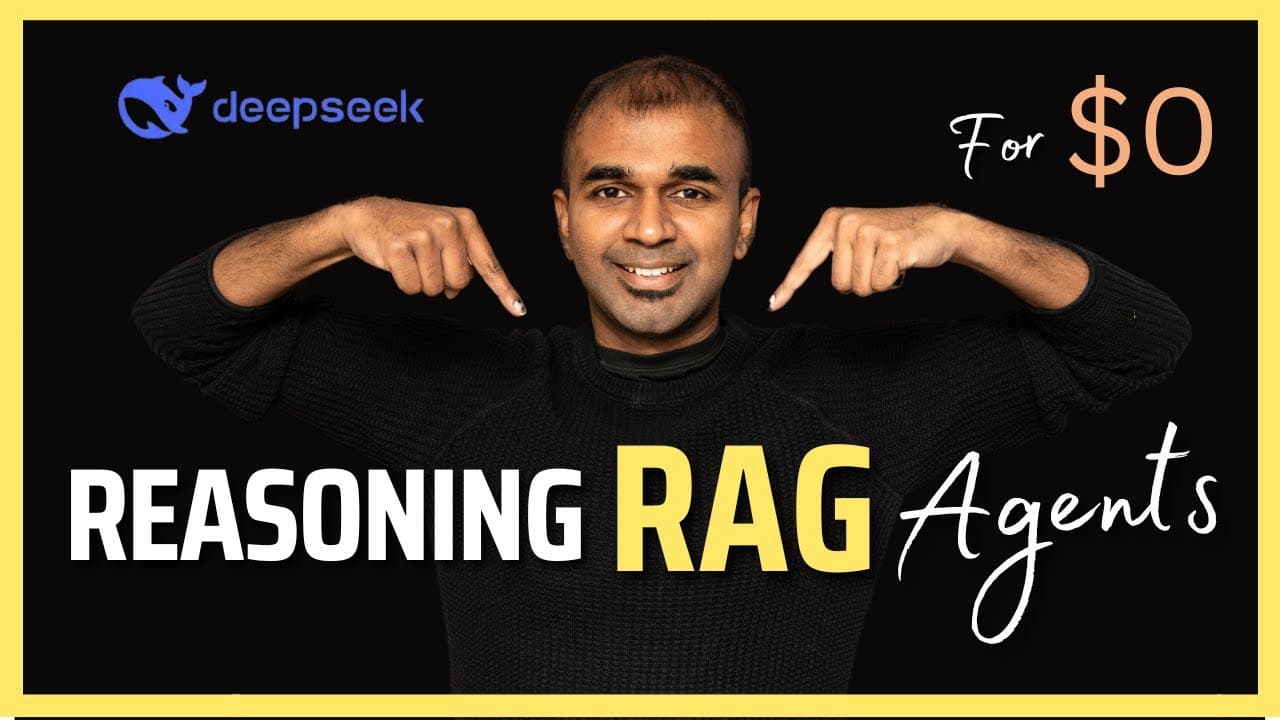
This DeepSeek AI RAG Agent can REASON! Run it 100% Local!
TL;DR
Learn to create a local RAG chatbot with DeepSeek AI.
Transcript
deep seek rag agent AI agent with reasoning and you can run this 100% local using olama and create a rack chatbot I'm also going to show you how you can download this model locally in different ways the future of AI knowledge unlock superum information processing AI plus knowledge superhuman intelligence why knowledge is coming in Rag and w... Read More
Key Insights
- RAG, or Retrieval Augmented Generation, enhances AI accuracy by retrieving relevant information from a database, reducing hallucinations.
- DeepSeek R1 is a powerful open-source large language model, offering superior performance over other models like OpenAI's GPT-3.
- The tutorial provides a step-by-step guide to deploying a DeepSeek RAG agent locally using minimal code, highlighting its simplicity.
- The process involves indexing and querying, where data is stored in a database and retrieved to provide accurate AI responses.
- Embedding text converts data into numerical forms for semantic search, crucial for pulling relevant information in RAG systems.
- Ollama and NOMIC embed text are key technologies used for downloading and embedding models, respectively, to run the RAG agent locally.
- Streamlit is used for creating a user interface, allowing users to interact with the AI agent and receive responses in real-time.
- The tutorial emphasizes the importance of dynamic knowledge evolution and autonomous context optimization in AI development.
Install to Summarize YouTube Videos and Get Transcripts
Explore YouTube Video Summarizer or Get YouTube Transcript Extractor
Questions & Answers
Q: What is the main purpose of using RAG in AI development?
The main purpose of using Retrieval Augmented Generation (RAG) in AI development is to enhance the accuracy of AI responses by retrieving relevant information from a database. This process significantly reduces the occurrence of AI hallucinations, where a model generates incorrect or nonsensical outputs, by providing it with the necessary context to answer queries accurately.
Q: How does DeepSeek R1 compare to other language models?
DeepSeek R1 is a powerful open-source large language model that outperforms many other models, including OpenAI's GPT-3, in various benchmarks. It offers superior reasoning capabilities and can be run locally, making it a cost-effective and efficient solution for developers looking to implement advanced AI systems without relying on cloud-based services.
Q: What are the key steps in setting up a local RAG agent?
Setting up a local RAG agent involves several key steps: downloading the necessary models and embedding tools like Ollama and NOMIC embed text, installing required packages, and implementing simple code for indexing and querying data. The process also includes creating a user interface using Streamlit to enable real-time interaction with the AI agent.
Q: Why is embedding text important in the RAG process?
Embedding text is crucial in the RAG process as it converts data into numerical forms, enabling semantic search. This transformation allows the AI model to perform efficient retrieval of relevant information from a database, thereby providing accurate and contextually appropriate responses to user queries. Embedding ensures that the AI system can understand and process information effectively.
Q: What role does Streamlit play in this AI setup?
Streamlit plays a pivotal role in this AI setup by providing a platform to create a user-friendly interface. It allows users to interact with the AI agent seamlessly, input queries, and receive responses in real-time. Streamlit's simplicity and efficiency make it an ideal tool for developers to build interactive applications without extensive coding.
Q: How does the tutorial address AI hallucination issues?
The tutorial addresses AI hallucination issues by leveraging the RAG approach, which retrieves relevant information from a database to provide accurate responses. By supplying the AI model with the necessary context, the likelihood of generating incorrect or nonsensical outputs is significantly reduced, resulting in more reliable and trustworthy AI interactions.
Q: What are the benefits of running AI models locally?
Running AI models locally offers several benefits, including enhanced privacy, reduced dependency on cloud services, and cost savings. It allows developers to have complete control over their AI systems, ensuring data security and minimizing latency. Local deployment also enables customization and optimization tailored to specific use cases and environments.
Q: What is the significance of dynamic knowledge evolution in AI?
Dynamic knowledge evolution is significant in AI as it allows systems to continuously update and optimize their understanding of context and information. This adaptability enhances the AI's ability to provide accurate and relevant responses, improving its overall performance and effectiveness. It ensures that AI systems remain up-to-date and capable of handling complex queries with evolving knowledge.
Summary & Key Takeaways
-
This content explains how to create a local RAG (Retrieval Augmented Generation) chatbot using DeepSeek AI, a powerful open-source large language model. The tutorial covers the setup process, including downloading necessary models and embedding text, to enhance AI reasoning and accuracy.
-
The video demonstrates the capabilities of the DeepSeek RAG agent, highlighting its ability to reduce AI hallucinations by retrieving relevant data from a database. The process involves simple code implementation and the use of technologies like Ollama and Streamlit for local deployment.
-
By the end of the tutorial, viewers will learn to index and query data effectively, enabling the AI agent to provide accurate responses. The content also underscores the significance of dynamic knowledge evolution and autonomous context optimization in improving AI systems.
Read in Other Languages (beta)
Share This Summary 📚
Summarize YouTube Videos and Get Video Transcripts with 1-Click
Try YouTube Summary with ChatGPT & Claude or YouTube Transcript Generator
Explore More Summaries from Mervin Praison 📚


Summarize YouTube Videos and Get Video Transcripts with 1-Click
Try YouTube Summary with ChatGPT & Claude or YouTube Transcript Generator