Top AI Tools for Daily Productivity
TL;DR
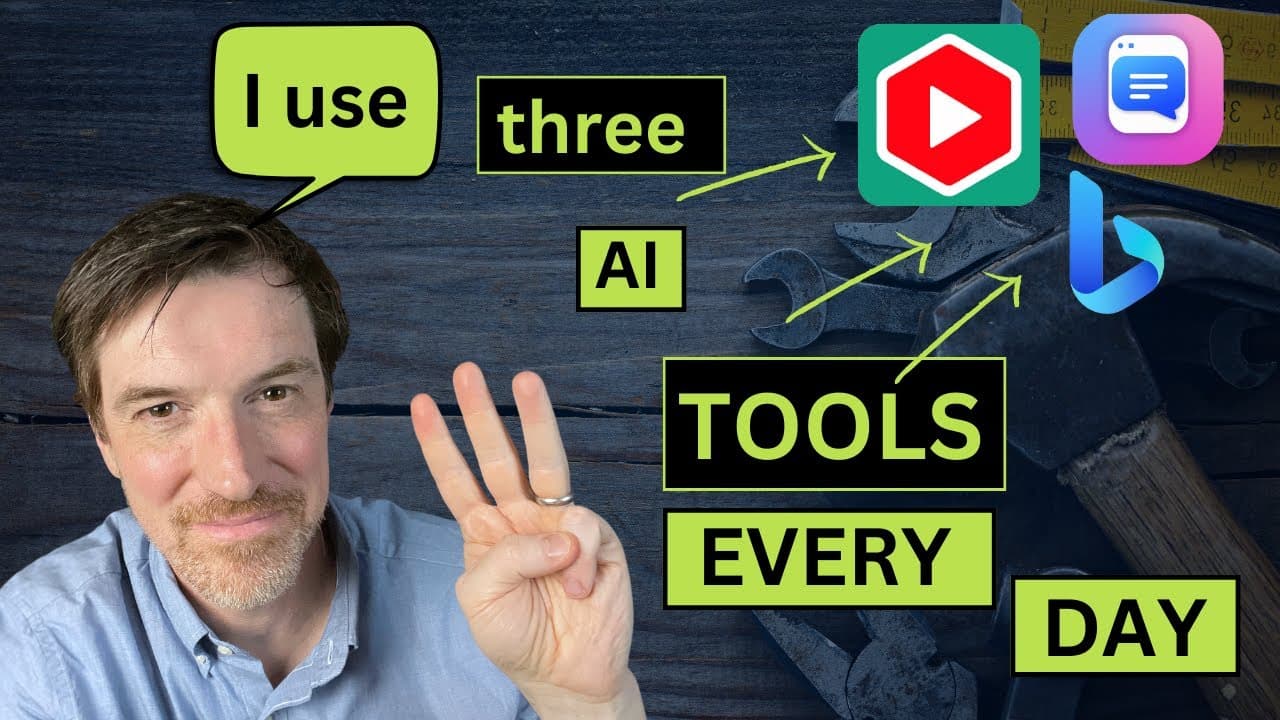
Three AI tools can significantly boost productivity: YouTube and Article Summary, ChatPDF, and Bing. These tools streamline information processing by summarizing content, extracting key points from PDFs, and providing helpful assistance for everyday tasks. They integrate AI technology to make information more accessible and actionable, ultimately saving time and effort.
Transcript
Hey everybody, it's Conor and welcome back, and today I want to talk to you about my three favorite AI tools. I use these three tools daily
- I mean literally daily - and while I don't love like the whole oh 10x your efficiency or 100x your efficiency or 10 billion year efficiency, these three things for me literally 10 billionixes my eff... Read More
Key Insights
- YouTube and Article Summary is a Chrome extension that summarizes YouTube videos and articles, allowing users to quickly assess content relevance.
- ChatPDF is a tool for extracting key information from large PDFs, making it easier to digest and understand complex documents.
- Bing, powered by ChatGPT, offers conversational assistance for various tasks, providing solutions and advice in a friendly manner.
- These AI tools enhance efficiency by automating the extraction and summarization of information, reducing the need for manual review.
- The tools leverage AI to make complex information more accessible, enabling users to focus on critical insights rather than sifting through data.
- YouTube and Article Summary integrates with ChatGPT, allowing users to interact with video content in a unique way by generating detailed summaries and insights.
- ChatPDF provides a conversational interface to interact with PDFs, enabling users to ask questions and receive tailored responses based on the document content.
- Bing's creative mode offers empathetic and supportive responses, making it a helpful companion for troubleshooting and everyday inquiries.
Install to Summarize YouTube Videos and Get Transcripts
Explore YouTube Video Summarizer or Get YouTube Transcript Extractor
Questions & Answers
Q: How do YouTube and Article Summary enhance video content consumption?
YouTube and Article Summary is a Chrome extension that summarizes YouTube videos and articles, allowing users to quickly determine if the content is relevant to their needs. By providing a concise summary and key insights, it saves time and enables users to focus on important information without watching entire videos.
Q: What is ChatPDF and how does it work?
ChatPDF is a tool that allows users to interact with PDF documents by extracting key information and providing summaries. It uses a conversational interface powered by AI to answer specific questions about the document, making it easier to understand complex information and focus on relevant insights.
Q: How does Bing assist users with everyday tasks?
Bing, powered by ChatGPT, provides conversational assistance for various tasks, offering solutions and advice in a friendly and empathetic manner. It can help users troubleshoot issues, find information, and provide guidance on everyday inquiries, making it a helpful tool for quick problem-solving.
Q: What makes these AI tools effective for productivity?
These AI tools enhance productivity by automating the extraction and summarization of information, reducing the need for manual review. They leverage AI technology to make complex data more accessible, enabling users to focus on critical insights and save time by quickly assessing content relevance and extracting key points.
Q: Can ChatPDF provide insights beyond the document content?
Yes, ChatPDF can provide insights beyond the document content by drawing on external knowledge and integrating additional context. This allows users to gain a deeper understanding of the document's relevance and implications, making it a powerful tool for research and analysis.
Q: How does YouTube and Article Summary integrate with ChatGPT?
YouTube and Article Summary integrates with ChatGPT by allowing users to generate detailed summaries and insights from video content. This integration enables users to interact with the content in a unique way, asking questions and receiving tailored responses that enhance understanding and engagement.
Q: What kind of tasks can Bing help with?
Bing can assist with a wide range of tasks, from troubleshooting technical issues to providing advice on everyday problems. Its conversational interface allows users to ask questions and receive practical solutions in a supportive manner, making it a versatile tool for various inquiries and challenges.
Q: How do these tools collectively improve information accessibility?
These tools collectively improve information accessibility by using AI to simplify and summarize complex data. They provide concise summaries, extract key insights, and offer conversational interfaces for interacting with content, making it easier for users to access and understand information without extensive manual review.
Summary & Key Takeaways
-
The video showcases three AI tools that enhance daily productivity by summarizing content and providing helpful insights. YouTube and Article Summary, ChatPDF, and Bing each offer unique features that streamline information processing, making it easier to access and understand complex data.
-
YouTube and Article Summary is a Chrome extension that simplifies content consumption by summarizing videos and articles. ChatPDF allows users to interact with PDFs, extracting key points and providing deeper insights into the document's content.
-
Bing, powered by ChatGPT, offers conversational assistance for various tasks, providing empathetic and practical solutions. These tools collectively improve efficiency by automating information extraction and making complex data more accessible.
Read in Other Languages (beta)
Share This Summary 📚
Summarize YouTube Videos and Get Video Transcripts with 1-Click
Try YouTube Summary with ChatGPT & Claude or YouTube Transcript Generator