How to Make Any Video Sound Your Alarm on iPhone
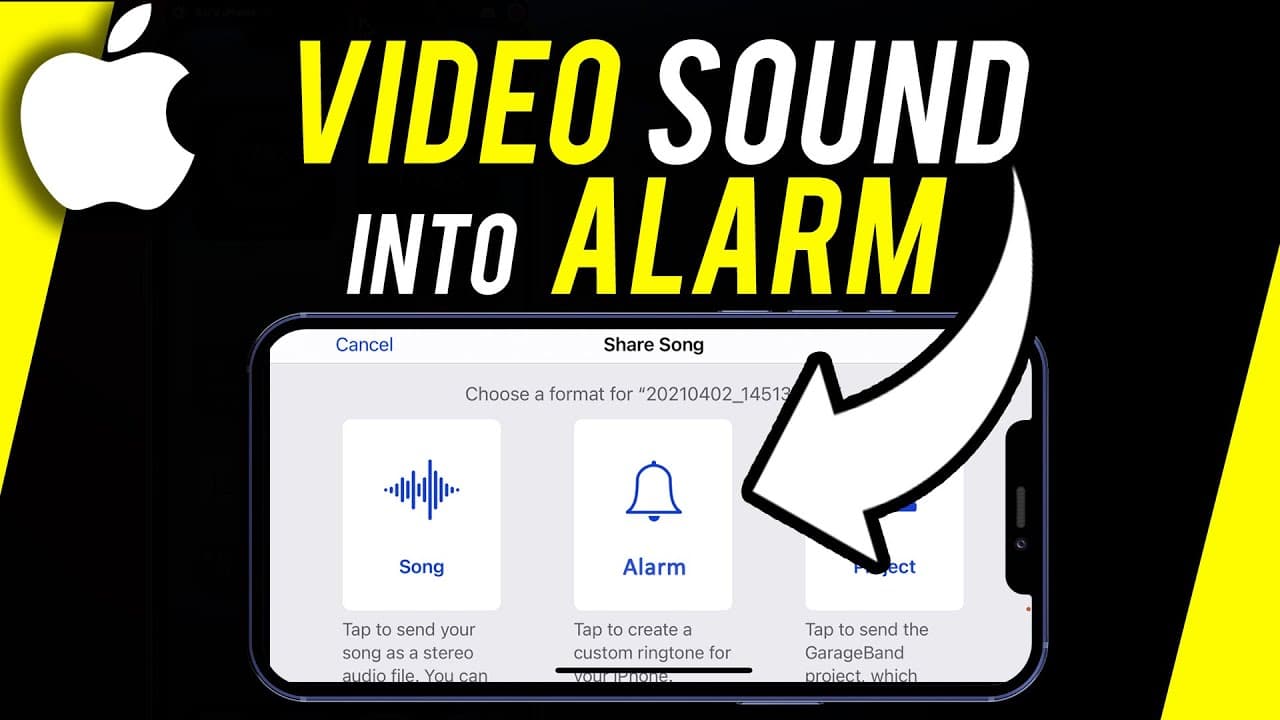
TL;DR
- Learn how to extract sound from a video to set as your iPhone alarm using Ringtone Maker and Garageband.
Transcript
hey everyone in this iphone video i want to show you how to take a song or sound from any video and turn that into your alarm and it works for your iphone and it works for your ipad too and it does take a few steps about three or four steps but i'll show you exactly how to do it in order of those steps is pretty straightforward and this whole proce... Read More
Key Insights
- 😒 Extract audio from a video for iPhone use.
- 😒 Use Ringtone Maker and Garageband for audio customization.
- ⏰ Save the audio as a ringtone for iPhone alarms.
- ❓ Customize the audio length in Garageband.
- 😫 Easily set the customized audio as an iPhone alarm.
- 😫 This process can also be used for setting a custom ringtone or contact sound.
- ❓ Garageband offers audio editing capabilities for further customization.
Install to Summarize YouTube Videos and Get Transcripts
Explore YouTube Video Summarizer or Get YouTube Transcript Extractor
Questions & Answers
Q: How can you extract audio from a video for an iPhone alarm?
You can use apps like Ringtone Maker and Garageband to extract and customize audio from a video to set as your iPhone alarm.
Q: What are the steps to save the extracted audio as a ringtone?
After extracting the audio, you can save it as a ringtone by naming it, exporting it, and using it as a ringtone or alarm on your iPhone.
Q: Can you edit the extracted audio in Garageband?
Garageband allows you to edit the extracted audio, adjust its length, and save it as a ringtone or customize it further for your iPhone alarm.
Q: How can you set the extracted audio as your iPhone alarm?
By saving the audio as a ringtone and selecting it in the Clocks app under alarms, you can set the extracted audio as your iPhone alarm.
Summary & Key Takeaways
-
Extract audio from a video using Ringtone Maker and Garageband.
-
Customize the audio length and save it as a ringtone.
-
Set the saved ringtone as your iPhone alarm in the Clocks app.
Read in Other Languages (beta)
Share This Summary 📚
Summarize YouTube Videos and Get Video Transcripts with 1-Click
Try YouTube Summary with ChatGPT & Claude or YouTube Transcript Generator
Explore More Summaries from Howfinity 📚






Summarize YouTube Videos and Get Video Transcripts with 1-Click
Try YouTube Summary with ChatGPT & Claude or YouTube Transcript Generator