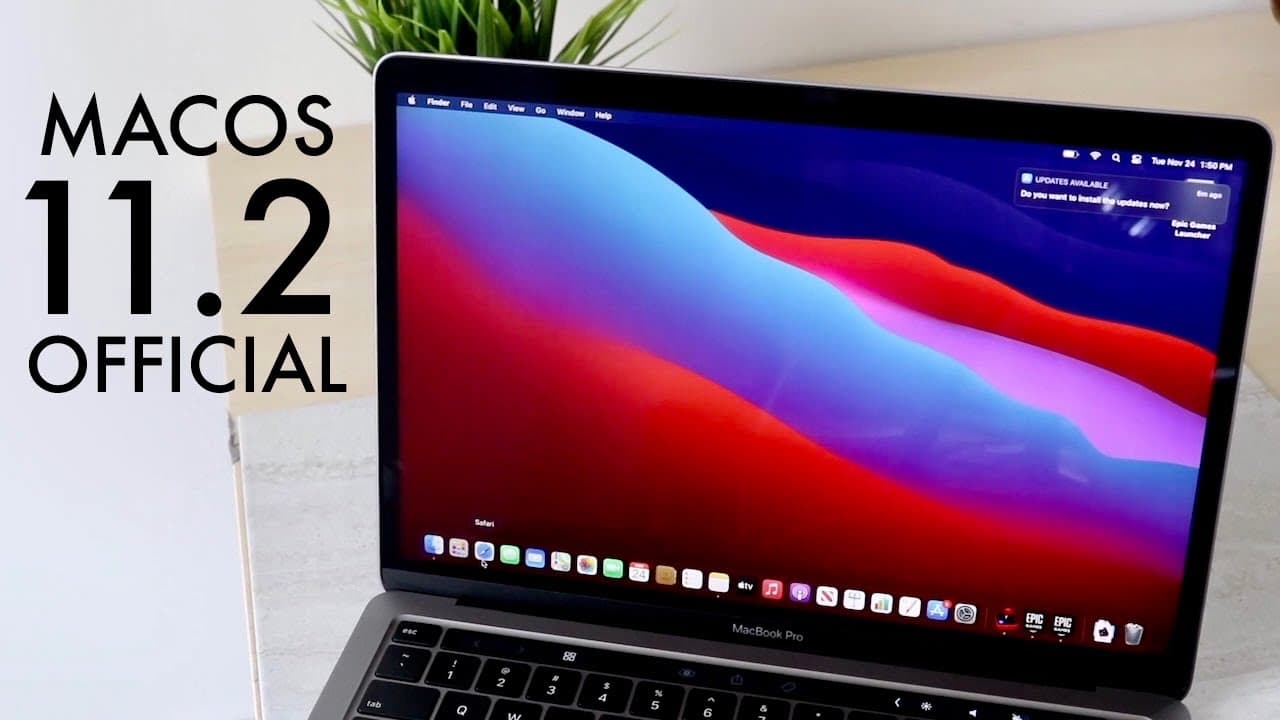
MacOS 11.2 OFFICIAL Review! (New Features & Bug Fixes)
TL;DR
Mac OS 11.2 improves Bluetooth, fixes display issues, and enhances reliability.
Transcript
welcome back everyone mac os 11.2 has actually came out today and this is actually like the first mac os video i think i've ever done and what's really crazy about this is that i've actually been using my m1 macbook for quite a bit of time now for at least like i think like a month now and it's been a super solid contender i think i bought it when ... Read More
Key Insights
- 😚 Mac OS 11.2 is primarily focused on resolving critical connectivity issues, particularly with Bluetooth and external displays.
- 👤 Installation times may vary; users transitioning from stable versions can expect longer update durations compared to those upgrading from betas.
- 😀 Enhanced functionality in the Photos app now allows for saved edits, improving the overall photo management experience.
- 🧍 Users are encouraged to upgrade to 11.2 for a better experience, as it addresses numerous long-standing glitches.
- 😚 Mac OS updates like 11.2 play a vital role in user satisfaction by continually enhancing system stability and usability.
- ❓ Feedback from early adopters indicates improved reliability in peripheral connections and overall system performance after the update.
- 👤 The update reflects Apple's responsiveness to user issues, ensuring that frequent bugs are addressed promptly.
Install to Summarize YouTube Videos and Get Transcripts
Explore YouTube Video Summarizer or Get YouTube Transcript Extractor
Questions & Answers
Q: What were the major Bluetooth issues in Mac OS prior to the 11.2 update?
Users experienced frequent disconnections with Bluetooth devices, particularly with Apple's Magic Keyboard and Magic Trackpad. Many found that their devices would randomly disconnect during use, leading to frustration. The 11.2 update has addressed these reliability concerns, making Bluetooth connections more stable for a smoother user experience.
Q: How did the Mac OS 11.2 update improve external display connectivity?
Prior to the update, users encountered a black screen issue when connecting external displays to devices like the M1 Mac Mini and MacBook Pro. This update aims to resolve these issues by enhancing HDMI to DVI compatibility and overall display reliability, ensuring a more seamless dual-display setup.
Q: What are some of the other fixes included in the Mac OS 11.2 update?
Aside from the Bluetooth and display improvements, the update reliably saves edits made in the Photos app, addresses iCloud drive toggle malfunctions, and fixes an issue where system preferences did not unlock with the correct administrator password, enhancing overall usability.
Q: How long did the Mac OS 11.2 installation take and what size was the file?
The installation process took about 20 minutes for the user to complete, and the file size was approximately 3.8 gigabytes. This update's substantial size reflects the magnitude of the improvements and fixes made to the operating system.
Summary & Key Takeaways
-
The release of Mac OS 11.2 has resolved several prominent issues, including Bluetooth connectivity problems that affected peripherals like keyboards and trackpads.
-
Significant improvements have also been made regarding external display reliability, particularly for Mac Mini and MacBook Pro users facing black screen issues.
-
Other fixes include adjustments to system preferences, iCloud drive functionality, and specific glitches involving the emoji and symbols panel.
Read in Other Languages (beta)
Share This Summary 📚
Summarize YouTube Videos and Get Video Transcripts with 1-Click
Try YouTube Summary with ChatGPT & Claude or YouTube Transcript Generator
Explore More Summaries from Simple Alpaca 📚






Summarize YouTube Videos and Get Video Transcripts with 1-Click
Try YouTube Summary with ChatGPT & Claude or YouTube Transcript Generator