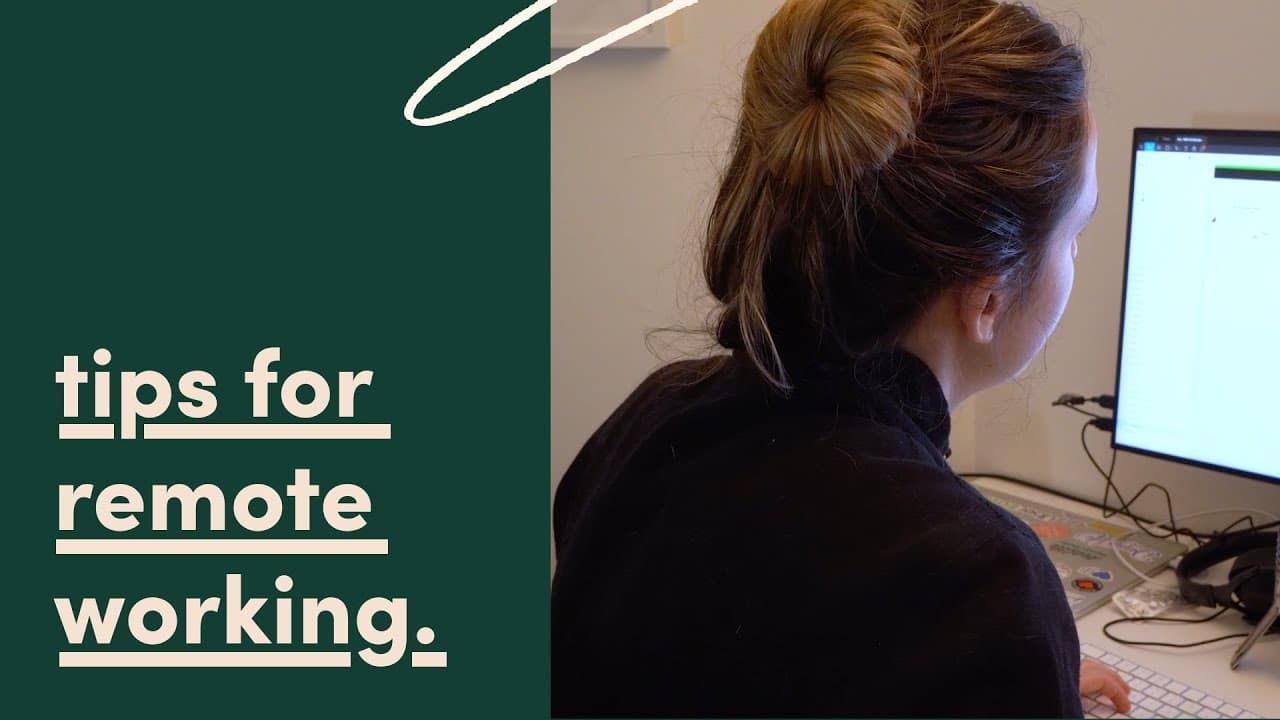
Working from home as a designer (tips for remote design!)
TL;DR
Tips for effective design collaboration while working from home.
Transcript
if you like me and you're now working from home as a designer you might be wondering how am I gonna do this how am I gonna run design reviews how am I gonna collaborate with my design peers while working from home I thought the very same thing and so I'm gonna share some of the things that I've been doing in this video so stay tuned due to current ... Read More
Key Insights
- 🧑💼 Transitioning from office to remote work can significantly challenge design teams unfamiliar with virtual collaboration.
- 🏃 Tools like Figma, whimsical, Google Jamboard, and Zoom are essential for running effective virtual design reviews and meetings.
- 😶🌫️ Leveraging cloud-based tools helps streamline collaborative workflows and encourages spontaneous interactions, mimicking in-person feedback.
- 😤 Creative activities can strengthen team connections, making remote work more enjoyable and maintaining company culture.
- 🧖 Regular virtual check-ins, such as lunch meetings, provide structure and foster casual conversations beneficial for team morale.
- 💄 Utilizing shortcut features in communication tools can reduce friction in scheduling meetings, making collaboration smoother.
- 😤 Establishing a remote work culture involves adapting existing practices and seeking new strategies to keep teams engaged.
Install to Summarize YouTube Videos and Get Transcripts
Explore YouTube Video Summarizer or Get YouTube Transcript Extractor
Questions & Answers
Q: How can teams maintain effective communication when working remotely?
Effective communication in remote work environments can be achieved through various tools and practices. Utilizing applications like Zoom for video conferences promotes face-to-face interaction, while collaborative design tools like Figma enable real-time feedback and brainstorming. Regular updates via chat applications, coupled with designated virtual meeting times, can also facilitate clear communication and keep everyone in the loop.
Q: Why is Figma considered a great tool for remote collaboration?
Figma is highly regarded for remote collaboration because it operates entirely in the cloud, allowing multiple users to access and edit design files simultaneously from different locations. Its real-time collaboration features, like following coworkers in design files and commenting on elements directly, streamline the design review process and enhance team interaction, making it ideal for remote work.
Q: What kind of creative activities can teams engage in to foster team spirit while remote working?
To promote team spirit, teams can engage in various activities such as virtual DJ sessions with apps like jukebox for music sharing, step challenges through Move Spring for fitness, and casual Zoom lunches. These activities help maintain social connections, encourage engagement, and create an enjoyable work environment despite physical distance.
Q: How does Move Spring help teams stay connected and healthy?
Move Spring facilitates team connection and promotes wellness by allowing members to set fitness challenges. It includes features like a leaderboard to foster friendly competition, encourages daily activity with peers, and tracks individual progress. By collectively aiming for fitness goals, teams can bond while also staying active and healthy during remote work.
Summary & Key Takeaways
-
Transitioning to remote work can be challenging for design teams unused to virtual collaboration, requiring the establishment of new workflows and tools.
-
Figma, whimsical, Google Jamboard, and Zoom are crucial tools for design work, facilitating real-time collaboration, wireframing, and virtual meetings.
-
Maintaining team culture is important; creative solutions like virtual DJ sessions, step challenges, and daily chats foster connection and camaraderie among team members.
Read in Other Languages (beta)
Share This Summary 📚
Summarize YouTube Videos and Get Video Transcripts with 1-Click
Try YouTube Summary with ChatGPT & Claude or YouTube Transcript Generator
Explore More Summaries from femke.design 📚


Summarize YouTube Videos and Get Video Transcripts with 1-Click
Try YouTube Summary with ChatGPT & Claude or YouTube Transcript Generator