iOS 16.3.1 Review! (Features, Changes, Etc.)
TL;DR
iOS 16.3.1 improves stability and addresses issues for iPhones.
Transcript
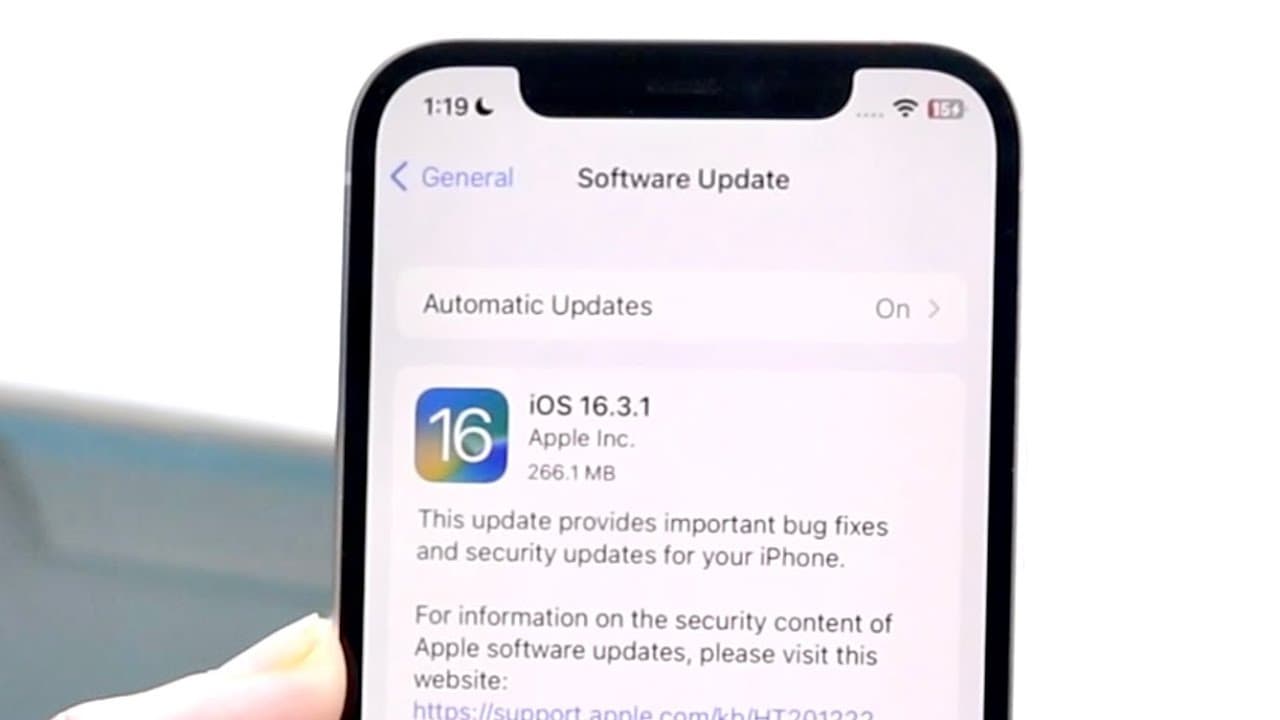
hello everyone I was 16.3.1 just officially came out so let's go and take a look at it and see how it holds up into I guess not in 2023 but how it holds up on an iPhone in this case I have an iPhone 12. now in this specific case this update did come out to about 266.1 megabytes coming from the previous version of software so you can just tell right... Read More
Key Insights
- 👤 iOS 16.3.1 addresses several bugs that existed in prior versions, improving overall user experience.
- 👶 The update is concise at about 266.1 MB, indicating its focused approach on specific issues rather than adding extensive new features.
- 👻 Quick install times enhance user satisfaction, allowing for seamless updates amidst busy schedules.
- 🤯 The crash detection improvements are crucial for iPhone 14 users, offering peace of mind regarding safety features.
- 👤 Users should be aware of the iCloud setting issues previously reported, which are corrected in this update.
- 👤 Feedback from users indicates a smoother operation post-installation, reassuring potential updaters of its reliability.
- 🫵 Overall, this update is viewed positively, signifying Apple’s dedication to refining its iOS version stability and security.
Install to Summarize YouTube Videos and Get Transcripts
Explore YouTube Video Summarizer or Get YouTube Transcript Extractor
Questions & Answers
Q: What are the main improvements in iOS 16.3.1?
The iOS 16.3.1 update focuses primarily on important bug fixes and security enhancements. Specifically, it aims to resolve issues like unresponsive iCloud settings and problems with Siri commands. Additionally, there are crash detection optimizations, especially beneficial for iPhone 14 and 14 Pro users, addressing previous concerns users had.
Q: How long does it take to install iOS 16.3.1?
The installation process for iOS 16.3.1 is relatively quick, taking less than 20 minutes from the start of the download to the complete installation. This efficiency adds to the appeal of the update, as users can expect minimal downtime while updating their devices.
Q: Is it necessary to update to iOS 16.3.1?
While iOS 16.3.1 is not a groundbreaking update, it is recommended for users, especially those with iPhone 14 models, due to essential bug fixes and security updates. The enhancements in crash detection are particularly significant, making it a worthwhile update for improved functionality and safety.
Q: What features have been optimized for iPhone 14 models in this update?
The iOS 16.3.1 update includes significant optimizations for crash detection on iPhone 14 and 14 Pro models. Users had faced numerous issues with the crash detection feature in previous versions, and this update aims to enhance its accuracy and reliability, potentially preventing false alarms and ensuring better safety measures.
Summary & Key Takeaways
-
The iOS 16.3.1 update is a minor yet important patch focusing on bug fixes and security updates, particularly for users with iPhone 14 models.
-
While the update is relatively small at around 266.1 MB, it was quick to install, taking less than 20 minutes.
-
Users should consider updating, especially for enhancements in crash detection, which have been problematic for some iPhones.
Read in Other Languages (beta)
Share This Summary 📚
Summarize YouTube Videos and Get Video Transcripts with 1-Click
Try YouTube Summary with ChatGPT & Claude or YouTube Transcript Generator
Explore More Summaries from Simple Alpaca 📚






Summarize YouTube Videos and Get Video Transcripts with 1-Click
Try YouTube Summary with ChatGPT & Claude or YouTube Transcript Generator