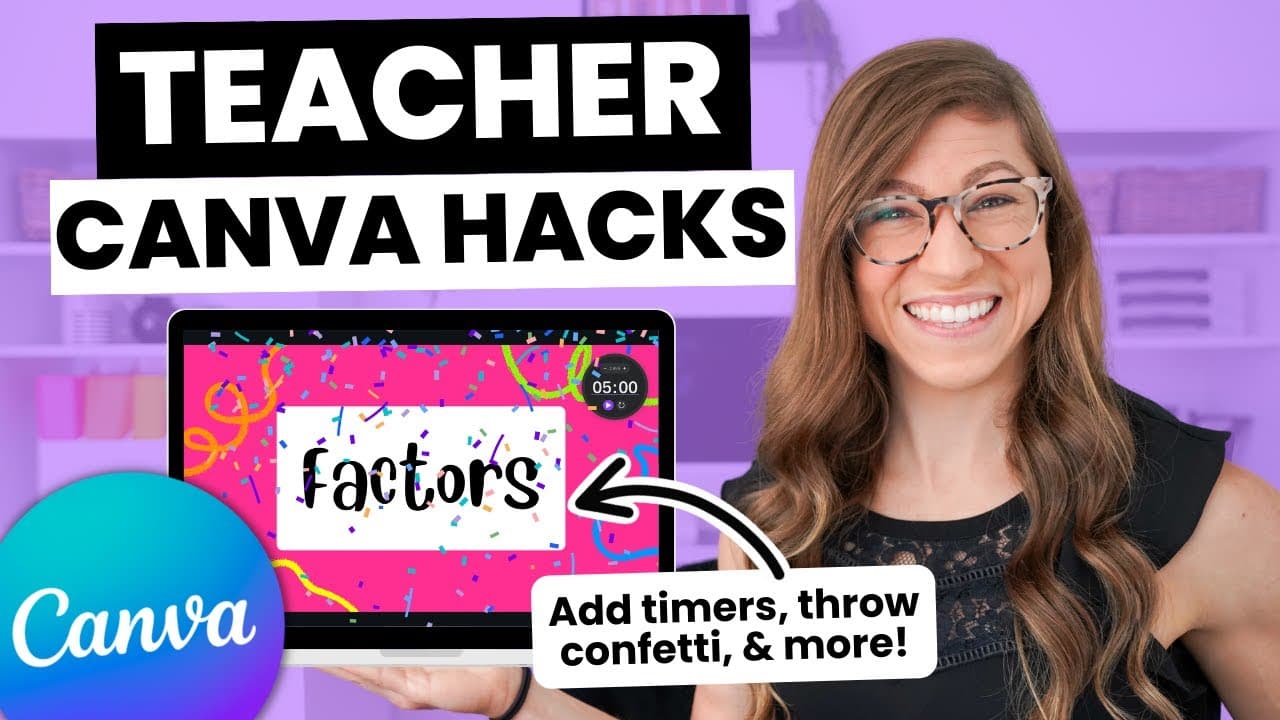
5 Canva Hacks for Teachers
TL;DR
Discover five hidden features in Canva that will make content creation easier for teachers and create engaging materials for students.
Transcript
hello there and welcome back to my channel whether you are brand new to using canva or you've already been using it for years I would be willing to bet there are some hidden features you had no idea that existed but there are total game changers for teachers what are we doing so in today's video I am going to share five of my favorite canva hacks t... Read More
Key Insights
- 🎨 Canva offers hidden features that are game-changers for teachers, making content creation easier and more engaging for students.
- 🕒 Hack #1: Canva's magic shortcuts allow for fun and interactive presentations, including timers, animations like confetti and sound effects.
- 📱 Hack #2: Canva's remote controller feature enables control of slides from a phone or tablet, including access to magic shortcuts during presentations.
- 📝 Hack #3: Canva allows for editing PDFs, making it possible to upload, manipulate, and customize PDF designs within Canva.
- 🤖 Hack #4: Canva integrates artificial intelligence through features like Magic Right, which generates outlines and ideas for presentations and documents.
- 🔄 Hack #5: Canva's Tidy Up feature helps align and organize elements on slides quickly and efficiently.
- 🔎 Canva continues to expand its AI integration with features such as Magic Design, which generates slideshows based on given prompts.
- 🏫 These Canva hacks can be valuable tools for teachers, enhancing content creation and presentation techniques.
Install to Summarize YouTube Videos and Get Transcripts
Explore YouTube Video Summarizer or Get YouTube Transcript Extractor
Questions & Answers
Q: How can teachers utilize magic shortcuts in Canva presentations?
Magic shortcuts in Canva presentations allow teachers to incorporate timers, animations (like confetti and mic drops), and other effects to engage students. For example, pressing a number key on the keyboard will display a timer for the corresponding time. Additionally, keyboard shortcuts can be used to hide or blur content for a surprise reveal or attention-getting purposes. These magic shortcuts can be accessed directly in Canva's presentation mode or through the remote control feature using a phone or tablet.
Summary & Key Takeaways
-
Canva Hack #1: Magic shortcuts allow teachers to incorporate timers, animations, and other effects into their presentations to engage students.
-
Canva Hack #2: The remote controller feature allows teachers to control their Canva presentations from a phone or tablet, including accessing magic shortcuts.
-
Canva Hack #3: Teachers can upload a PDF to Canva and edit its elements, such as text boxes or images, for more customization.
-
Canva Hack #4: Canva integrates artificial intelligence through features like Magic Right and Magic Design, which help with content generation and design suggestions.
-
Canva Hack #5: The Tidy Up feature in Canva allows teachers to align and organize elements on their slides easily.
Read in Other Languages (beta)
Share This Summary 📚
Summarize YouTube Videos and Get Video Transcripts with 1-Click
Try YouTube Summary with ChatGPT & Claude or YouTube Transcript Generator
Explore More Summaries from Pocketful of Primary 📚
Summarize YouTube Videos and Get Video Transcripts with 1-Click
Try YouTube Summary with ChatGPT & Claude or YouTube Transcript Generator