What Is the Best Microphone for YouTube?
TL;DR
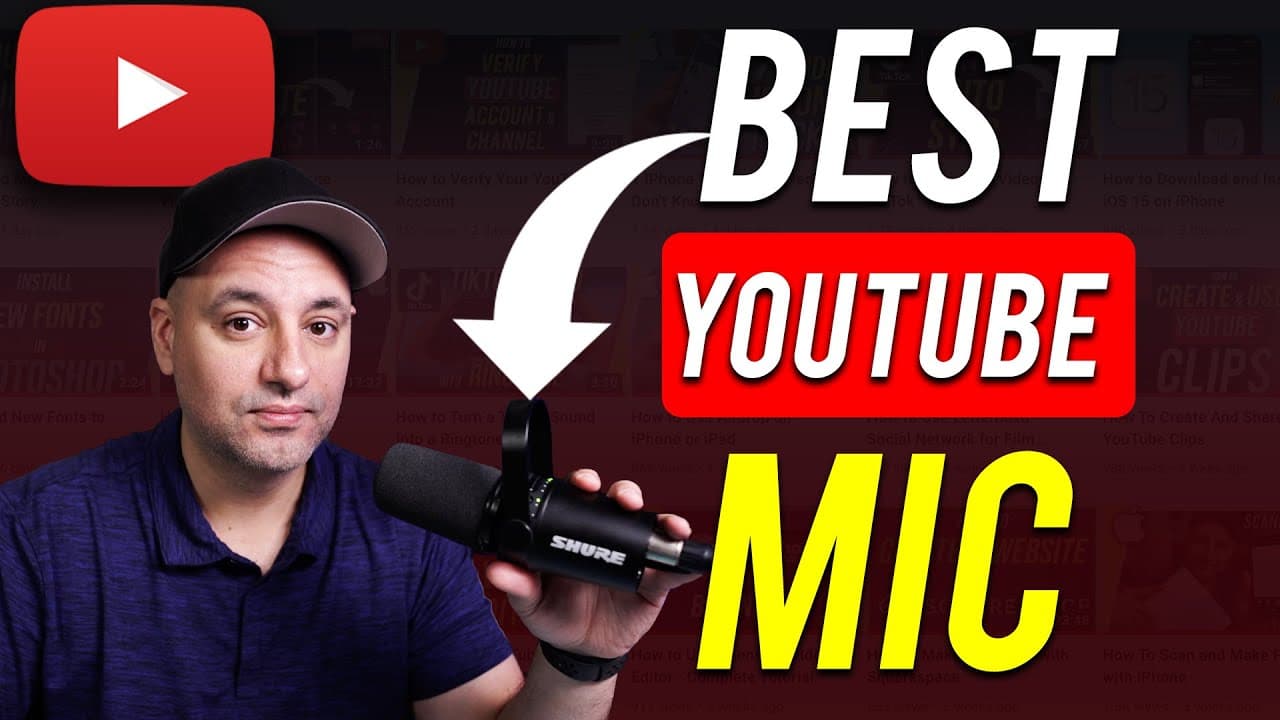
The Shure MV7 is the best microphone for YouTube, offering both USB and XLR connectivity for versatile setups. It combines high-quality sound with customizable software, making it ideal for podcasting, streaming, and gaming. Despite its budget-friendly price, it delivers a professional sound quality that rivals more expensive options.
Transcript
in the last five years on youtube i've used a ton of different microphones i started with a usb microphone that was just fifty dollars and right now i'm using a thousand dollar shotgun mic that i rigged up overhead so for this video i was trying to think of from all the mics i used which one is probably the best one that is more budget-friendly but... Read More
Key Insights
- 🔊 The Shure MV7 microphone is budget-friendly yet provides high-quality sound and versatility for various recording needs.
- 💻 Its USB and XLR connectivity options make it compatible with different setups, from computers to soundboards.
- 👻 The included software allows for customization of audio settings to cater to individual preferences.
- 👂 The microphone's near and far modes offer flexibility in positioning for optimal sound quality.
- ❤️🩹 The Shure MV7 provides a balance between affordability and professional-grade performance compared to higher-end options.
- 👂 Users can switch between the Shure MV7 and more expensive shotgun mics to experience the different sound qualities each offers.
- 🍾 Adding a pop filter to the Shure MV7 can help reduce unwanted popping sounds during recording.
Install to Summarize YouTube Videos and Get Transcripts
Explore YouTube Video Summarizer or Get YouTube Transcript Extractor
Questions & Answers
Q: What makes the Shure MV7 microphone stand out from others in its price range?
The Shure MV7 stands out due to its versatility with both USB and XLR options, software customization, and excellent sound quality suitable for various recording purposes.
Q: How does the Shure MV7 software enhance the recording experience?
The Shure MV7 software provides features like auto level, microphone options, manual settings for mic gain, limiter, compressor, and EQ modes, giving users control over their sound quality.
Q: How does the Shure MV7 compare to a higher-end shotgun microphone in terms of sound quality?
The Shure MV7 offers a warmer, closer sound quality compared to a higher-end shotgun microphone, making it ideal for a more intimate recording experience with less room tone.
Q: Are there any drawbacks to using the Shure MV7 microphone?
One drawback of the Shure MV7 is occasional pop sounds when pronouncing certain sounds like 'p,' but this can be easily mitigated by using a pop filter in front of the mic.
Summary & Key Takeaways
-
The Shure MV7 microphone is versatile, perfect for YouTube videos, podcasting, singing, streaming, and gaming.
-
It offers both USB and XLR connectivity options, allowing for flexibility in setup.
-
The included software provides customization options for audio preferences.
Read in Other Languages (beta)
Share This Summary 📚
Summarize YouTube Videos and Get Video Transcripts with 1-Click
Try YouTube Summary with ChatGPT & Claude or YouTube Transcript Generator
Explore More Summaries from Howfinity 📚






Summarize YouTube Videos and Get Video Transcripts with 1-Click
Try YouTube Summary with ChatGPT & Claude or YouTube Transcript Generator