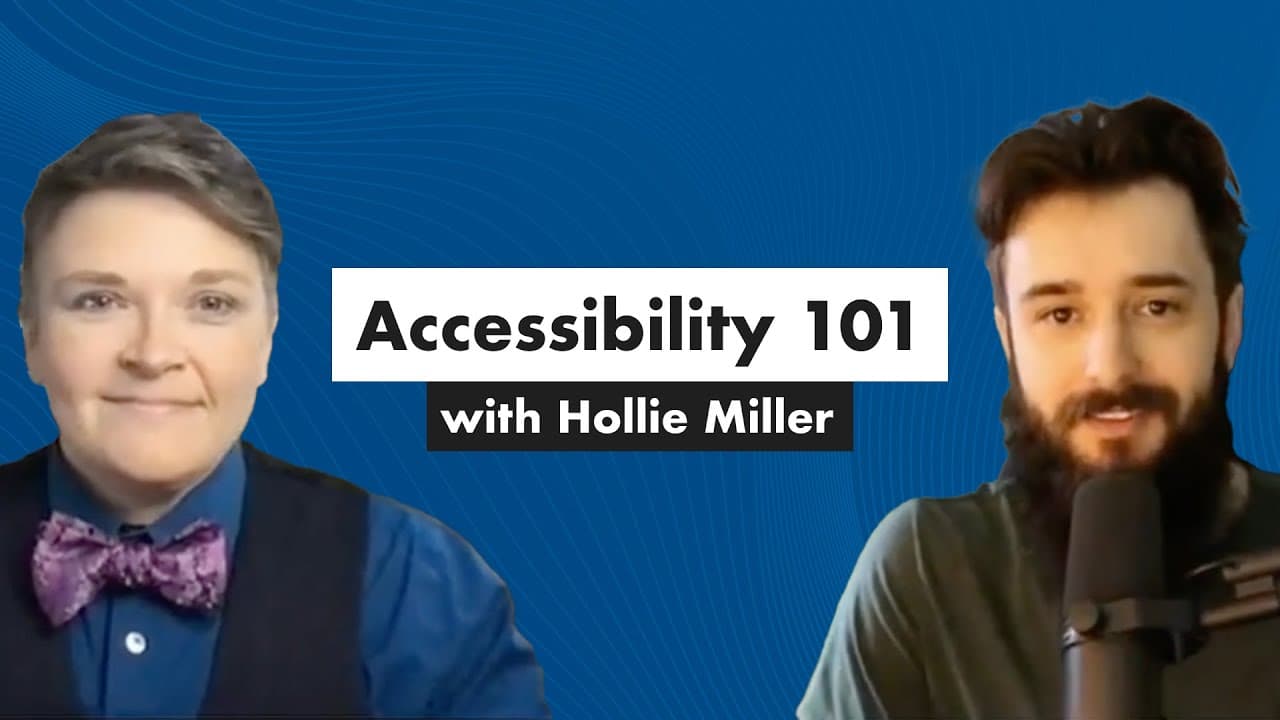
Accessibility 101: Useful, Inclusive Design with Hollie Miller
TL;DR
Learn about the importance of accessibility and inclusive design in instructional technology and how to implement it effectively.
Transcript
so we are here with holly miller today hi holly and holly has been in instructional design and technology for like over a decade now so a lot of experience always working in the tech space and holly is very passionate about accessibility and useful inclusive design which is what today's session is all about so thanks for joining us i saw somebody i... Read More
Key Insights
- ♿ Accessibility is often overlooked but is crucial for creating inclusive learning experiences.
- 🦮 Universal design principles can guide the development of accessible and engaging content.
- ♿ Compliance with accessibility standards, such as WCAG, is necessary to ensure a high level of accessibility.
- 🔨 Tools like the WAVE evaluation tool and Assistive Labs can aid in evaluating content accessibility.
- 🎹 Designers should consider various aspects, such as color contrast, keyboard navigation, and alternative text for images, to make content accessible.
- 👤 Inclusive design benefits not only individuals with disabilities but also improves the overall user experience for everyone.
- ♿ Collaboration with stakeholders and accessibility standards teams can help address accessibility issues, even when working with external vendors.
Install to Summarize YouTube Videos and Get Transcripts
Explore YouTube Video Summarizer or Get YouTube Transcript Extractor
Questions & Answers
Q: What does it mean for something to be accessible?
Accessibility refers to designing products and experiences that can be easily used by individuals with disabilities or those who require adaptive technologies. It involves adhering to accessibility standards and guidelines, such as Section 508 and WCAG.
Q: How can I ensure that my content is accessible?
You can use tools like the WAVE evaluation tool or Assistive Labs to check your content for accessibility. It's important to follow the WCAG guidelines and consider various aspects such as color contrast, keyboard navigation, alternative text for images, and inclusion of captions or transcripts.
Q: What are the different levels of accessibility compliance?
Accessibility compliance is categorized into three levels: A, AA, and AAA. Level A is the minimum requirement, while Level AA and AAA have progressively higher standards. It's recommended to aim for at least a Level AA compliance, but consult your institution or organization for specific requirements.
Q: How can I design engaging content while ensuring accessibility?
You can keep content interesting and engaging by applying the principles of universal design. Consider different modalities, like combining video and text or providing alternative options, to make the learning experience accessible for all learners.
Summary & Key Takeaways
-
Holly Miller, an expert in instructional design and technology, shares her passion for accessibility and inclusive design.
-
Accessibility is often neglected in the daily grind of projects but should be a priority for all designers.
-
Universal design, inclusive design, and accessible design roll up into the concept of designing for all.
Read in Other Languages (beta)
Share This Summary 📚
Summarize YouTube Videos and Get Video Transcripts with 1-Click
Try YouTube Summary with ChatGPT & Claude or YouTube Transcript Generator
Explore More Summaries from Devlin Peck 📚






Summarize YouTube Videos and Get Video Transcripts with 1-Click
Try YouTube Summary with ChatGPT & Claude or YouTube Transcript Generator