Fortnite RAT: How to tell if an Application is Malware
TL;DR
Learn how to determine if an application is safe by using a sandbox tool like any.run to analyze its behavior.
Transcript
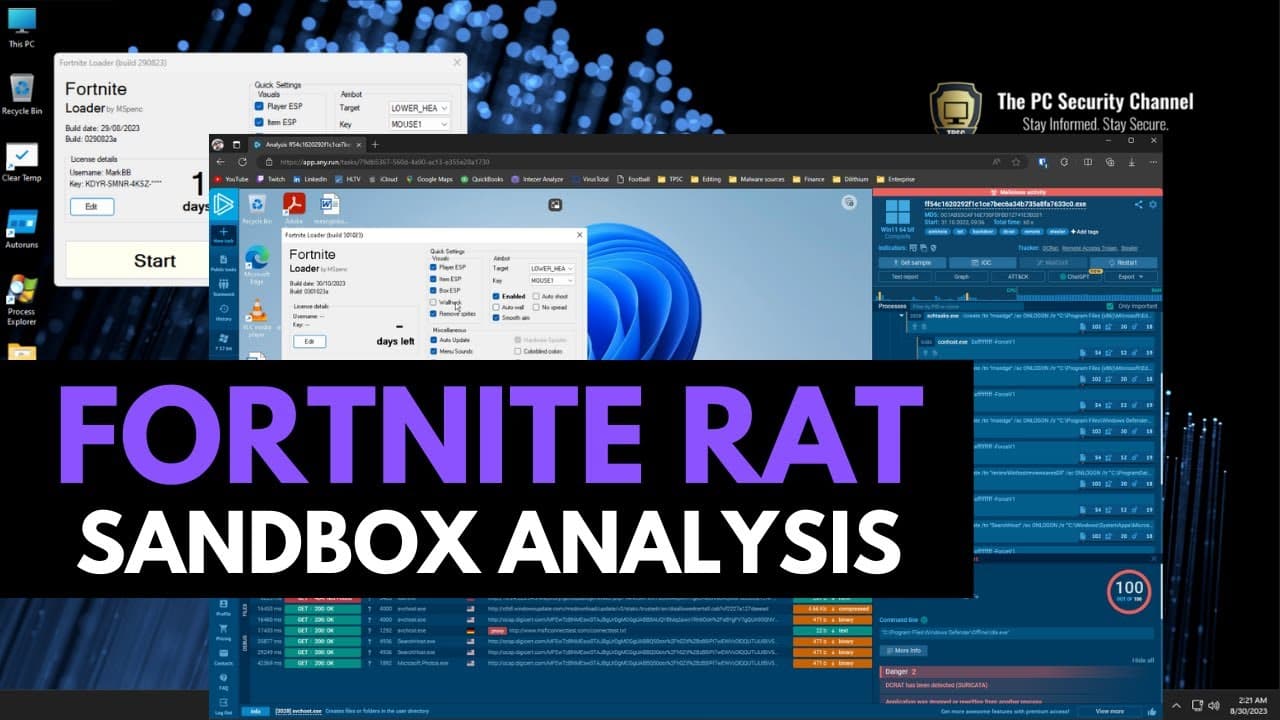
so you receive an executable like this you run it it's supposed to be a fortnite loader and then of course in the quick settings you have things like wall hack by the way this does not have to be a game cheet application it can be anything maybe somebody sent you a game on Discord one of the questions I get asked the most is how do I know if an app... Read More
Key Insights
- 🏃 Running an application in a sandbox or virtual machine can help determine its safety.
- 🤐 Safety indicators in a sandbox include suspicious processes, connections to unknown IPs, and hidden components.
- 👤 Any.run provides a user-friendly platform to monitor an application's behavior and identify potential threats.
- 🖤 Application safety analysis may not always have a black and white answer, and individual judgment is crucial.
- 🥶 Any.run offers both free and premium options, making it accessible to different users.
- 🏃 Analyzing an application's behavior before running it is essential for making informed decisions and protecting against potential hacks.
- 🖐️ Sandboxing tools play a vital role in malware analysis, helping researchers understand and combat new threats.
Install to Summarize YouTube Videos and Get Transcripts
Explore YouTube Video Summarizer or Get YouTube Transcript Extractor
Questions & Answers
Q: How can I ensure that an application I open is safe?
One way to ensure application safety is by running it in a virtual machine or sandbox to observe its behavior. Analyzing it in a sandbox tool like any.run can help identify potential threats and malicious actions.
Q: What can a sandbox tool like any.run show when analyzing an application?
Any.run provides insights into an application's processes, connections, and child processes, giving a clear view of its behavior. It also scores processes based on legitimacy and highlights suspicious activities like auto run creation.
Q: Can a sandbox tool detect different types of malware?
Yes, a sandbox tool can detect various types of malware, including remote access tools (RATs) and information stealers. By monitoring an application's actions in a sandbox, indicators like suspicious connections and hidden processes can help identify potential threats.
Q: Is any.run accessible to everyone?
Yes, any.run offers a free account with limited access to analyze files on a Windows 7 32-bit system. They also offer reasonably priced premium access and discounts for researchers, making it an ideal tool for analyzing applications.
Summary & Key Takeaways
-
Running an application in a virtual machine or sandbox can help determine if it is safe.
-
It can be challenging to identify malicious behavior just by looking at the application's user interface.
-
A sandbox tool like any.run allows for easy analysis of an application by monitoring its processes and connections.
Read in Other Languages (beta)
Share This Summary 📚
Summarize YouTube Videos and Get Video Transcripts with 1-Click
Try YouTube Summary with ChatGPT & Claude or YouTube Transcript Generator
Explore More Summaries from The PC Security Channel 📚






Summarize YouTube Videos and Get Video Transcripts with 1-Click
Try YouTube Summary with ChatGPT & Claude or YouTube Transcript Generator